Guest Profile: Rewards
Attention! If your business has the Points Unlock Redeemables program type, the Rewards tab in a guest's profile will not display any unlocked redeemables.
The Rewards tab in the guest profile displays every reward a guest has been eligible to redeem since being a part of your loyalty program. Each reward is assigned a status based on its current state of validity: Live/Unredeemed, Honored, Expired/Perished.
Note: The Rewards tab only displays the guest's expired rewards for the last 30 days. If you need to access expired rewards beyond 30 days navigate to Data Sharing > Data Export and create an export with the recordArchive Rewards Data.
Click the List or Card buttons to toggle between view types.
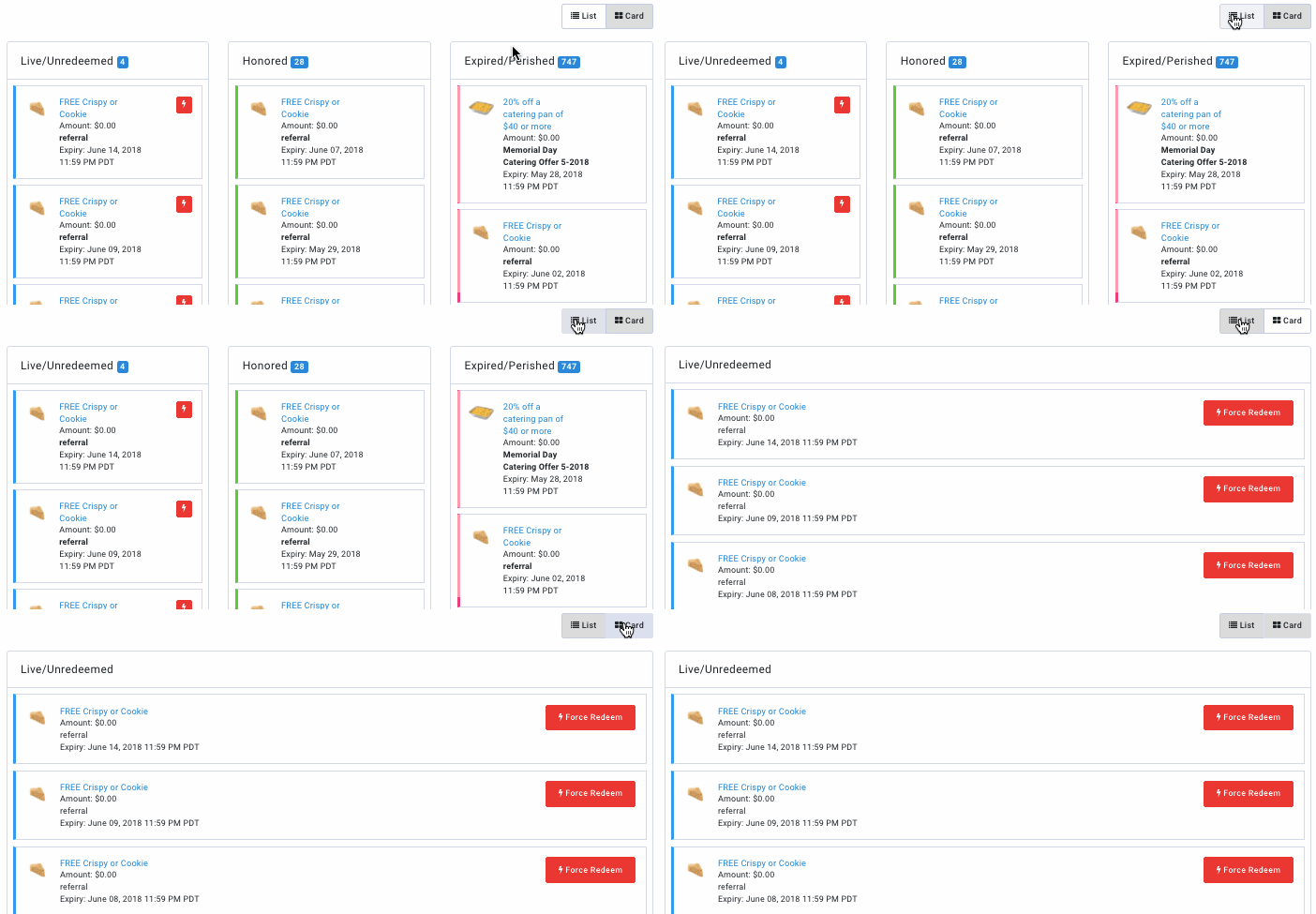
Click on the name of a reward to open the Redeemables settings for it. From here you can make changes, but be aware of the impact that changes you make to a redeemable may impact other guests. Changing the name of the redeemable will change its name as displayed for any guest who has unlocked it, past or present. Any other changes made, such as expiry date, are not retroactive and will only affect guests who receive the redeemable moving forward.
Reward Status Colors
Rewards shown in the List and Card views are color-coded (visible on the far-left side of each item) to show their current redemption status. The following key explains each status:
| Color | Meaning |
|---|---|
| Blue | Unredeemed - Unredeemed rewards are available for redemption in the Guest's wallet. These rewards do not have any redemption codes attached. They can be force redeemed by clicking on the Force Redeem button. |
| Blue | Live - Live rewards have been selected by the guest for redemption. They have a redemption code attached, and the countdown for them to be presented at the POS has started. A reward will remain live until its expiry time has arrived. Admins may also force redeem these rewards if necessary. |
| Green | Honored - These rewards have been used, presented and discounted at the POS. Once honored, these rewards will no longer appear in a guest's wallet. |
| Red | Perished - Perished rewards have gone past their expiry date, if one was specified. |
| Red | Expired - These rewards were selected by the guest for redemption, but they could not be presented or processed at the POS before the specified expiry time for the redemption code. If your business is fully POS-connected, you can choose via configuration to return unhonored rewards back to the Guest's wallet. If your business is not POS-connected, these rewards will expire automatically after the specified duration. |
Force redeem a reward
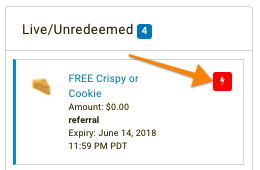
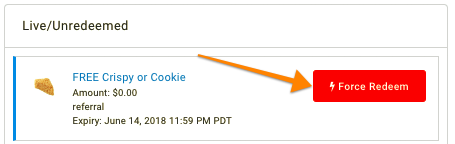
Rewards in the Live/Redeemed list can be effectively taken away from a guest through forced redemption (typically only used if a guest is suspected of fraudulent activity). Clicking the Force Redeem button in either List/Card view will take you to the Force Redemption tab, where you can complete the action.
List View
Card View