Guest Profile: Segments
The Segments tab in guest the profile displays a comprehensive list of all of your active guest segments for your brand.
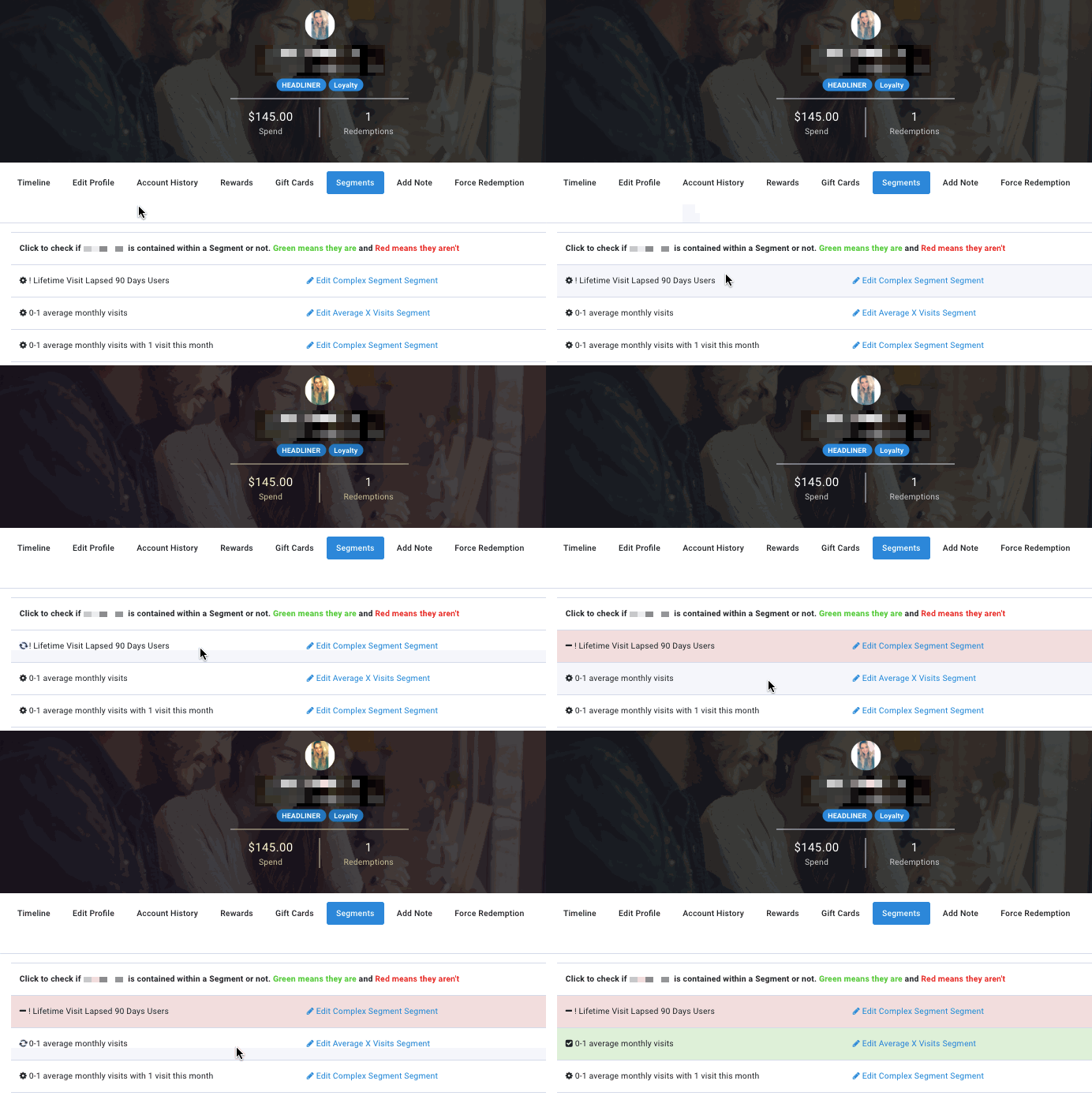
In the context of the guest profile, you can check which segments the particular guest belongs to by clicking on a segment name:
- If the name turns green, that indicates the guest is currently part of that segment.
- If the name turns red, that indicates the guest is currently not part of that segment.