Fraud Suspects
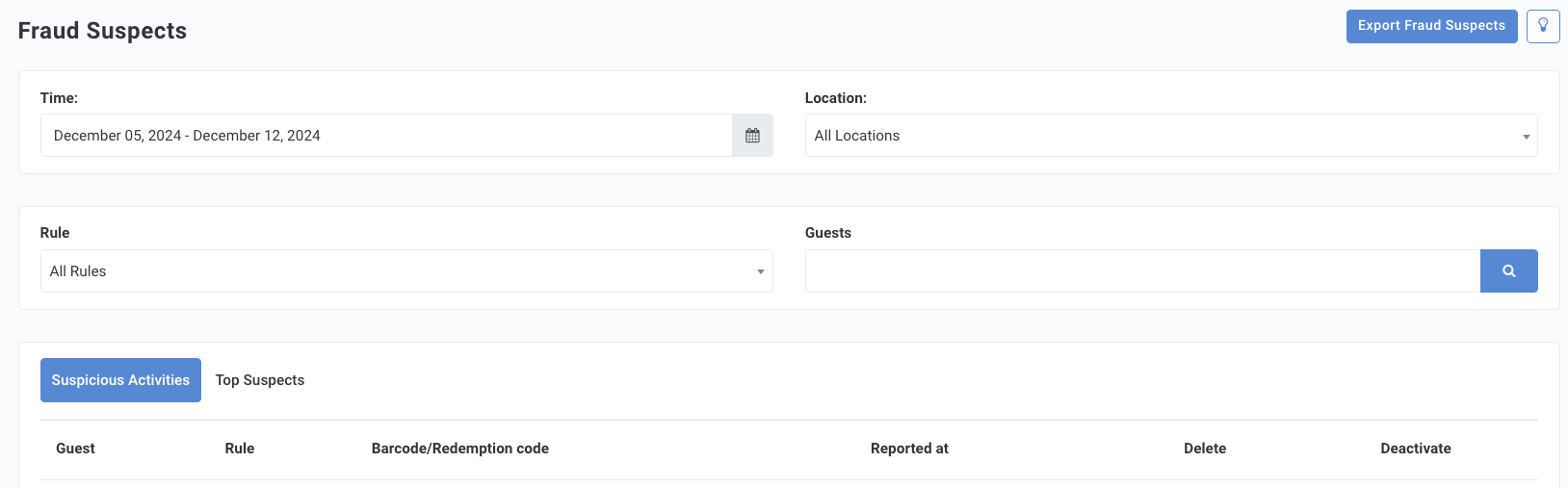
Users whose activity has been flagged by the parameters defined in your company's Fraud Detection Rules are gathered together for review on the Fraud Suspects page in the Guests section of the Punchh dashboard.
Once you have a list of fraud suspects flagged by your activity detection rules, you'll want to further investigate each case before moving to take action such as messaging, banning, or deactivating a guest. The Fraud Suspects page is organized by two tabs; Suspicious Activities and Top Suspects.
Suspicious Activities
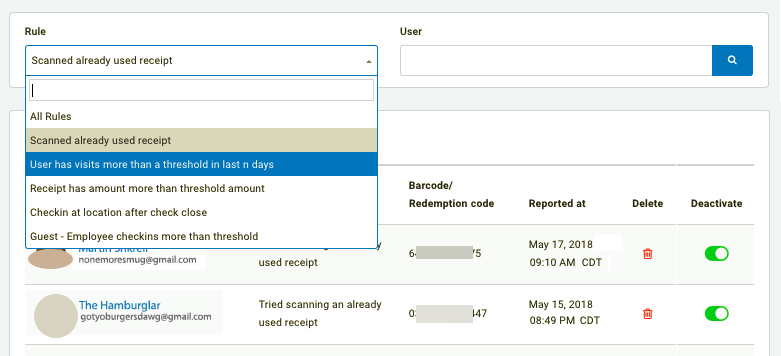
This tab displays a list of all guest/employee activities flagged by your detection rules, ordered by recency.
- Click the Rule drop-down and select one of your activated rules to sort the list of activities.
- Click a guest's name to open their guest profile page.
- Copy the barcode associated with the suspicious activity to perform a barcode lookup to check out the transaction receipt.
- Click the trash can icon to delete an activity from the list (if you found it to be innocent or an action like messaging or banning has already been taken).
- Click the Deactivate toggle icon to completely revoke access from a user.
Note: Deactivating a guest means they can no longer log in to your mobile app on that account. They may however create a new account using the same email, as the email associated with the original account is converted to "deactivated.username@email.com".
Top Suspects
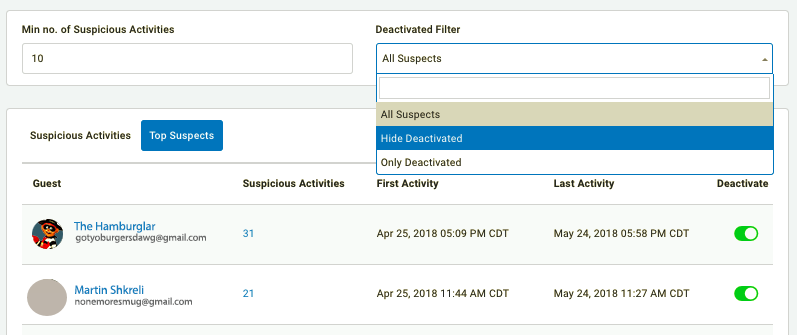
This tab displays your company's most-notorious rule-breakers, shown here ordered by number of suspicious activities.
- Set the Min no. of Suspicious Activities to act as the lower limit for the list.
- Click the Deactivated Filter drop-down to either show or hide deactivated users.
- Click a guest's name to open their guest profile page.
- Click the number under Suspicious Activities to open a list of all that user's infractions, taking you back to the Suspicious Activities tab.
- Click the Deactivate toggle icon to completely revoke access from a user.
Note: Deactivating a guest means they can no longer log in to your mobile app on that account. They may however create a new account using the same email, as the email associated with the original account is converted to "deactivated.username@email.com".
Export Fraud Suspects List
You can export the full list of fraud suspects by clicking Export Fraud Suspects in the right corner.
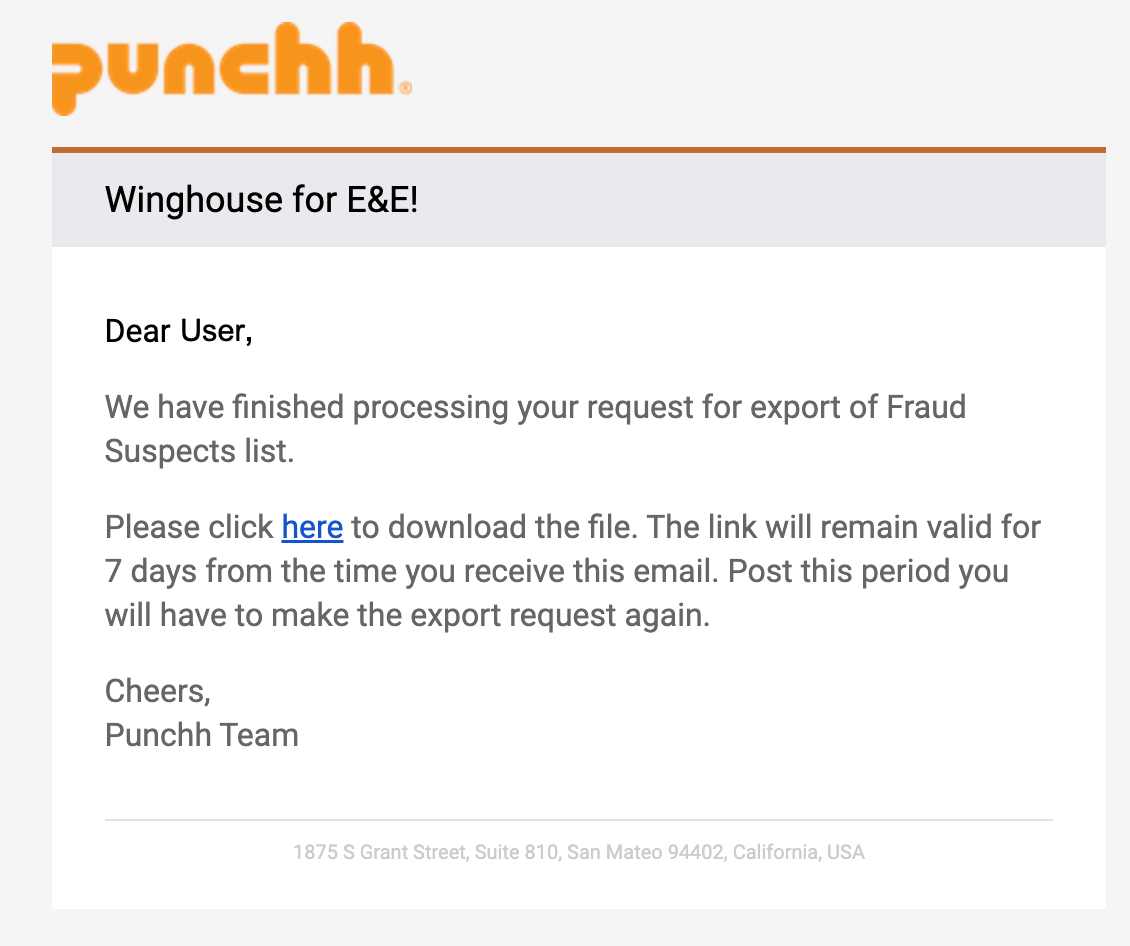
An email is sent to you with the link for the downloadable list. This link is valid for seven day after the email is received.
Exclude a user from fraud detection rules
Guests can be excluded from fraud processing rules by being added to a custom segment that your Punchh Customer Success Manager can enable on the back-end. You can contact your Punchh CSM to set up this custom segment for you, or you could set it up for yourself and, once finished, let your CSM know that you'd like to add it to use for exclusion.
