Gift Card Designs
Gift Card Designs are a part of the Digital Stored Value with Gift Cards module, available for an additional cost. To learn more, contact your Punchh representative.
The Gift Card Design page allows you to upload and store all your gift card designs available for guests to purchase and/or use through the mobile app.
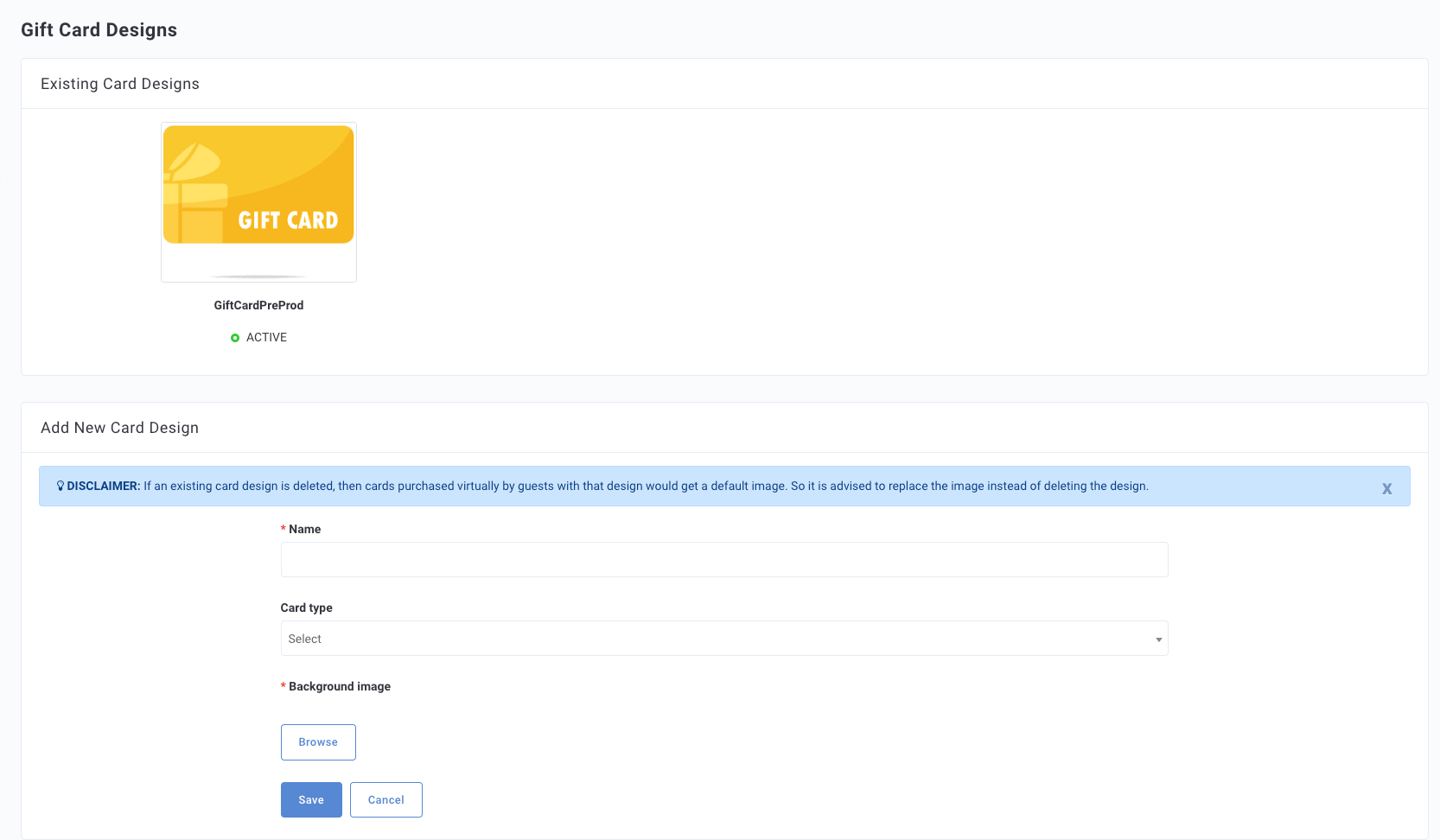
Add New Card Design
To add a new card design, scroll to the bottom of the page and complete the following form.
- Navigate to Wallet and Passes > Gift Card Designs.
- Enter the Name of the design e.g., "Holiday Design."
- Choose the Card Type.
- Physical Gift Card: When guests receive a physical gift they can add the amount to their mobile app and choose from any of your uploaded "physical" designs.
- Virtual Gift Card: Use this option for designs representing virtual gift cards that guests can purchase and use in the mobile app.
- Click Browse to upload the image of the card design. There is a 5 MB size limit on images.
