Customer Attributes, Day Parts & Deposit Types
Customer Attributes
Customer attributes are custom data fields associated with customer records. For example: Company Name. They are visible in the Register, Customer Portal, and Admin Portal.
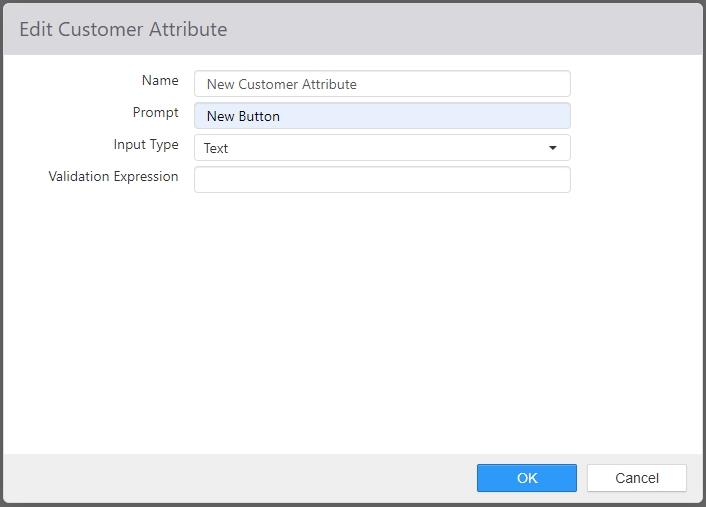
- Name: Name of the customer attribute.
- Prompt: Label that appears next to the value input on the Register, Customer Portal, and Admin Portal.
- Input Type: Type of data expected.
- Text: Single line text box.
- Validation Expression: Regular expression for validating input as valid.
- Date: Date control is displayed.
- Select Multiple: List of choices with multiple selections allowed.
- Select Single: List of choices with single selection allowed.
- Text: Single line text box.
Day Parts
Day parts are used to report sales and labor for specific time periods during the day. There are various day part related reports both on the Register and in the Admin Portal.
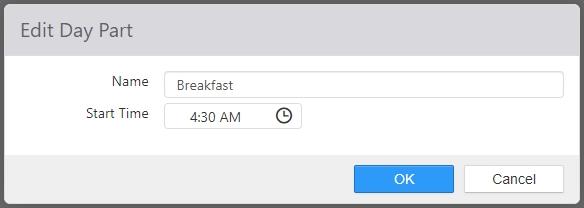
- Name: Name of the day part.
- Start Time: Time that the day part starts, and the time the prior sequential date part ends.
Deposit Types
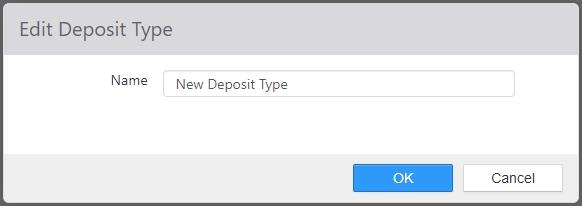
The deposit types created here are listed in the Type field of the Deposit entry dialog under Accounting > Deposits in Administrator Portal (see Deposits), and in the Type field of the New Bank Deposit dialog in the Bank Deposit button functionality in Register (see Layouts > Button behaviors > Bank Deposits).
Note: In order to create bank deposits in either Administrator Portal or Register, it is required to set up deposit types here in Settings Editor.