Staff: Permissions
Permissions are used to control access to buttons. In Layout, all buttons have a "Permission" option. This permission defaults to "None", indicating that there are no limits on who can select the button. When a permission is assigned to a button in Layout, it uses the permission settings to determine who can access the button.
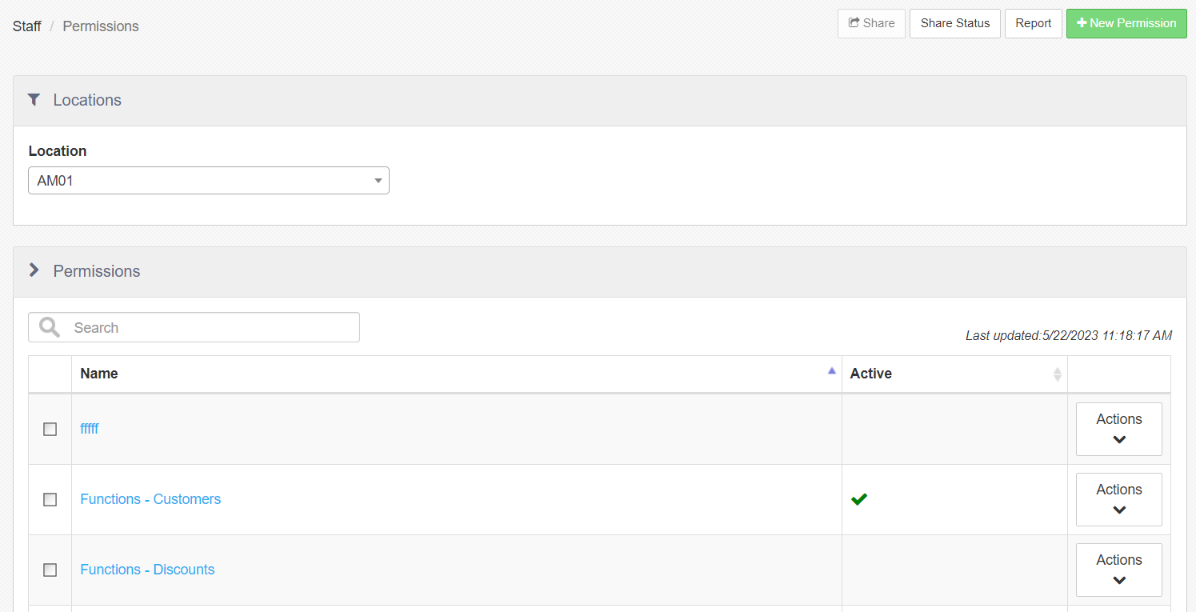
Actions available on the Permissions landing page include:
-
Report: Links to the "Staff Sharing Audit" report.
-
Edit Permission: Select a permission from the list to edit.
-
+ New Permission: Allows the user to create a new employee permission.
-
Location: Location dropdown to access different locations.
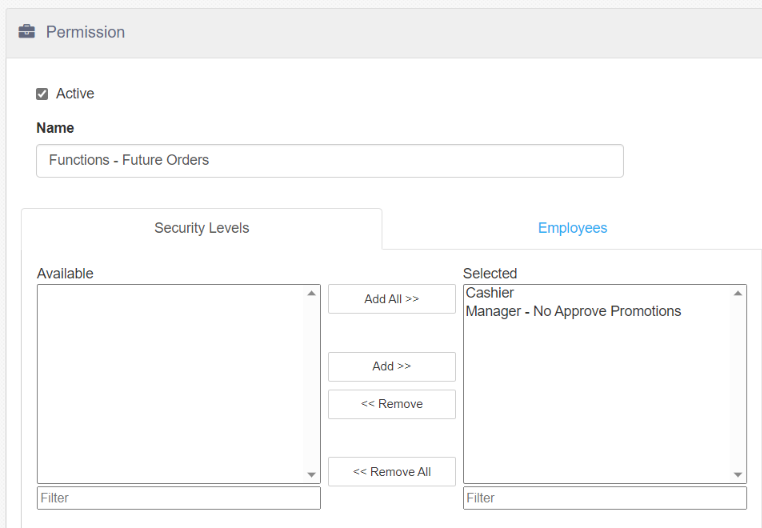
Permission Screen
-
Active: When checked, the permission is Active.
-
Name: Name of the permission.
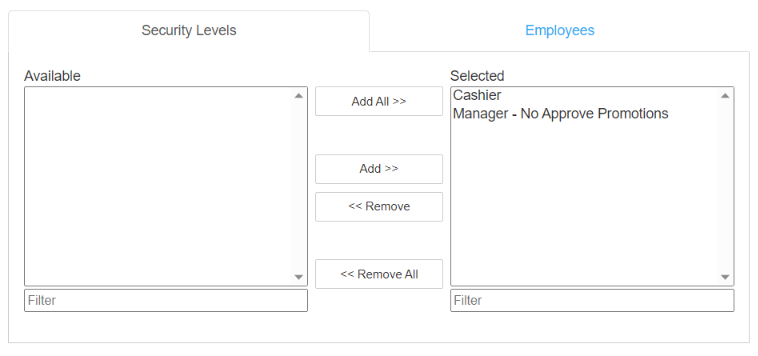
Security Levels Tab
Security levels grant access to the permission. Permissions may be assigned to security levels either here or in Security Levels > Permissions. Changing it in one place automatically changes it in the other.
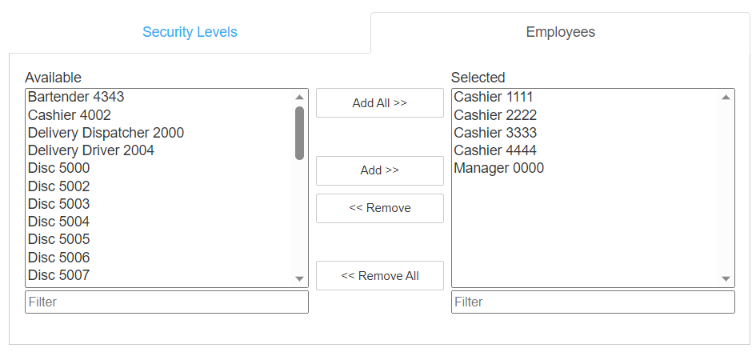
Employees Tab
Controls the employees granted access to the permission. Permissions may be assigned to employees either here or in Employees > Permissions. Changing it in one place automatically changes it in the other.