Web & Mobile: Loyalty
PAR Ordering Loyalty helps you retain customers by rewarding them through a spend-based program. To create a compelling experience, configure your loyalty program and personalize your rewards using the assets below.
This article gives the requirements and design guidance for loyalty assets. For what each setting controls in the Customization Center, see Customizations.
Note: File names shown in this article are naming examples, not strict requirements.
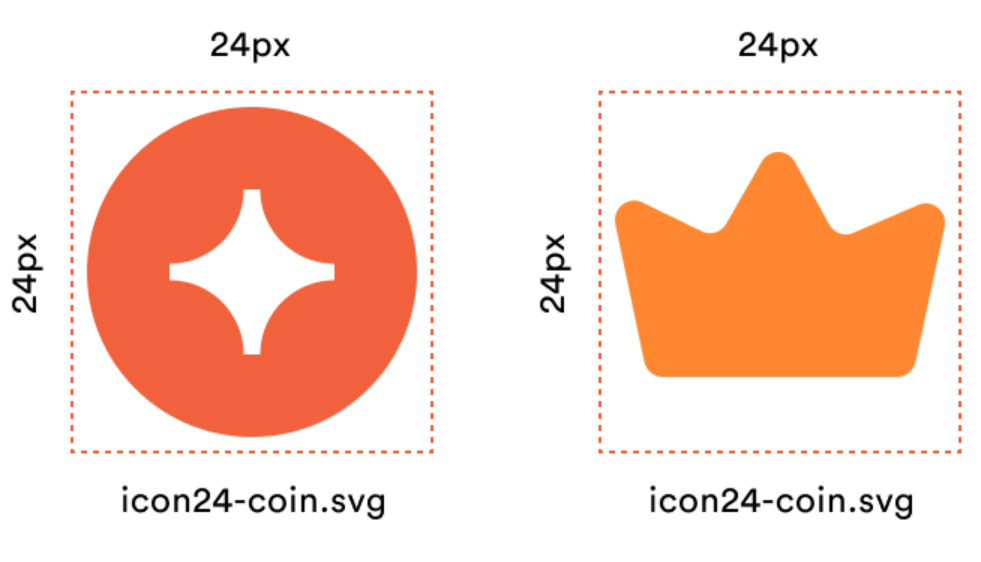
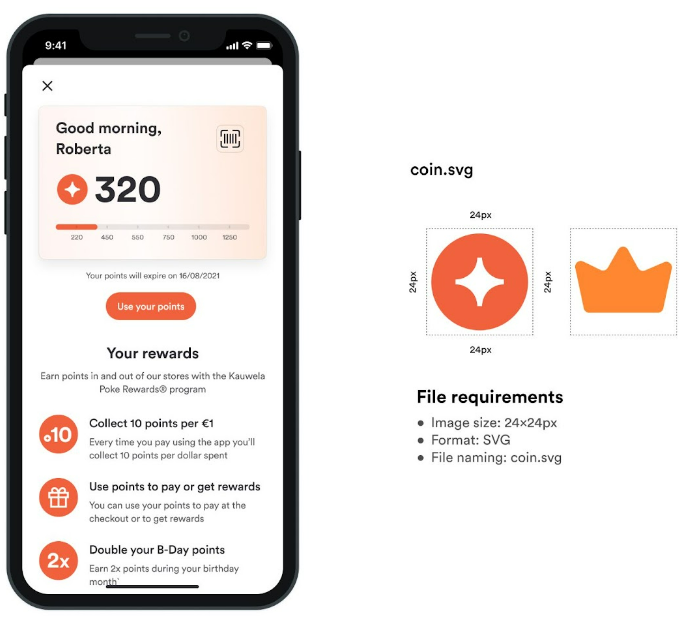
Coin and rewards icon
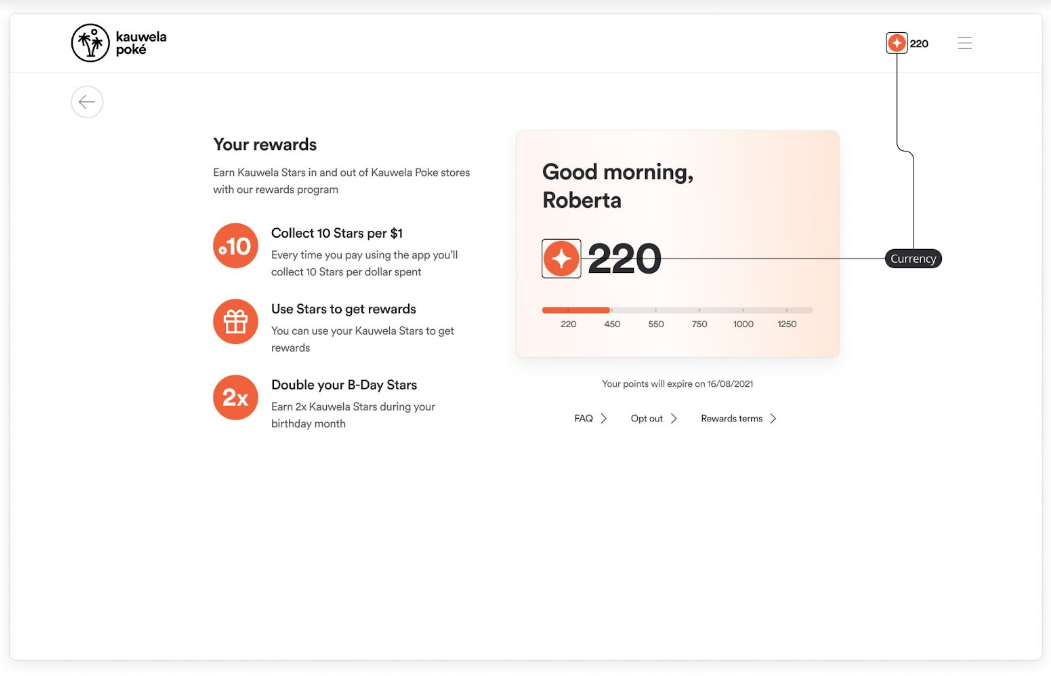
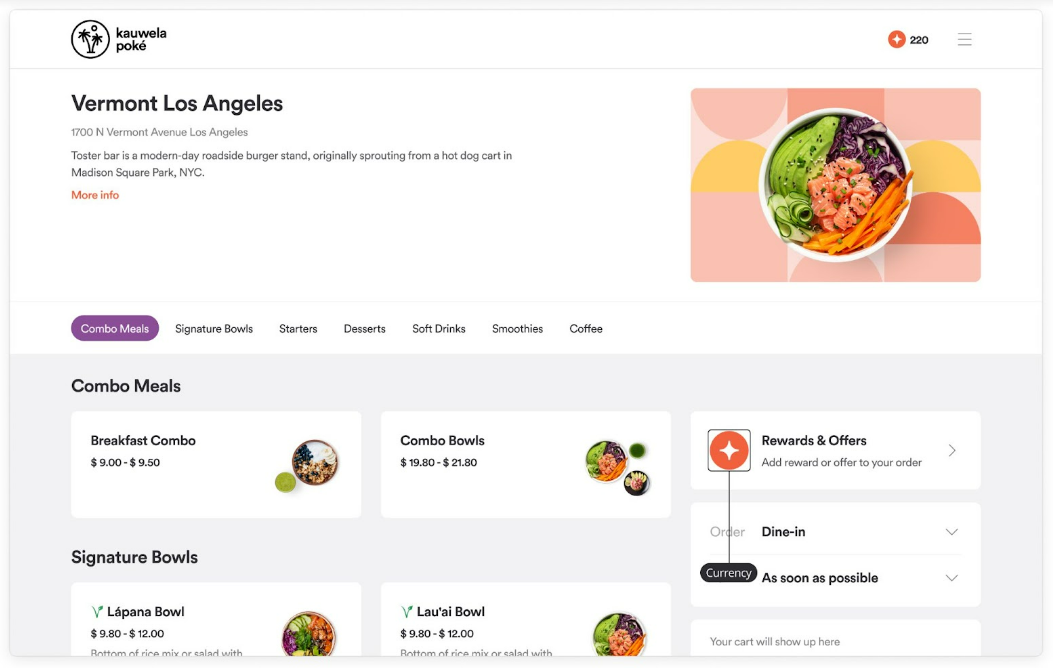
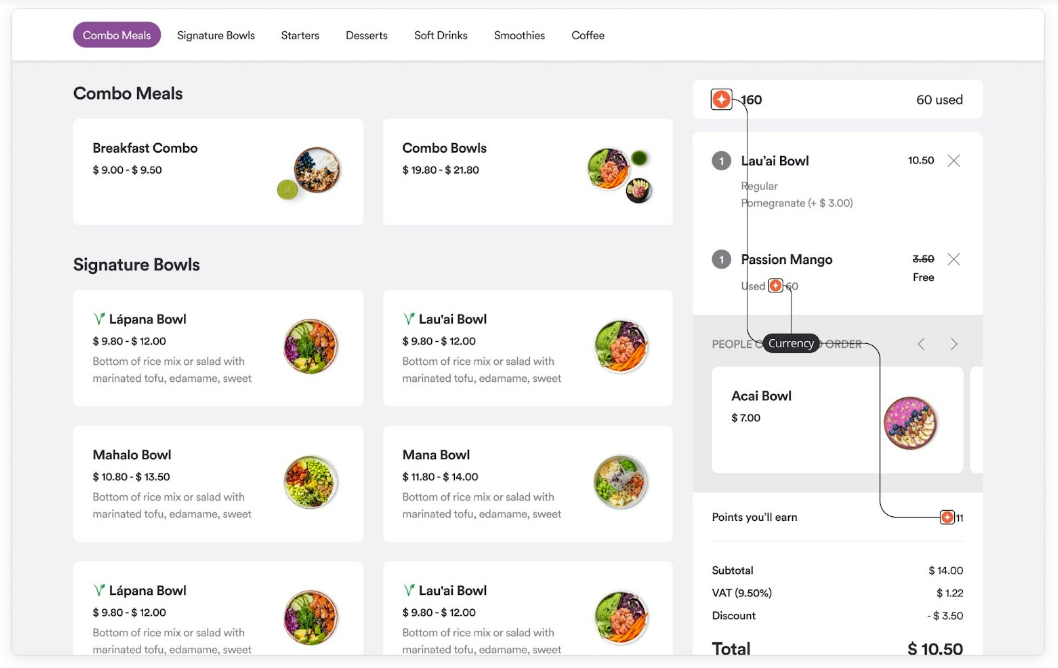
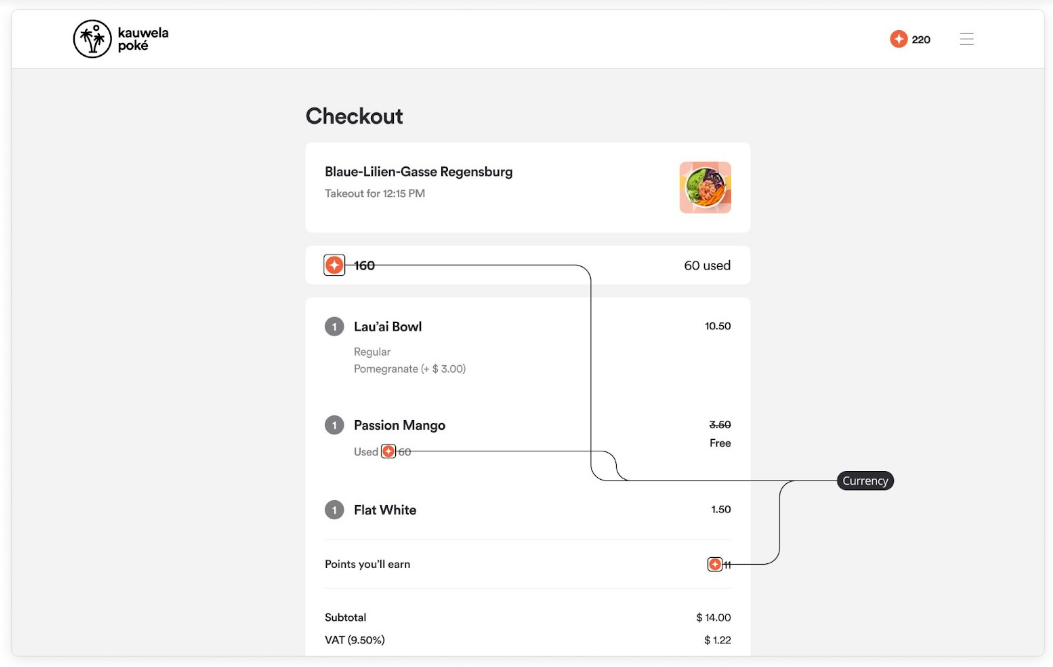
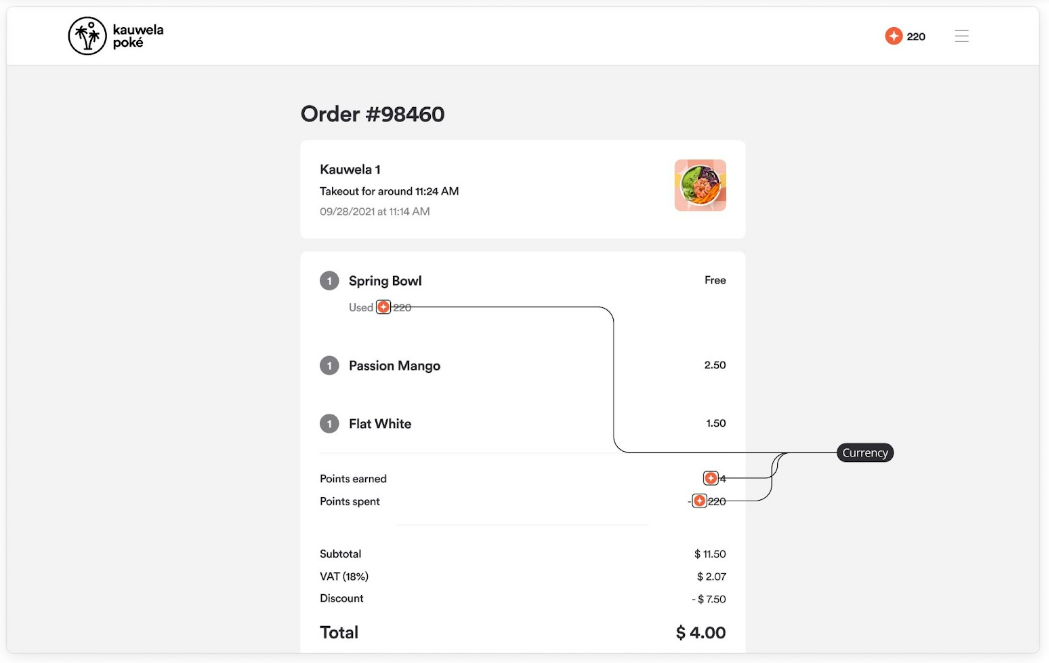
Loyalty currency, or points, is what customers collect and spend on rewards. Like any currency, it has its own symbol.
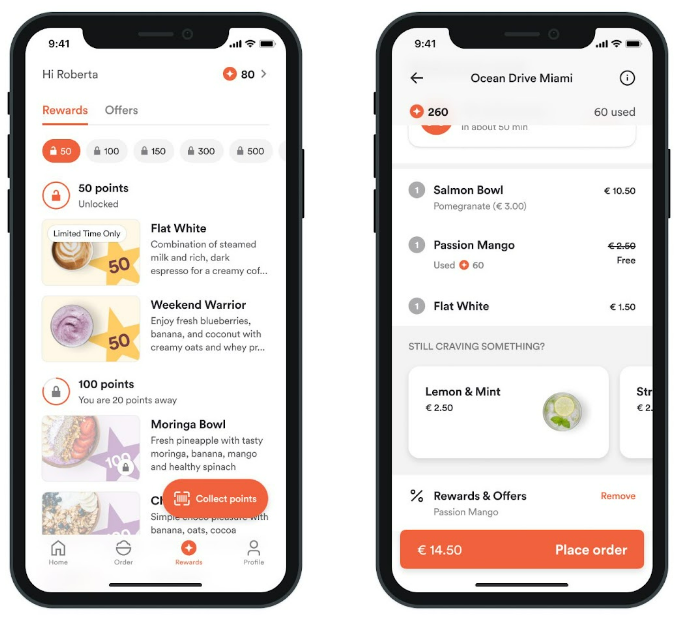
The icon appears on the loyalty card, in the header, on the home screen, on the menu, cart, and checkout screens (points to be earned or used, and reward prices in points), on the rewards and offers screen, and on order receipts.
- Image container size: 24x24px
- Image format: SVG
- Example file names:
icon24-coin.svg(web),coin.svg(mobile)
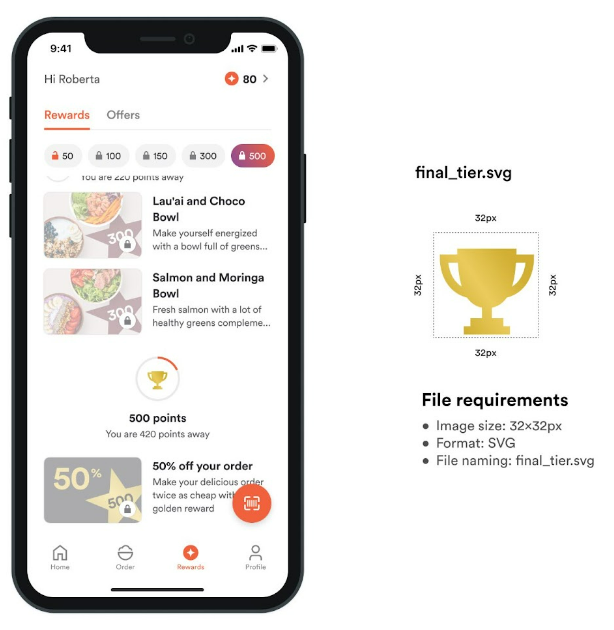
Final tier icon
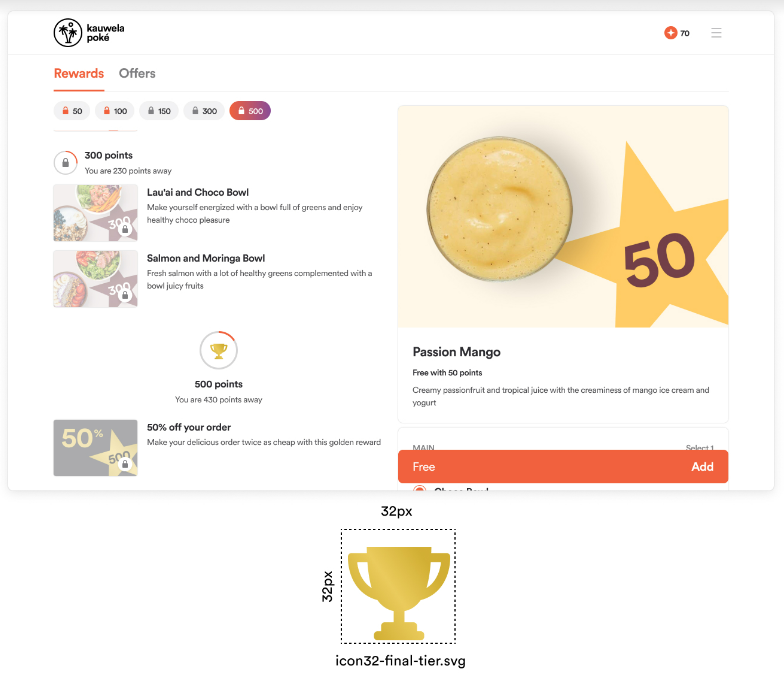
If your rewards are organized in tiers, you can highlight the last tier. If you use this feature, provide a final tier icon.
- Image container size: 32x32px
- Image format: SVG
- Example file names:
icon32-final-tier.svg(web),final_tier.svg(mobile)
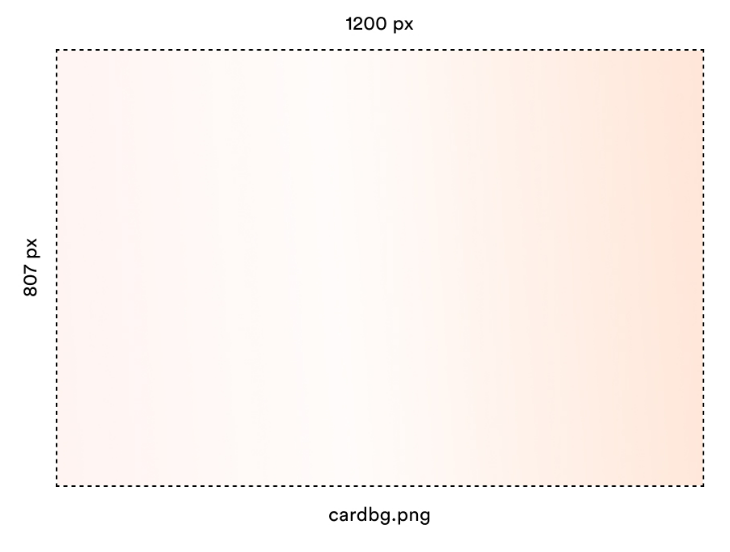
Loyalty card background
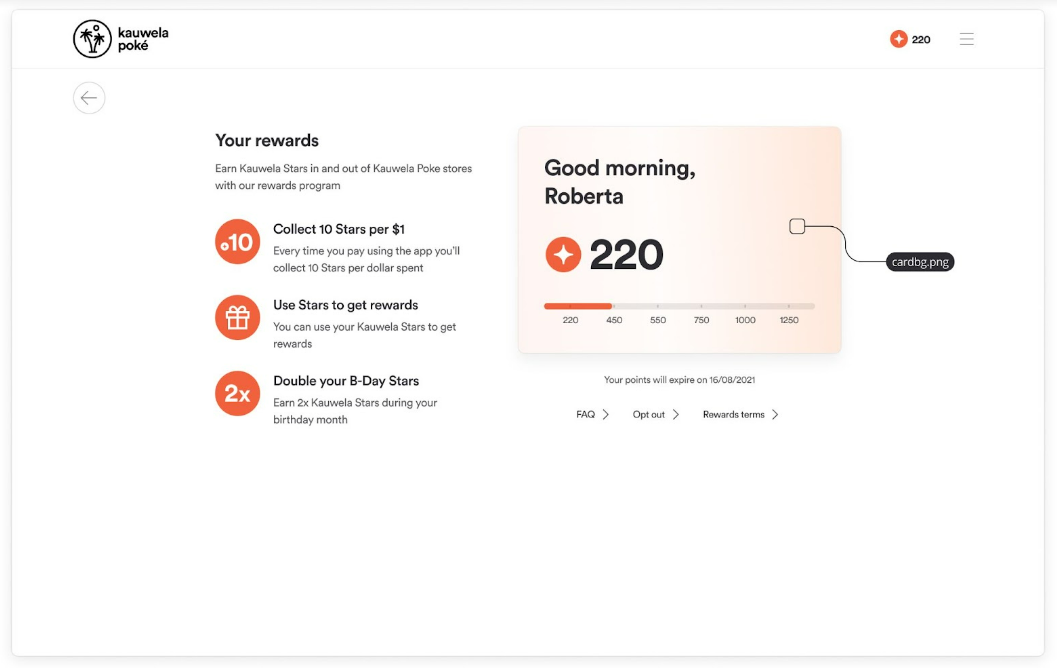
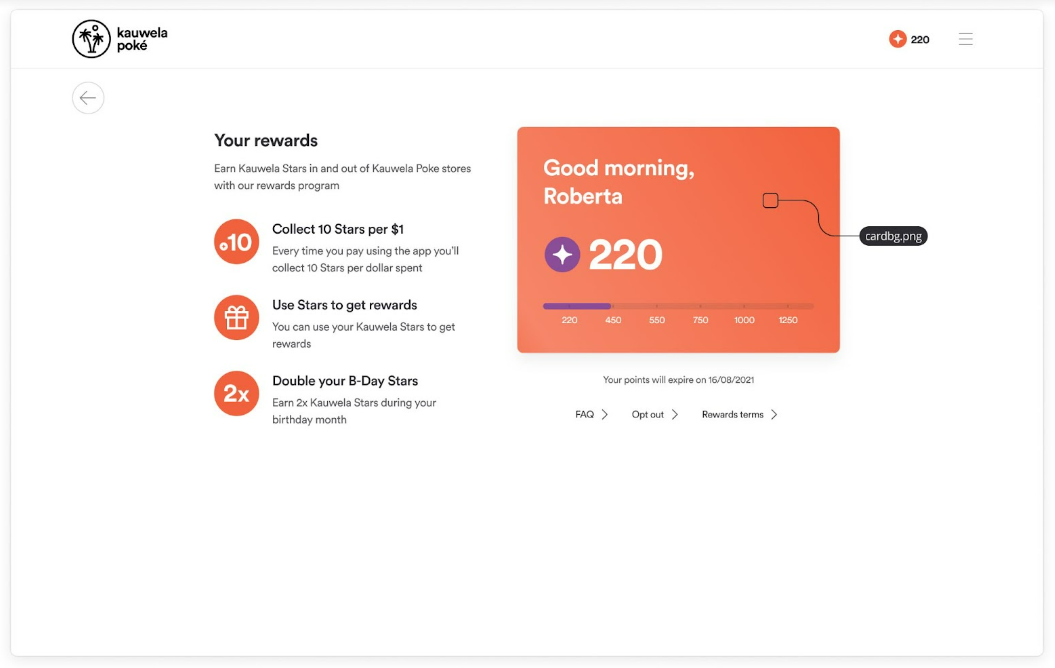
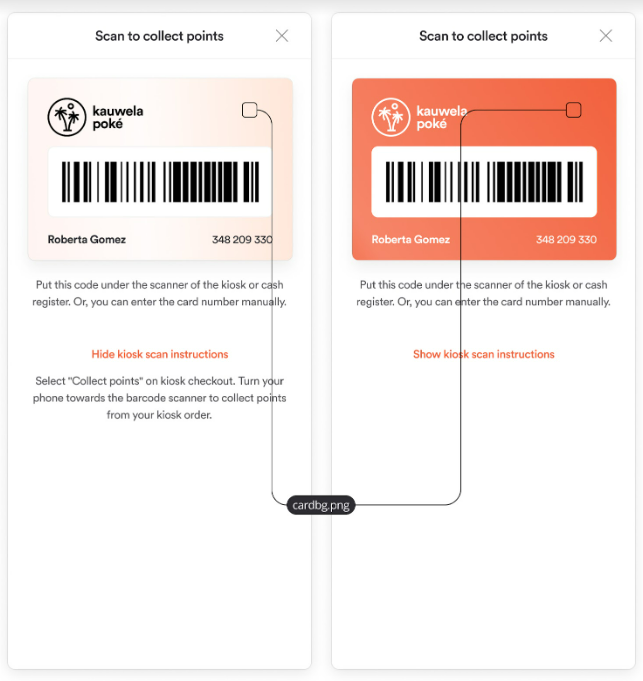
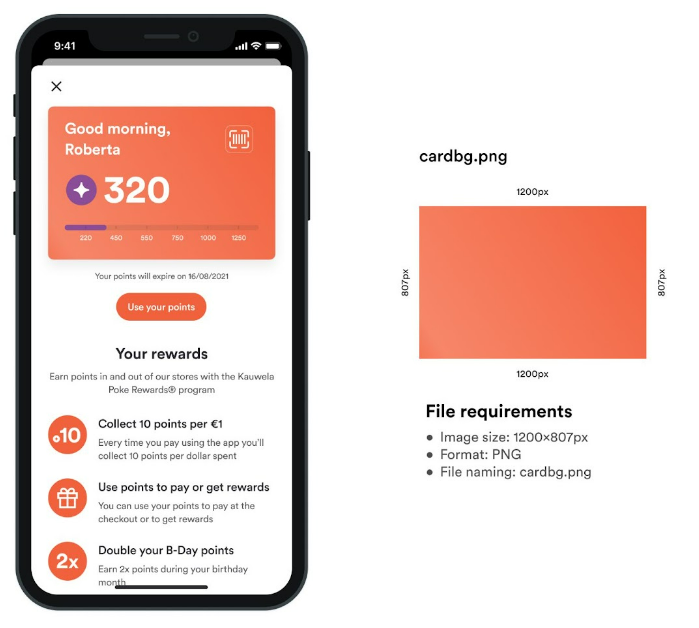
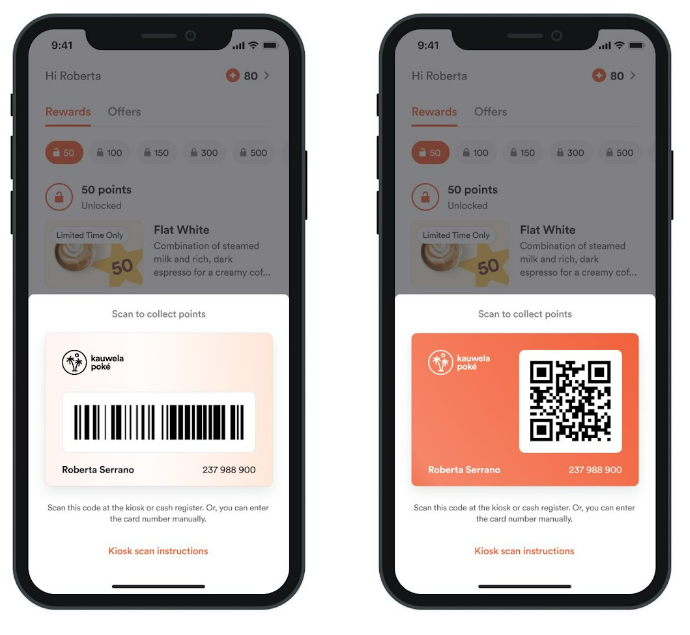
The loyalty card shows basic customer information, such as points and the tier reached. Customers also use it to collect points at the register or kiosk. It appears on the front and back of the loyalty card.
You can use a light or a dark background. Text on a dark background is white, and text on a light background is dark. Make the background light or dark enough that the text stays readable.
- Image size: 1200x807px
- Image format: PNG
- Example file name:
cardbg.png
Note: Do not place graphic elements on this background, because they interfere with the information on the card. Use simple colors and gradients.
Program description images
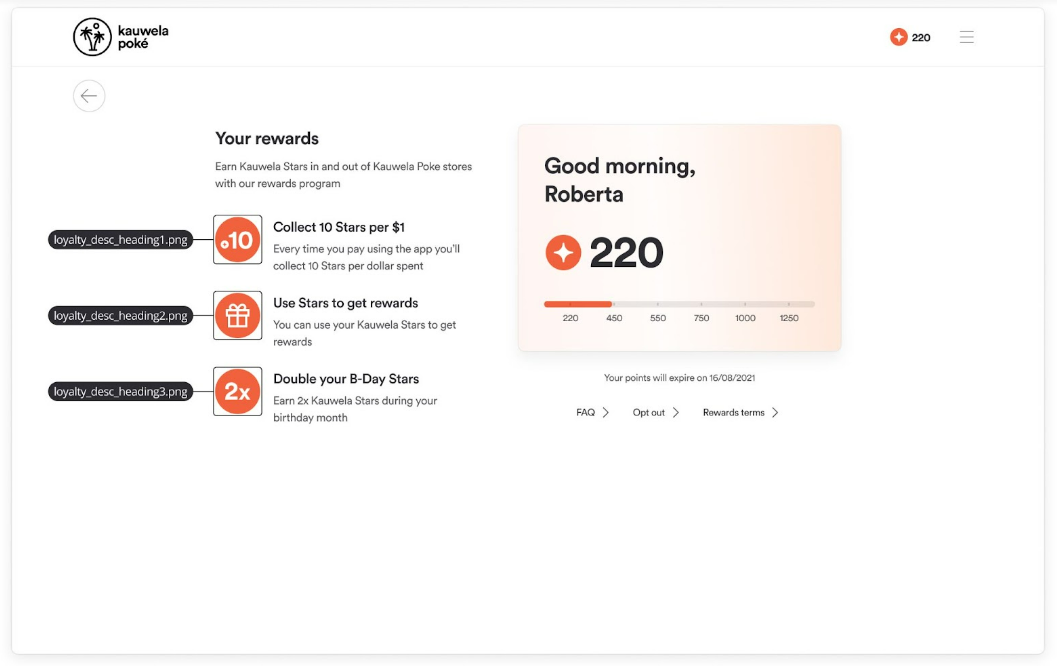
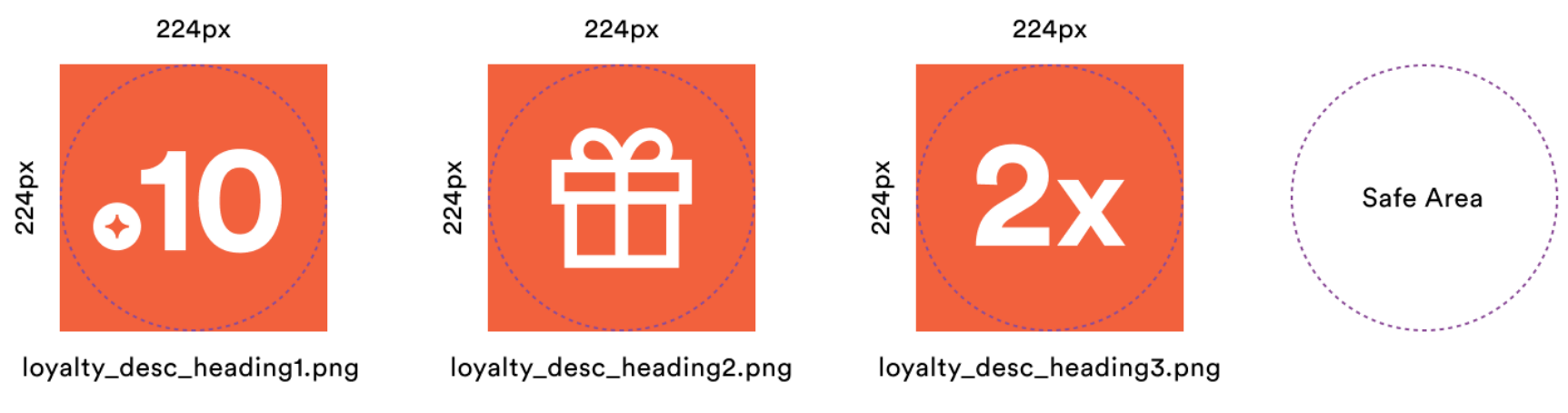
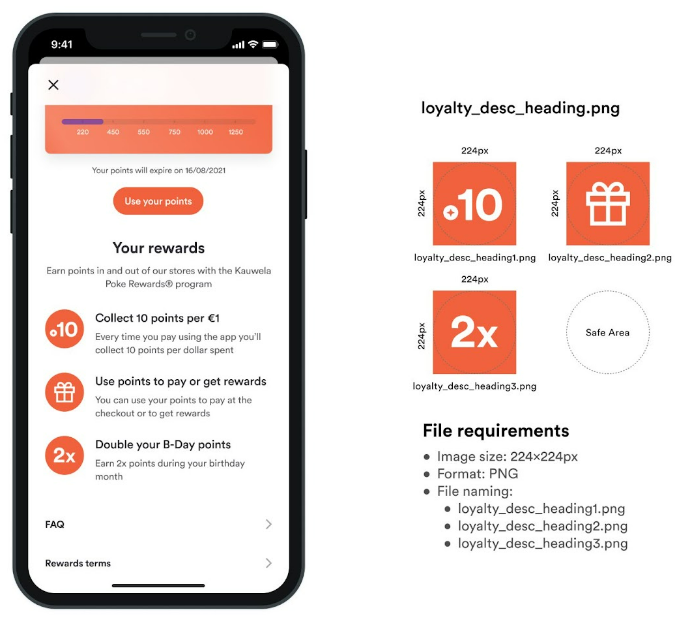
Images that make the Points Program Information page easier to understand. Each image belongs to one paragraph that explains one fact about the loyalty program. You can add up to three.
- Image size: 224x224px
- Image format: PNG