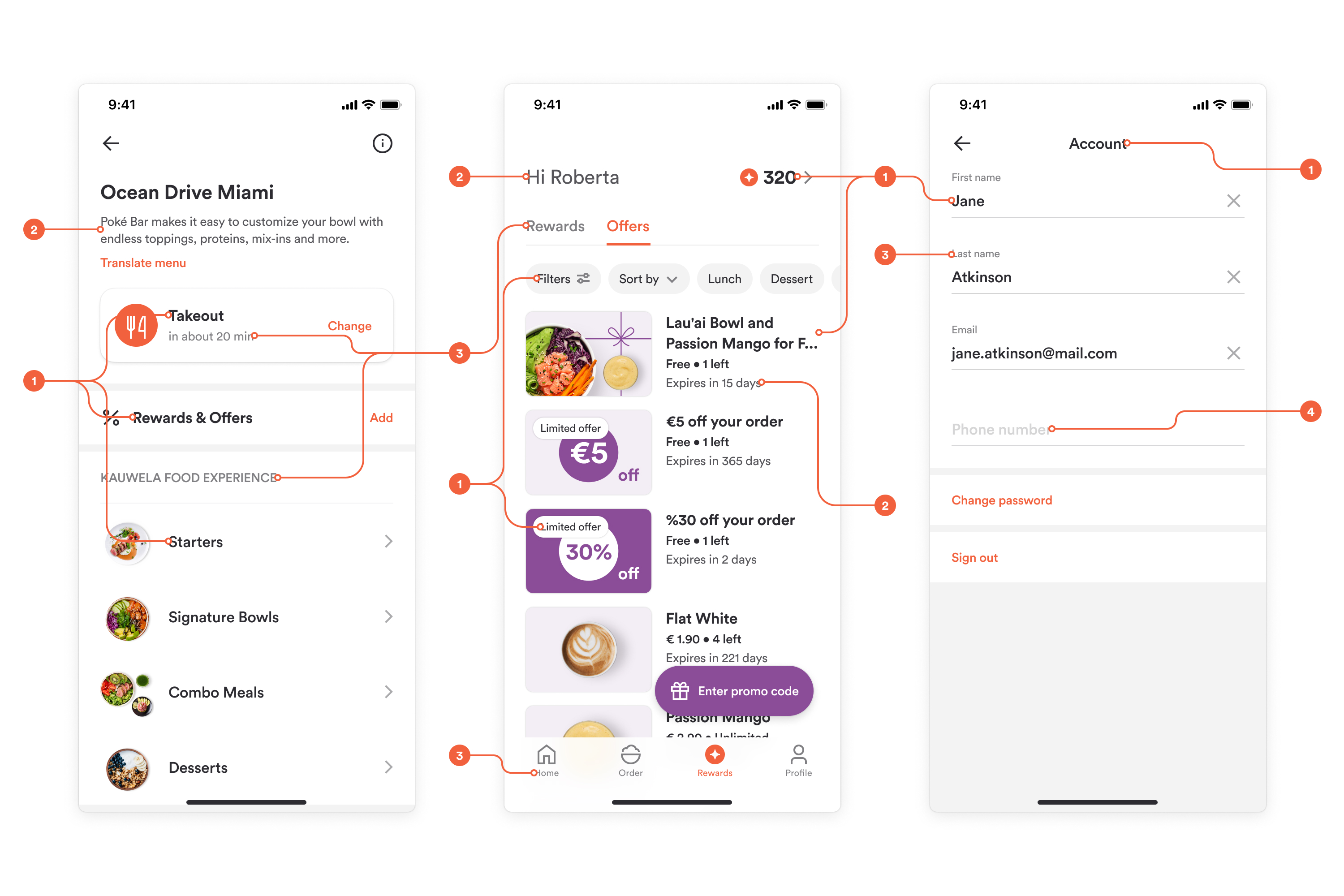
Web & Mobile: Typography (Fonts)
Using your brand fonts is the easiest way to bring the web and mobile apps closer to your brand. Typography covers all text in the interface, including headings, descriptions, navigation, and buttons.
This article gives design guidance for choosing fonts and text colors. For what each setting controls in the Customization Center, see Customizations.
Choosing fonts
Buy a license for the font you use, or choose a similar free font from a library such as Google Fonts.
Use one font family with Regular, Semibold, and Bold weights. You can add a separate font for headings and titles to make your branding richer.
Font requirements:
- File format: OTF or TTF
- A font for Body text with Regular, Semibold, and Bold weights, since all three are in use
- Additional fonts for Heading and Title, if needed
- A valid license for each font
Note: On mobile, you cannot change font size, letter spacing (kerning), paragraph spacing, or line height.
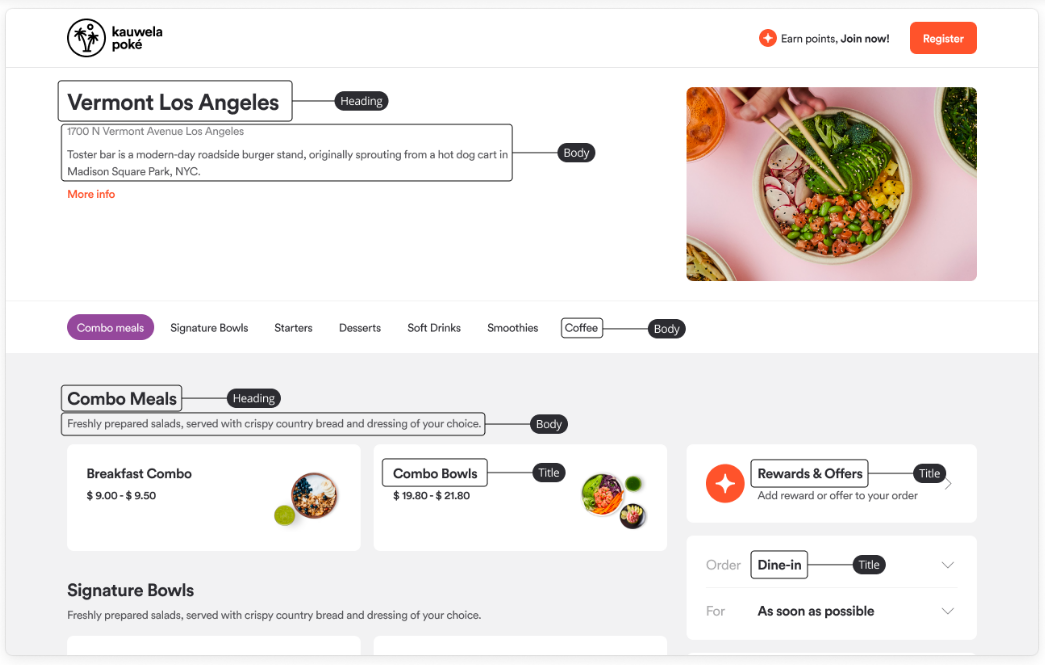
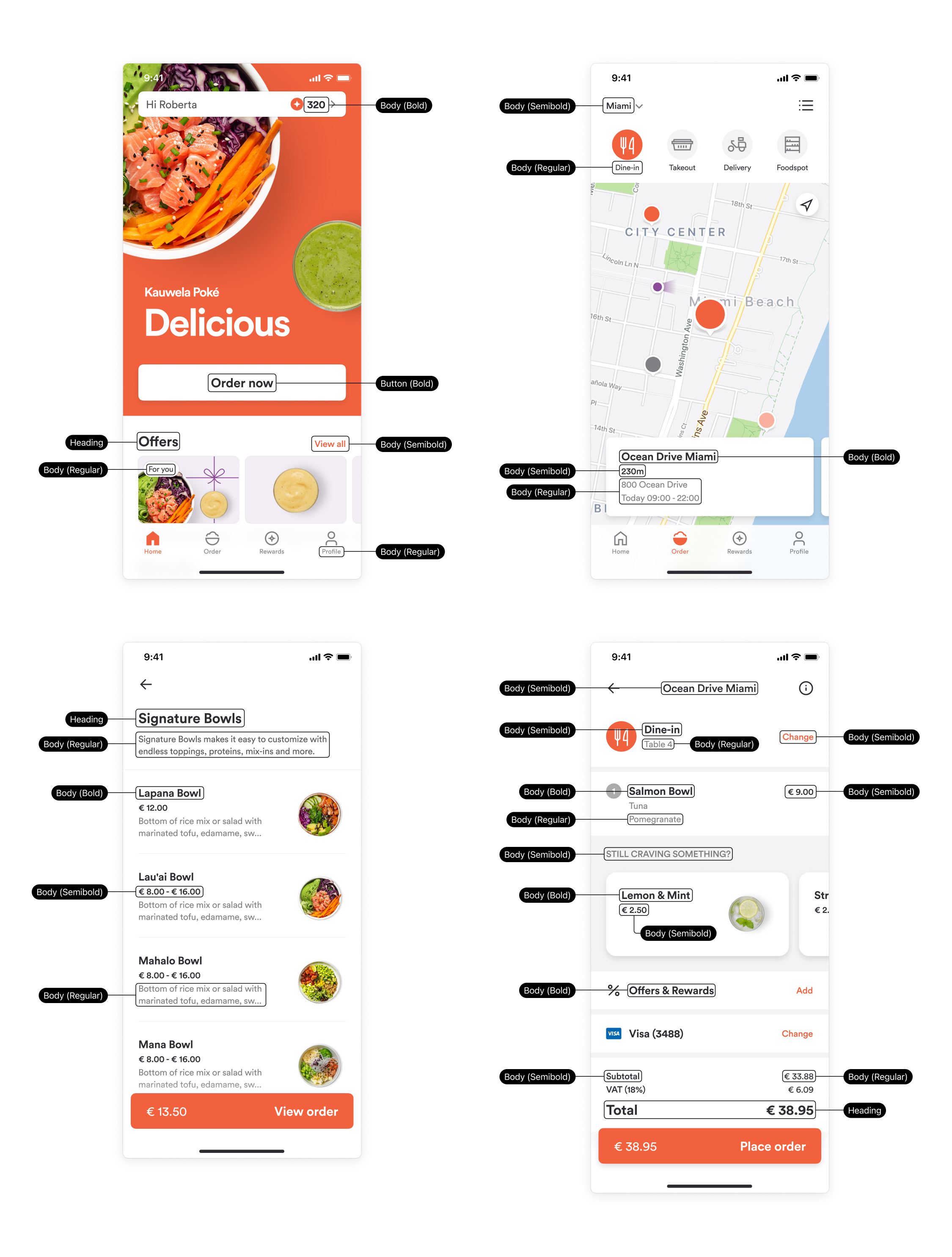
Text styles
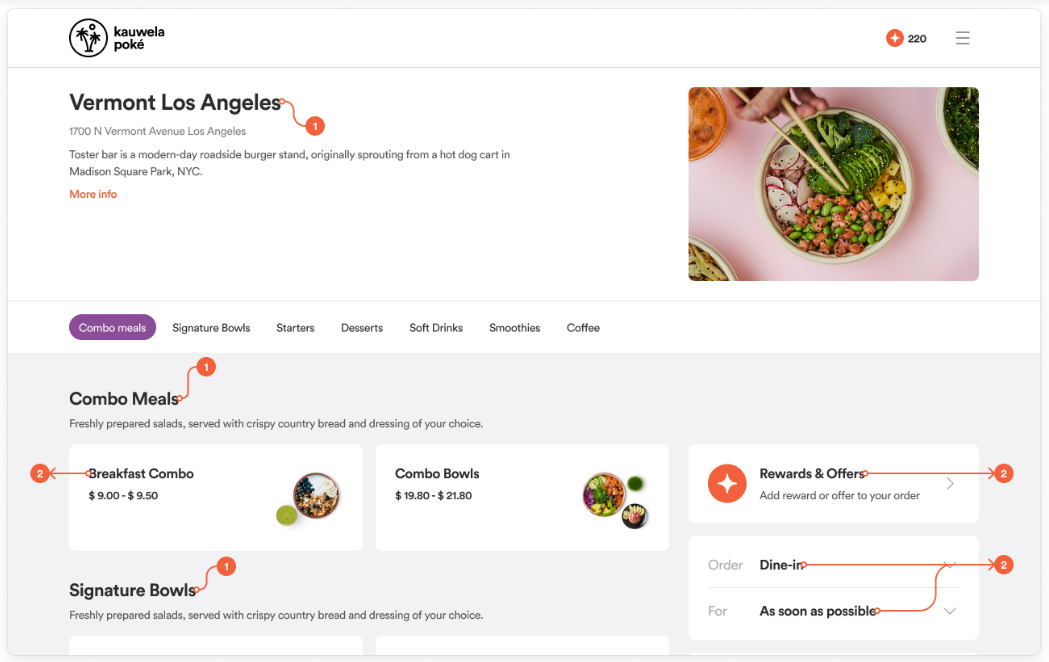
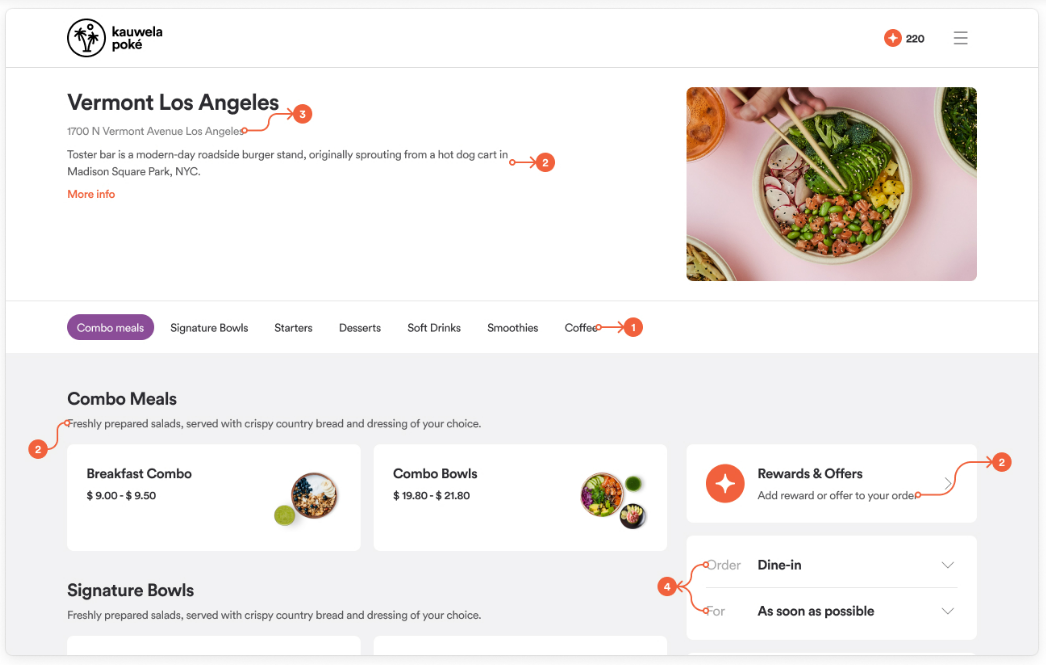
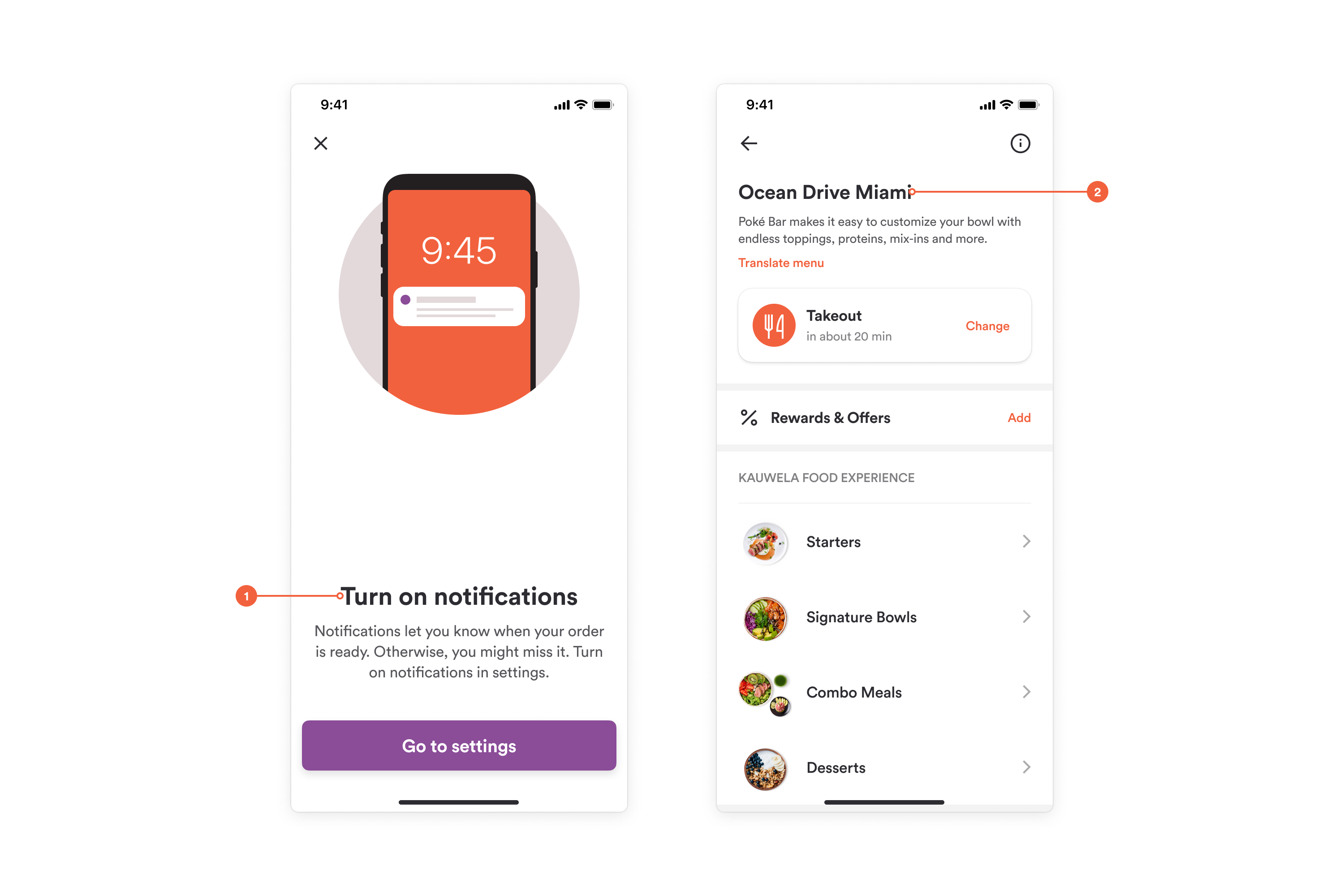
Heading
Large text at the top of a page or at the start of a section. Bold is recommended. You can display headings in uppercase, lowercase, or as written.
Title
Prominent text for smaller sections and chunks inside a page, one level below Heading. Bold is recommended. You can display titles in uppercase, lowercase, or as written.
Body
The most used style, applied to smaller text, full sentences, and paragraphs.
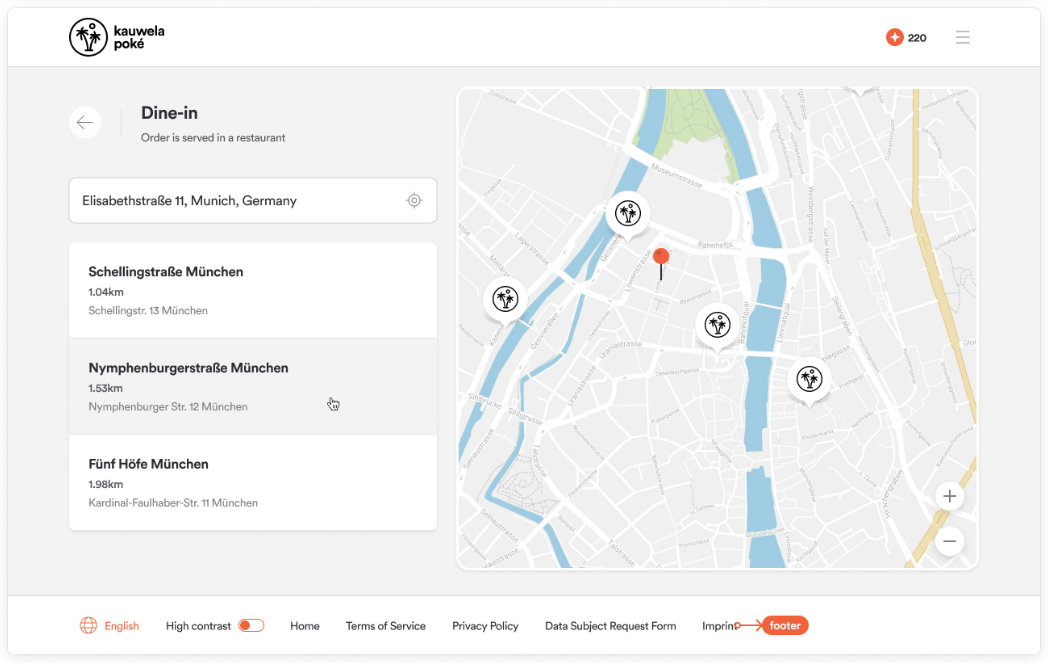
Footer
The color of the text in the footer. Choose a color with good contrast against the footer background.
Text colors
Text color must have enough contrast with the background to stay readable and meet accessibility standards.
- Heading and Title: Black is recommended. You can choose another dark color.
- Body: Choose a very dark color, preferably black. The app generates the lighter shades used for secondary text, such as input placeholders, from this color.