Guest360 Segments
Segments in Guest360 work the same way they do in Punchh: you define a set of rules and Guest360 returns a dynamic list of guests who meet those criteria. The same segment builder, filter types, operators, and logic you use in Punchh are available here.
The key difference is scope. In Punchh, segments are built from your loyalty member base. In Guest360, segments include your full identified guest population, which means both loyalty members and non-loyalty guests. This lets you target and analyze groups of guests who have never enrolled in your loyalty program but are still transacting at your locations.
How Segments Work in Guest360
Segments in Guest360 are dynamic by default. They refresh daily as new guest data comes in through your connected data sources. A guest enters a segment when they meet the defined rules and leaves when they no longer do.
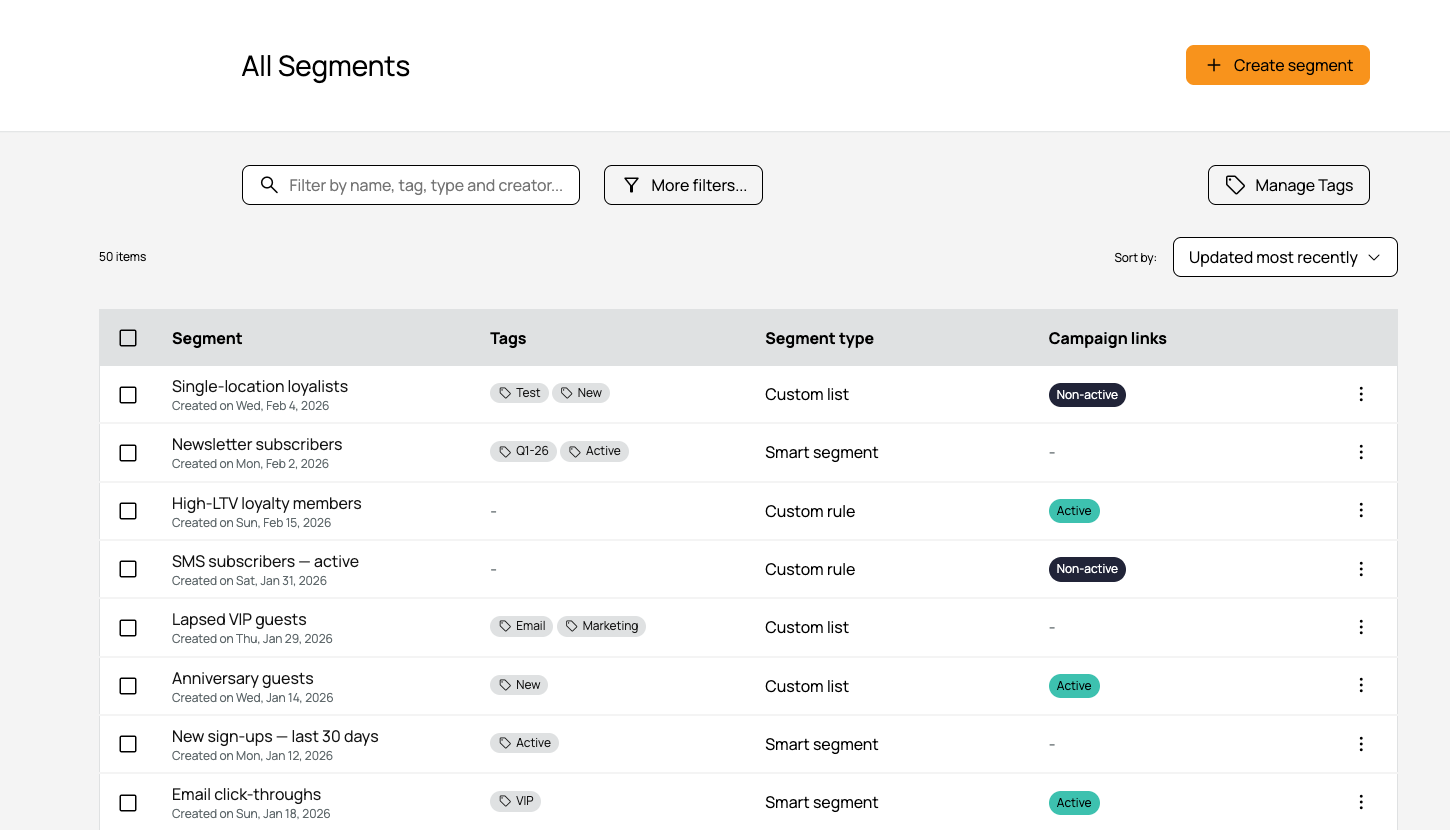
Segments Documentation
The process for creating, editing, and managing segments is the same as in Punchh. Refer to the articles below for full instructions.
- Segments: How to create, edit, manage, and freeze segments
- Segment Types, Attributes, and Timeframe Definitions: Full list of available segment types and their attributes
