Translations
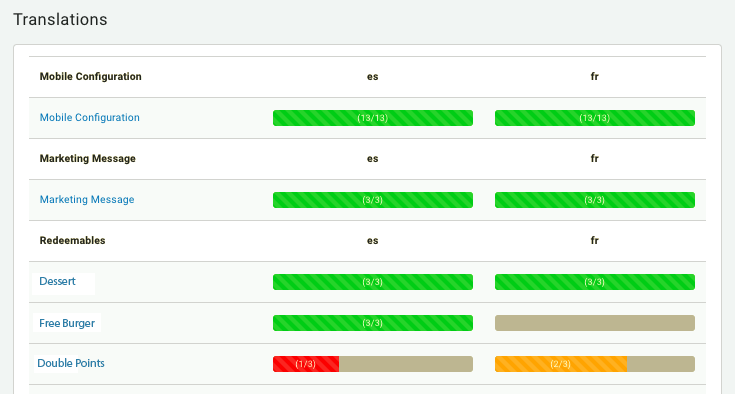
The Translations page allows you to alternate text for additional languages. In addition to English, each text field in your marketing and redeemable messaging, legal disclaimers, and instructions can be supplemented with another language version. Once each corresponding field has been populated, Punchh will swap out this text for users who've specified a different language as their primary language in app or web framework.
Add and Manage Translations
For some components, such as redeemables, additional language translations may be added at the time of creation. If not set up at that time, translations may be added later in your translation settings.
To add and manage translations:
- Navigate to Administration > Translations.
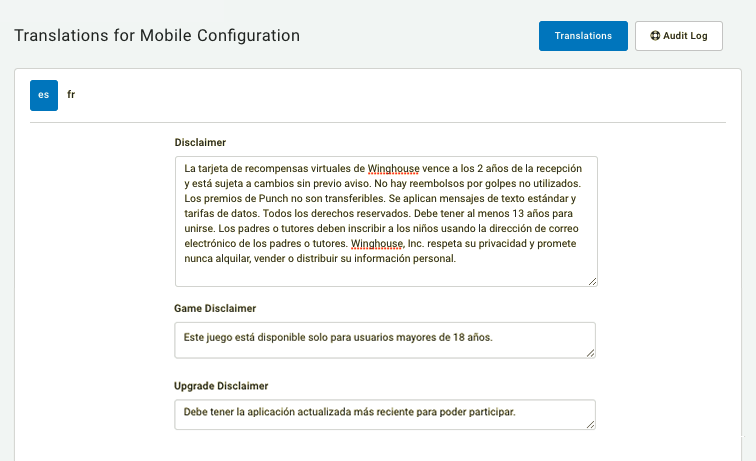
- Click on a name of an app component to add/edit its translations.
- Toggle between the tabs at the top-left to switch between languages.
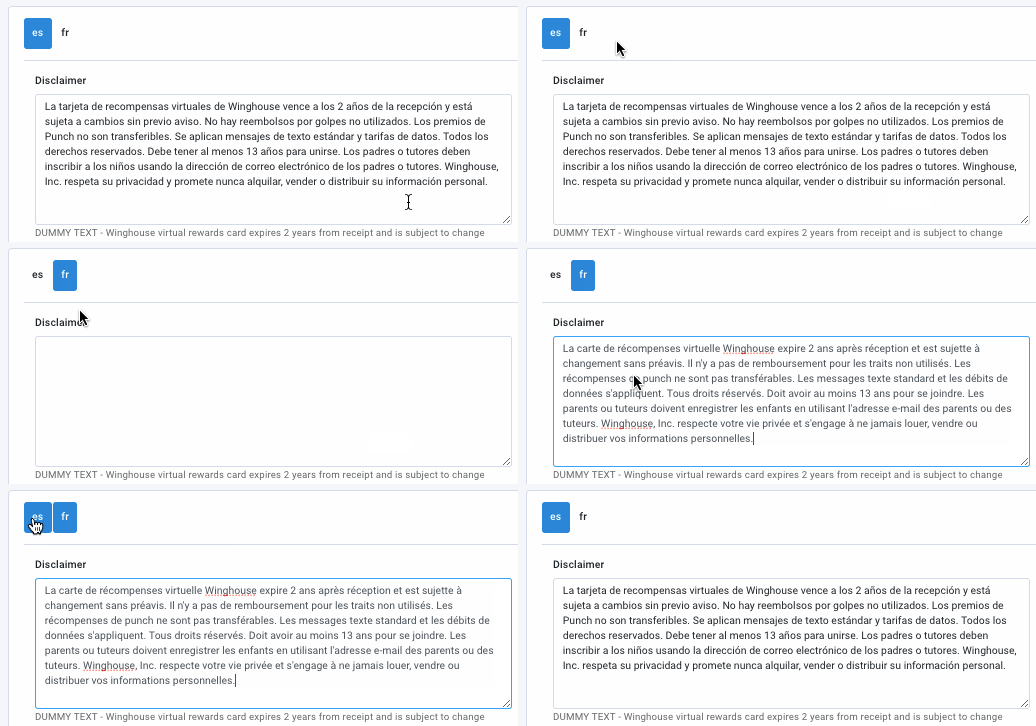
- Enter text for each of the fields.
- When finished, click Update to save your changes.
When will my translation edits go live? - Alternate language changes made to redeemables, iframe configuration, or marketing messages will go live within a few minutes of updating. However, changes to mobile configuration language or Apple Pass require an app update before they will appear.
Supported Languages
The following languages are supported by Punchh:
- English
- Spanish
- French
- Arabic Kuwait
- Catalan
- Romanian
What can I add translations for?
- Mobile Configuration (disclaimers, invite code/refer a friend messages, earning description, etc.)
- Marketing Message (text for the "card" that shows up for your company on Facebook reviews)
- Redeemables (name, description, and redemption message unique to each redeemable)
- Notification Templates (all automatic notifications the guest receives either through push notification or email)
- Iframe Configuration (text for the language used for your eCRM widget iframe)
- Apple Pass (description, labels, and logo text for the Apple Pass section of your mobile app -- if enabled)