Single Scan Flow (SSF) UUID Lookup
The SSF UUID Lookup page under the support section in the Punchh Platform allows users with admin permissions to look up guest purchases either via email or a Single Scan Code for a specified duration.
- Navigate to Diagnostic > SSF UUID Lookup.
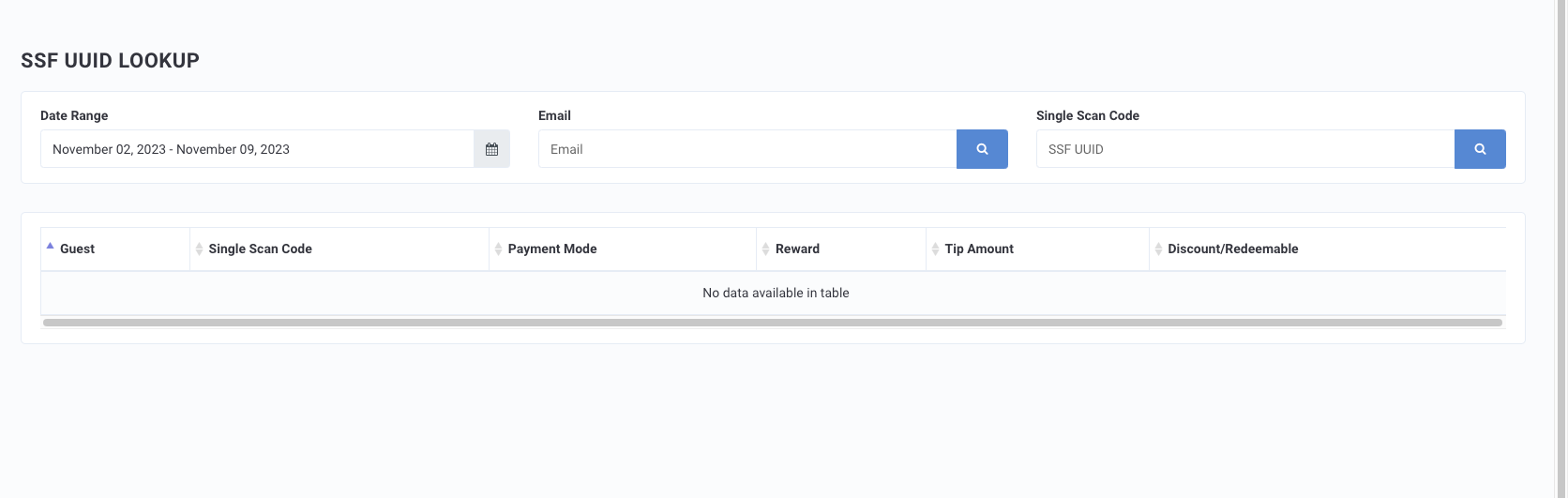
- Select the desired Date Range.
- Enter a guest's Email Address or the Single Scan Code.
- Click the search icon.
- The results displayed show all related Payment Modes, Rewards, Tip Amounts, and Discount/Redeemables associated with the UUID.
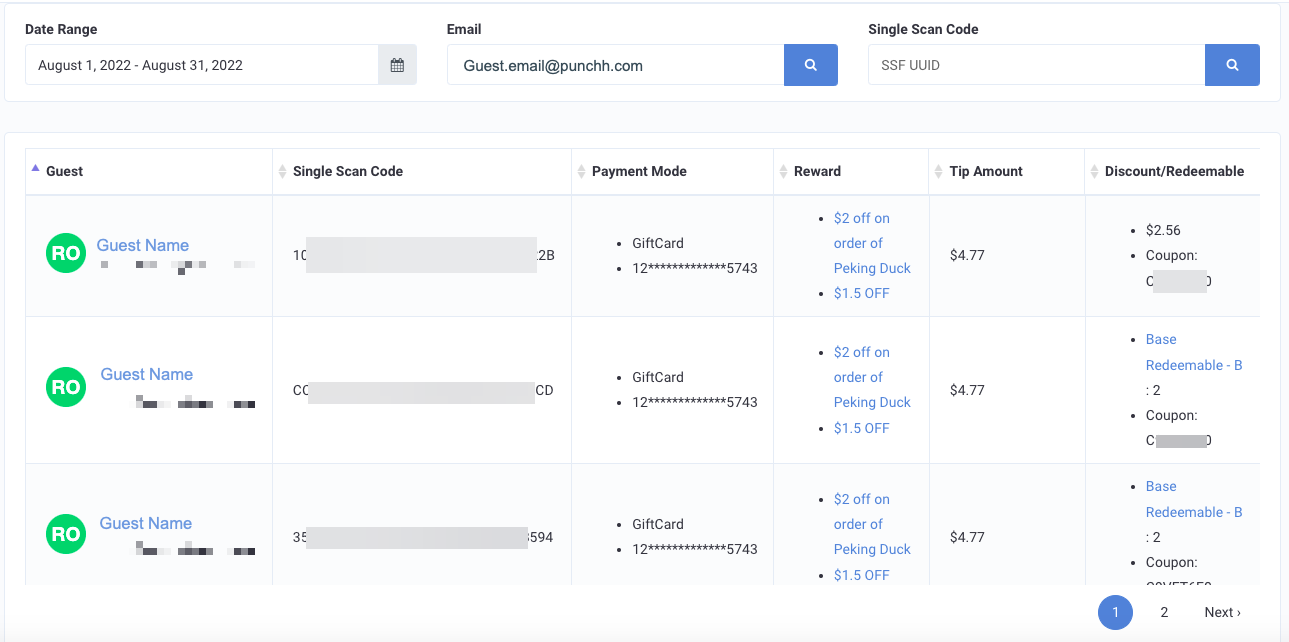
- Click the guest's name to navigate to their profile.
- Click any rewards listed to navigate to associate qualification criteria.
- Click any redeemables listed to navigate to the redeemable's information page.
