Redemption Log
The Redemption Log lists every transaction that involved a redemption (both successfully honored and invalid redemptions). Each redemption includes detailed information about the request originating from the POS, including the POS version, date/time, and even the Punchh key unique to your business's POS. Navigate to Diagnostic > Redemption Log to use the log to investigate customer transaction discrepancies where a redemption has occurred. Enter the redemption code for information on that redemption and to review any possible errors.
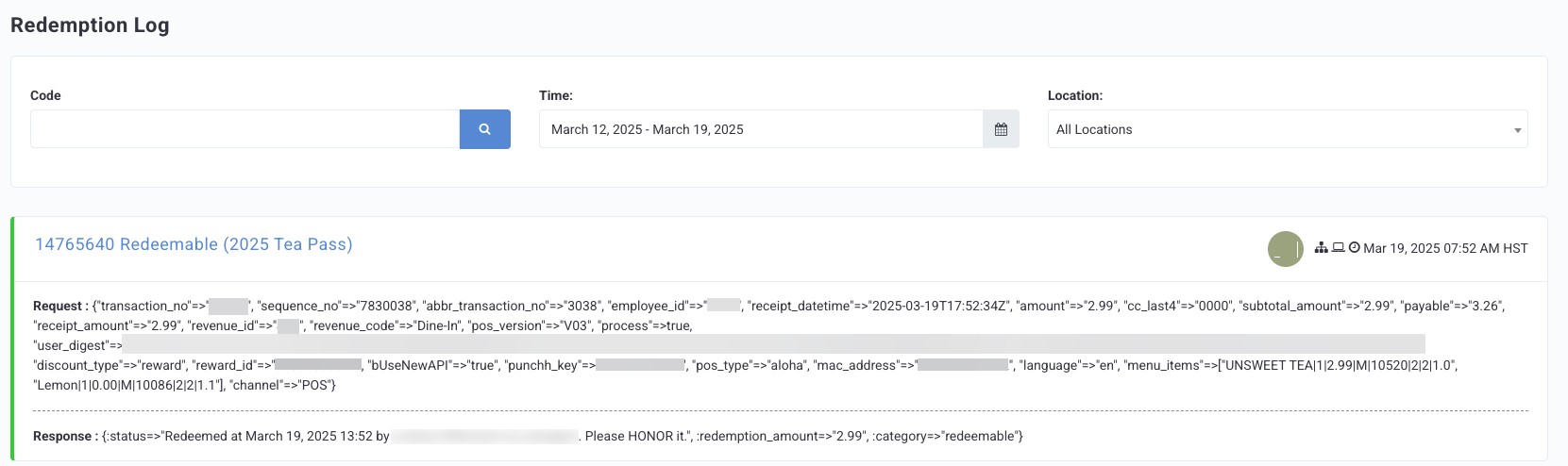
You can search for redemptions by entering the redemption code number in the Code field, and you can filter all redemptions by location and date range. The redemption code is the same as what appears on a guest's phone when a redemption is activated.
Log Details
The overall details and order of the information provided in the Redemption Log may vary depending on your POS and Online Order provider. However, there are some general components you will always see.

An entry will always contain the request and response details of the API call, transaction details, and the name, or some sort of identifier, of the reward.
The Request section will show these general components:
- Identifiers for the reward
- Transaction number
- Timestamp of transaction (shown in UTC)
- Subtotal Amount
- Receipt Amount (usually matches with the subtotal)
- Line item string (menu items on the check, subsequent discounts, etc.)
- Channel (Online Order or POS)
Successful vs Invalid Redemptions
The log entries for successfully processed redemptions are shown with a green color. Invalid, unsuccessful, or expired redemptions are shown with a dark pink color.
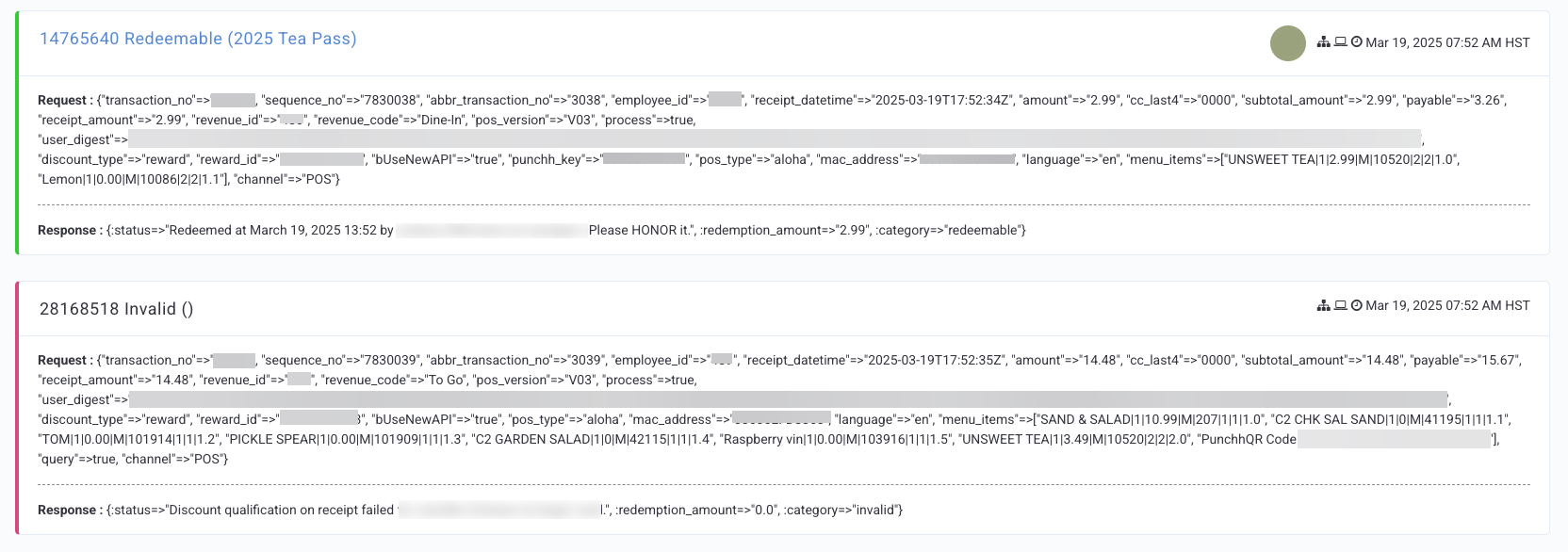
If your business utilizes Redemptions 1.0, a successful Punchh Redemption request will have two parts (API calls): It can be honored, and Please HONOR it.
If your business utilizes Redemptions 2.0, a successful Punchh Redemption request will only have one part (API call): Please HONOR it.
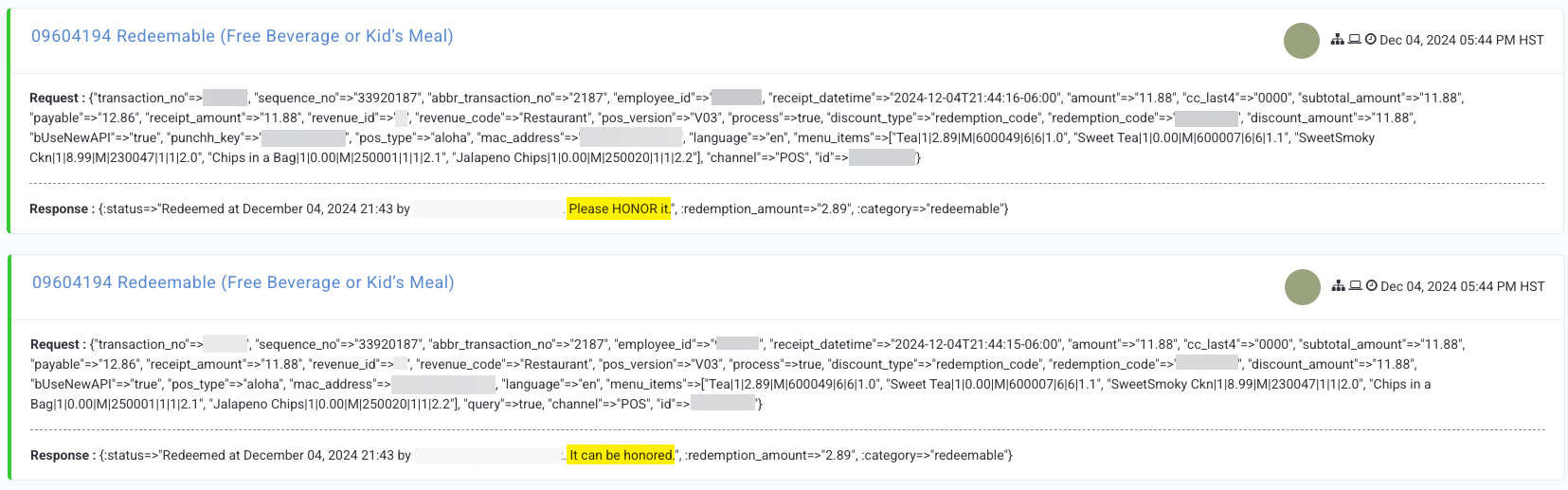
- Response: It can be honored
- The POS or Online Ordering provider sends all the transaction and redeemable details to Punchh. Punchh then runs the information through any redeemable configuration and qualification criteria (QC).
- Response: Please HONOR it
- The call from the POS or Online Ordering provider shows the applied discount or reward to the transaction.
If a redemption request is unsuccessful, you will see the reason listed in the Response line. Possible errors for an invalid redemption:
- Discount qualification on receipt failed
- This is the most common error you will see. This error means a requirement of the QC has not been met. For example, the receipt total does not meet the set minimum of the QC.
- Redemption not possible since amount is 0
- This error can mean there are modifiers or other items with a 0 value included in the line item selector of the QC or the check is put into the negative (possibly through further internal discounts etc.).
- Coupon code "XXXXXXXXX" not found
- This error typically means a coupon or promo code was manually typed in incorrectly.
Note: When a redemption is voided, its record moves from the redemptions table to the redemption_voids table. Because of this, the original "Please Honor It" call will no longer appear in the redemption logs.
Redeemable Identifiers
Typically, when the redemption request is successful, the name of the redeemable will be listed in parentheses in the 'title' of the log entry.

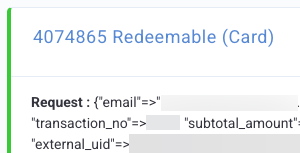
You may see a successful redemption request that shows "Card" in parentheses. This indicates that a guest redeemed banked dollars, for example, the guest redeemed $5 banked dollars from their account.