Video Groups & Void Reasons
Video Groups
Video groups control the routing of order items to kitchen queues.
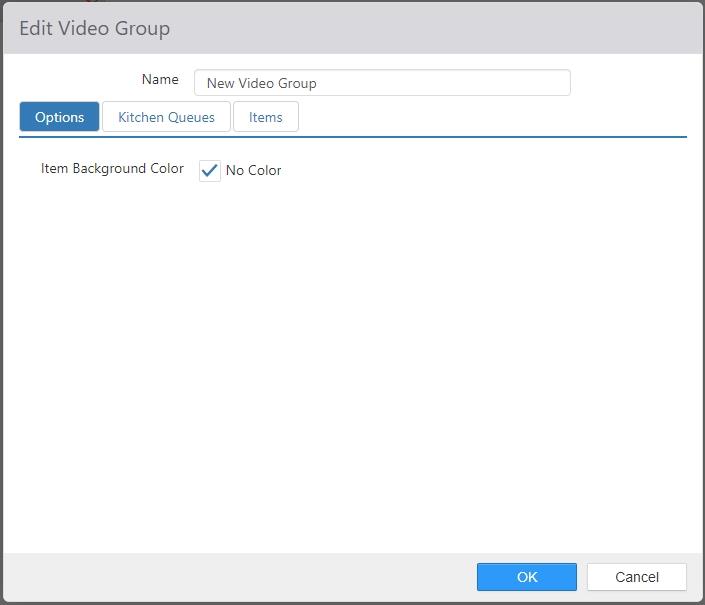
- Name: Name of the video group.
- Item Background Color: Defines the background color for all items and modifiers in the video group. It is overridden by any settings made in the Edit Item dialog. The default setting is None.
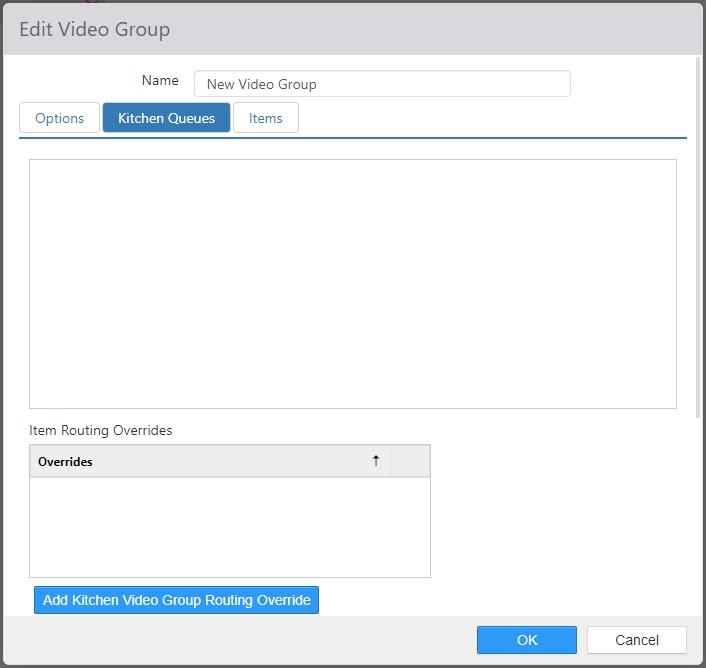
- Kitchen Queues tab: Kitchen queues that contain the kitchen displays that are to display order items for this group.
-
Item Routing Overrides: Defines an alternate set of kitchen queues to route to when the order meets certain criteria.
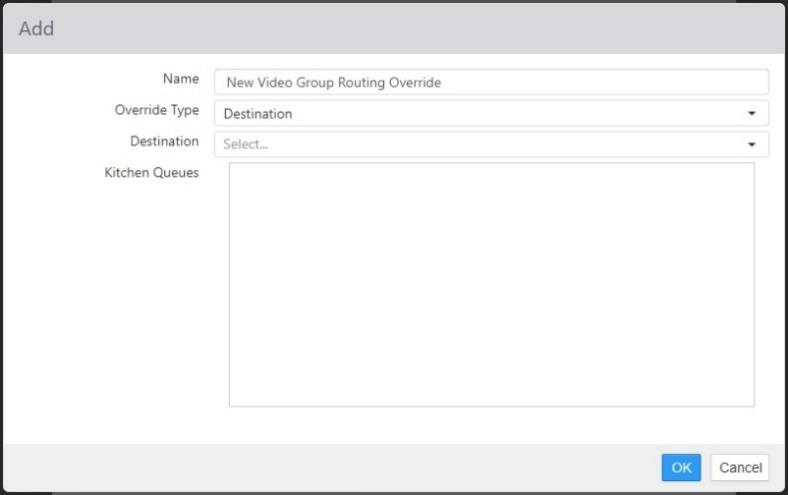
- Name: Name of the override
- Override Type:
- Destination: Reroutes order to a specific destination.
- Item: Re-routes order when the selected items exist in the list of sent order items.
- Item Group: Re-routes order when any of the sent order items exist within a specific item group.
- Register: Re-routes orders placed on specific registers.
- Section: Re-routes orders placed in specific sections.
-
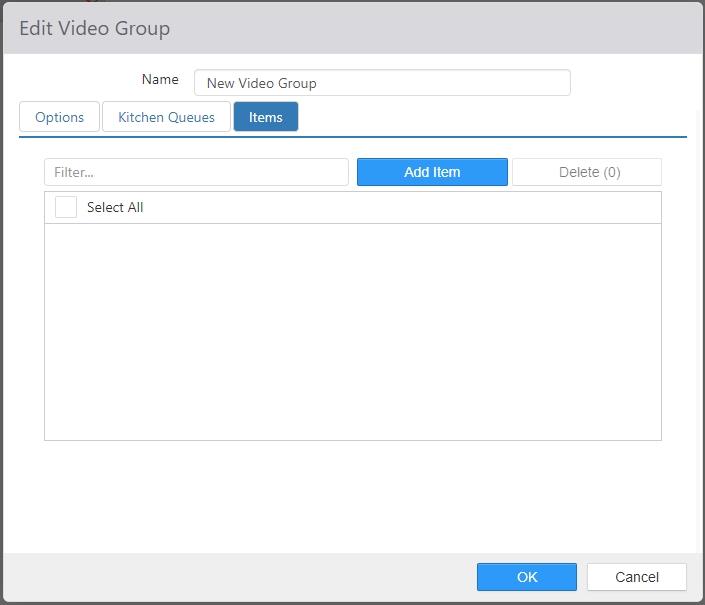
- Items tab: Items set to route to this video group.
Void Reasons
Refund reasons are listed for the employee to choose when the 'Refund' button behavior is executed.
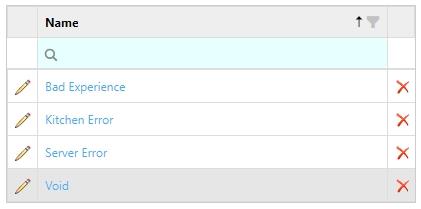
To add a new refund reason, click Add. To edit an existing refund reason, click its name in the list.
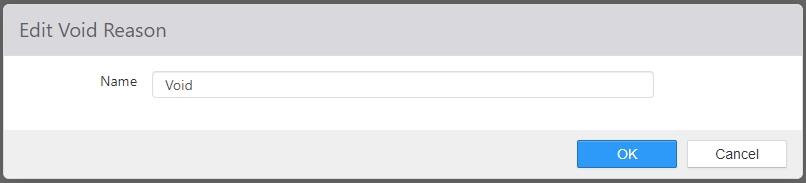
- Name: Name of the void reason.
