Customer & Prepaid Item
Customer
The Customer tab contains controls for setting the default values for new customer signups.
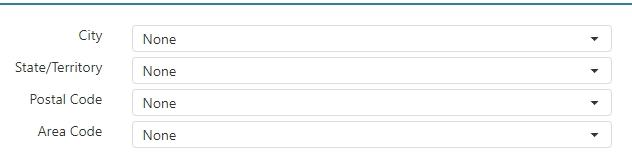
- City: Default city for new addresses added to a customer record.
- State: Default state/province for new addresses added to a customer record.
- Zip Code: Default zip/postal code for new addresses added to a customer record.
- Area Code: Default area code for new phone numbers added to a customer record.
Prepaid Item
The Prepaid Item tab controls access information for prepaid item processors.
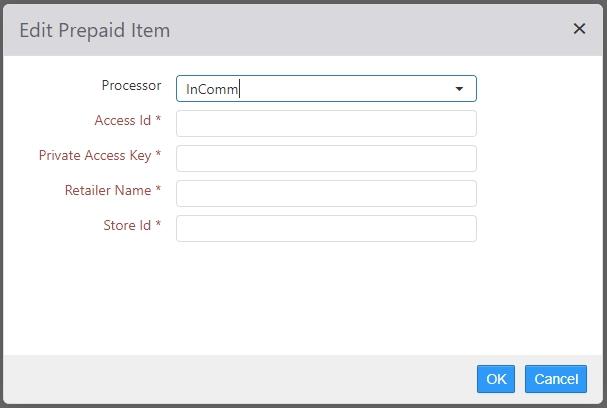
- Processor Type:
- None: Prepaid items are not allowed.
- InComm: Prepaid items are processed through InComm (http://www.incomm.com/)
- Access ID: Provided by InComm.
- Private Access Key: Provided by InComm.
- Retailer Name: Provided by InComm.
- Store ID: Provided by InComm.
