Promotion & Comp Card
Promotion
The Promotion tab contains controls for promotions.
General
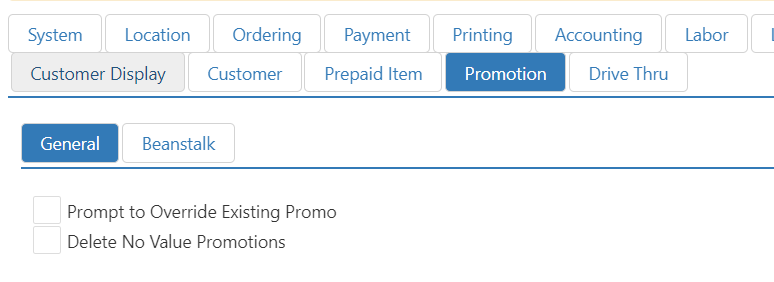
- Prompt to Override Existing Promo: Allows the cashier to manually override an existing promo price.
- Delete No Value Promotions: When enabled, this feature automatically removes any promotion from the order whose value has been recalculated to $0.00. This eliminates the need to manually sift through promotions with zero value, saving time and simplifying the checkout experience.
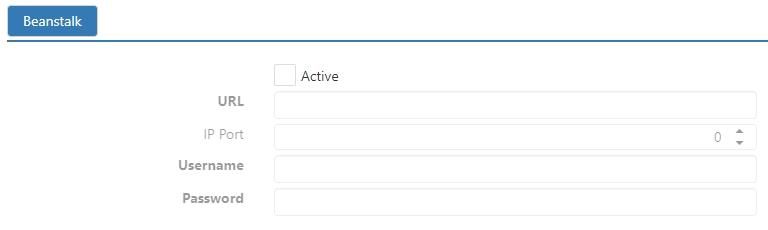
Beanstalk Tab
Contains controls for Beanstalk promotions.
Comp Card
The Comp Card tab contains controls for Paytonix Comp Card.
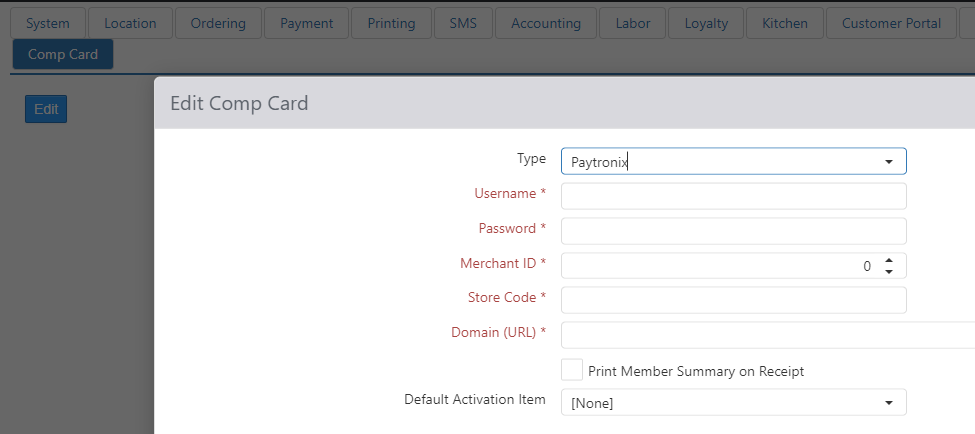
If configured with Paytronix to offer Comp Cards to guests, the POS will now support the ability to load/activate a card at the register. Comp Card Integration type must be configured first.
Then in Settings Editor, a new Item will be required for each Comp Card type you have configured with Paytronix (examples of Item Name: Guest Relations, Charitable Donations). See Item dialog > Options tab.
