Menus, Menu Categories & Menu Items
Menus
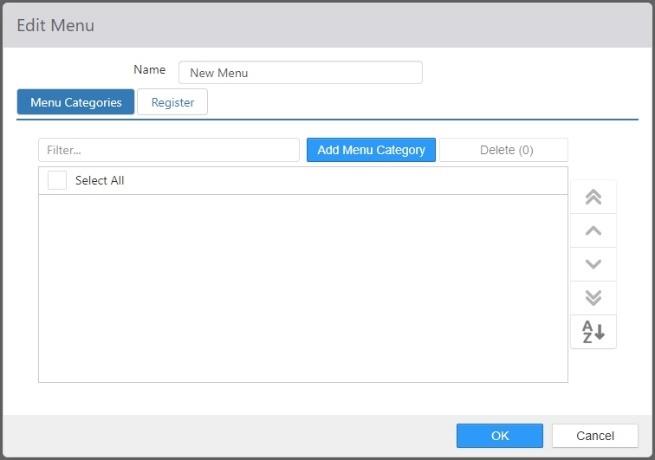
Menus are used to present categorized menu items to the employee on the Register, or to the customer on the Customer Portal.
-
Name: Name of the menu.
-
Menu Categories: Menu categories included on the menu, sorted in the order the categories are to be displayed.
-
Register tab:
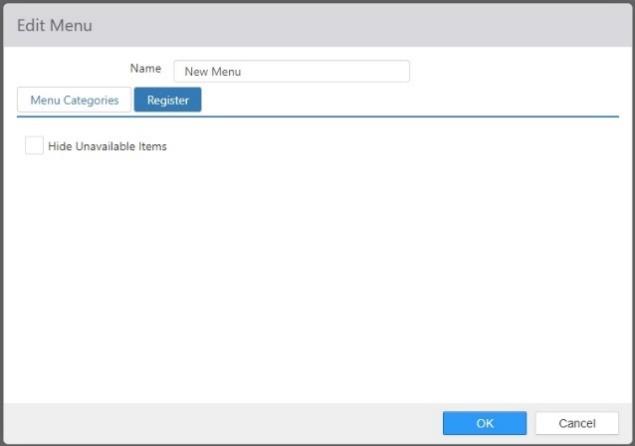
- Hide Unavailable Items: Check this box to have the register hide ordering controls for items that are not currently available.
Menu Categories
Menu categories are used to group menu item within one or more menus.
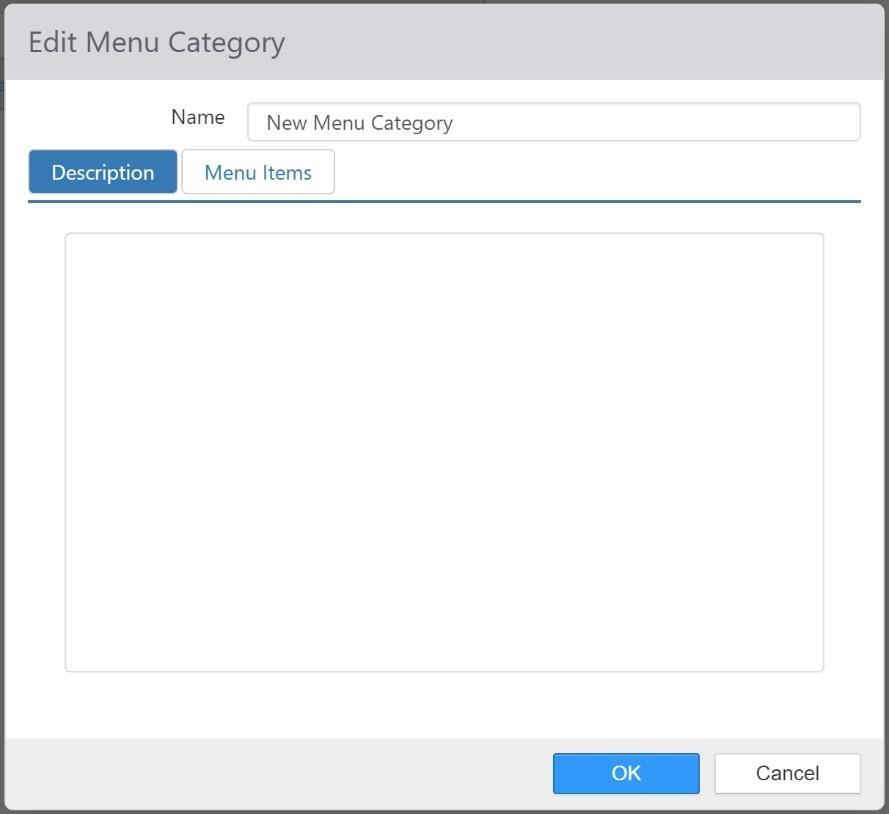
- Name: Name of the menu category.
- Description tab: Description that appears above the menu items in Customer Portal.
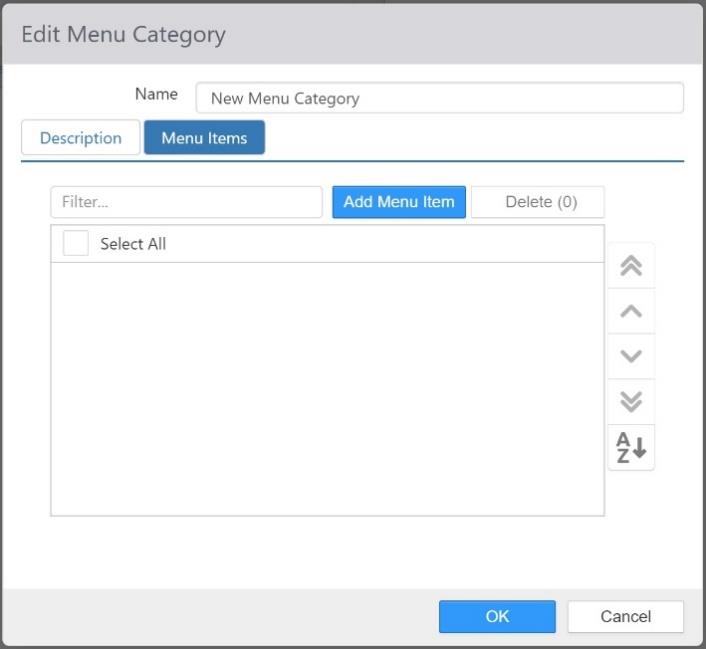
- Menu Items tab: Menu items in the menu category, sorted in the order in which they are to be displayed.
Menu Items
Menu items are used in menu based ordering, and allow for offering alternate price and modifier groups.
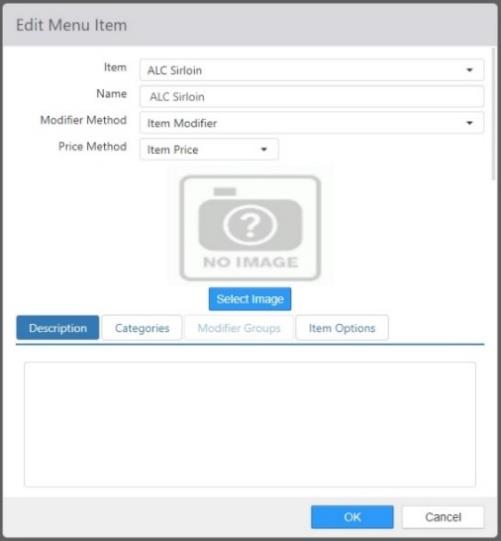
- Item: Item to be ordered when menu item is selected.
- Name: Name of the menu item.
- Modifier Method:
- Menu Modifiers: Use the modifier groups defined on the Menu Item.
- Item Modifiers: Use the modifier groups defined on the Item.
- Price Method:
- Menu Price: Use the price defined on the Menu Item.
- Item Price: Use the price defined on the Item.
- Image: Image that is displayed in Customer Portal.
- Description tab: Description that is displayed in Customer Portal below the name.
- Categories tab: Menu categories that the menu item belongs to.
- Modifier Groups tab: Modifier groups to be used when the Modifier Method is set to Menu Modifiers.
- Item Options tab: Provides the ability to select from a list of items to order in Customer Portal.
- Item: Item to be ordered.
- Display Name: Label to be displayed beside the radio button.
- Position: Sort position of the item option.
