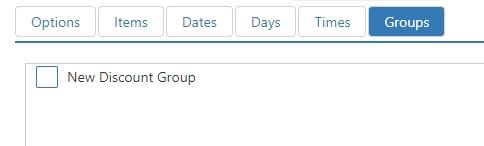
Discount Groups & Discounts
Discount Groups
Discount groups are used to report cumulative totals for discounts (see Discounts) of similar types on the Discount Group report.
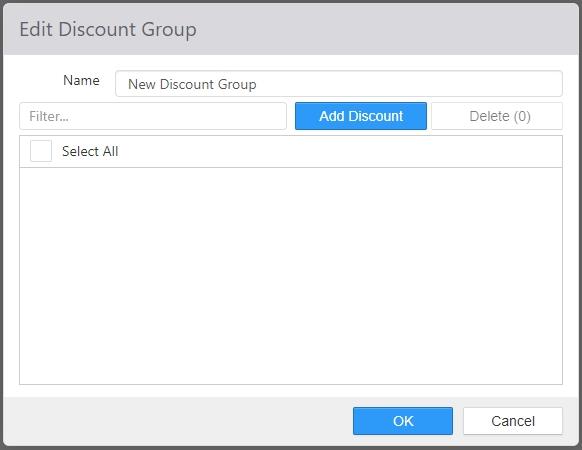
- Name: Name of the discount group.
- Selected: Selected discounts, which appear on the right, are included in the discount group.
Discounts
A discount can be applied to an order to reduce the price of order items or modifiers.

New discounts are created by clicking the Add button. Existing discounts can be edited by clicking their name in the list.
-
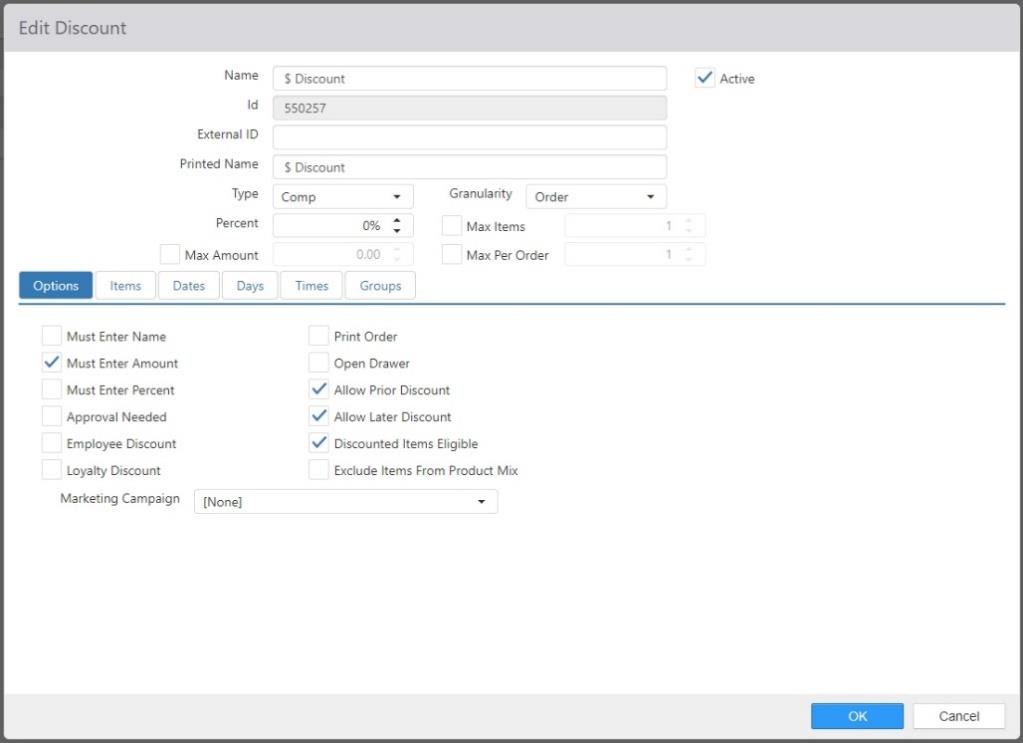
Name: Name of the discount.
-
External ID: External identifier for mapping to loyalty rewards in external loyalty providers.
-
Printed Name: Name to be displayed on the receipt when discount is applied to an order.
-
Active: Discount can be applied to orders.
-
Type:
- Comp: Reduces order item price by percentage of the current order item price.
- New Price: Reduces order item price to a specific amount.
-
Granularity:
NOTE: This drop-down list only appears if Type is set to Comp.- Items: Order items or modifiers to which the discount will be applied must be selected prior to applying the discount.
- Order: Discount will be applied to all qualifying order items or modifiers.
-
Percent/New Price: The percentage of the current price to be reduced (if Type is Comp) or the new price to which the item will be set (if Type is New Price).
-
Max Items: Maximum number of items or modifiers to which the discount can be applied.
-
Max Amount: Maximum total dollar amount of the discount across all order items and modifiers to which it is applied.
NOTE: This control only appears if Type is set to Comp. -
Max Per Order: Maximum number of times the discount can be applied to an order.
Options Tab
- Must Enter Name: Employee will be prompted to enter a name to be attached to the discount.
- Must Enter Amount: Employee will be prompted to enter a total dollar amount for the discount.
- Must Enter Percent: Employee will be prompted to enter a percent for the discount.
- Approval Needed: Discount can only be applied/authorized by an employee with Security Level > Approve Discount enabled.
- Employee Discount: Discount can only be applied by the `Employee Discount' button behavior.
- Loyalty Discount: Discount can only be applied via the redemption of a loyalty reward. This also identifies a Discount associated with a Comp Card (see Item dialog > Options tab).
- Print Order: Print order receipt when the discount is applied.
- Open Drawer: Open the employee's cash drawer when the discount is applied.
-
Allow Prior Discounts: Discount can be applied to order items or modifiers that
previously had another discount applied.
NOTE: When this option is unchecked, the discount cannot be applied to an order that has another discount already applied to it, regardless of the items or modifiers the discount is applied to. - Allow Later Discounts: Additional discounts can be applied to order items or modifiers reduced by this discount.
-
Discounted Items Eligible: Discount can be applied to order items and modifiers that
previously had another discount applied.
NOTE: When this option is unchecked, the discount cannot be applied to order items or modifiers that already have another discount applied. - Exclude Items from Product Mix: Order items and modifiers to which the discount is applied are to be excluded from all product mix reports.
- Marketing Campaign: Marketing campaign to assign to the order when discount is applied.
Items Tab
Edit Discount dialog, Item tab
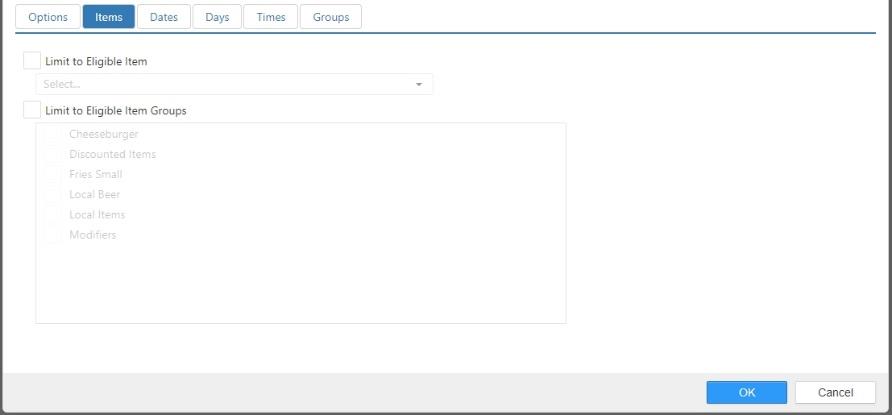
- Limit to Eligible Item: Only the selected item or modifier qualifies for the discount.
- Limit to Eligible Item Group: Only items or modifiers contained within the selected item groups qualify for the discount.
Dates Tab
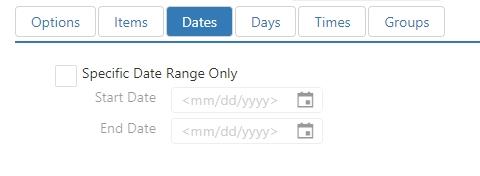
- Specific Date Range Only: Discount can only be applied during the specified date range.
- Start Date: The first day of the discount's date range.
- End Date: The last day of the discount's date range.
Days Tab
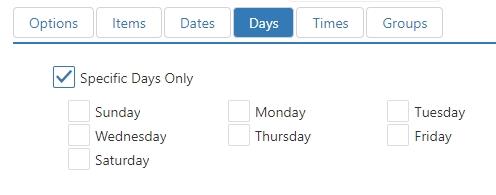
- Specific Days Only: Discount can only be applied on the selected days of week.
Times Tab
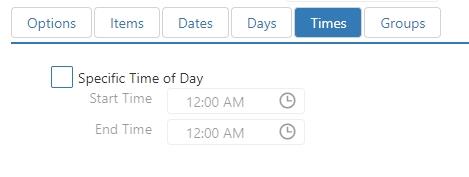
- Specific Times of Day Only: Discount can only be applied during the specific time period.
Groups Tab
Discount is reported in the selected discount groups.