Orders
The Orders section allows you to view open and pending orders and also to search orders.
Open Orders
The Open Orders page displays all orders that are currently open at the selected location.
Open Orders list
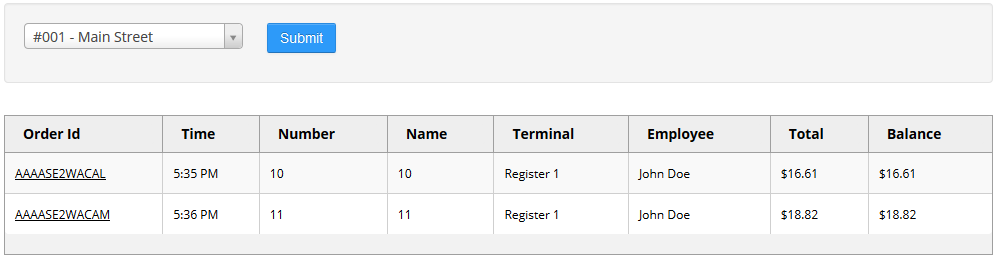
You can use the drop-down list to select the location you wish to view orders for.
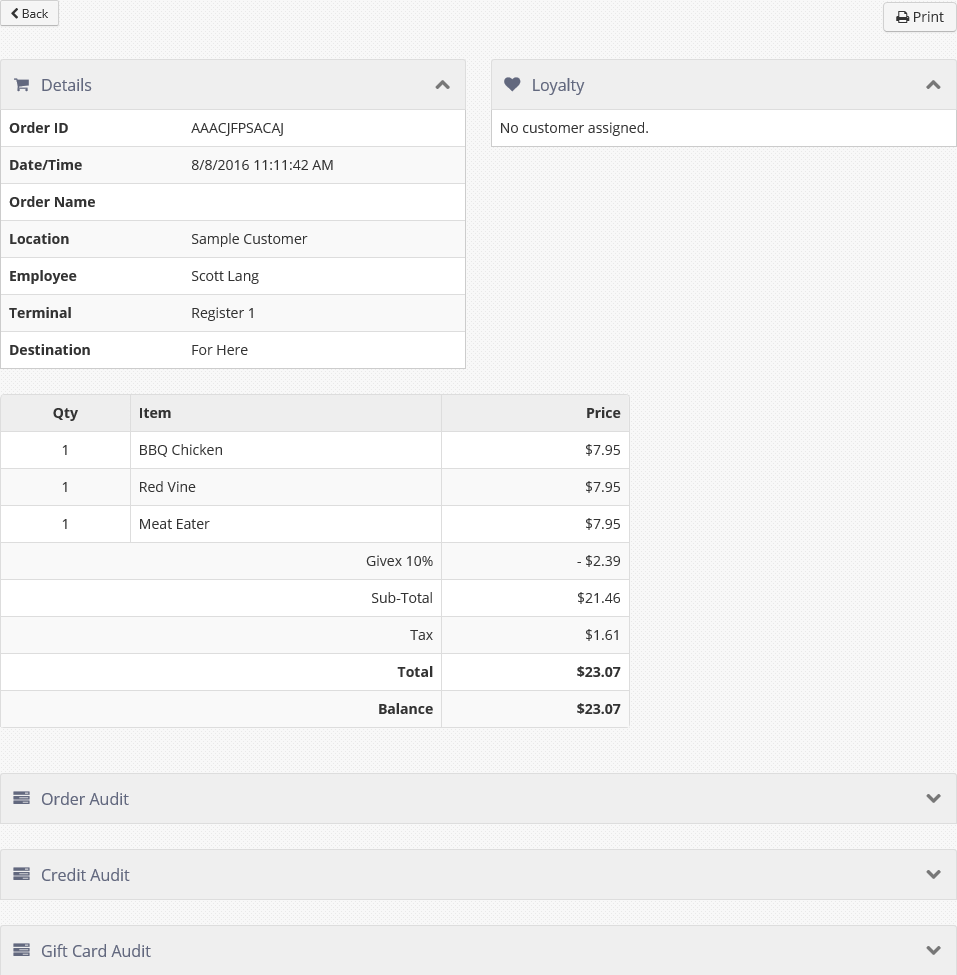
Clicking the Order Id opens an order detail page.
Order detail page
Pending Orders
The Pending Orders page lists all future orders for the selected location which have not been sent to the kitchen.
Pending Orders page
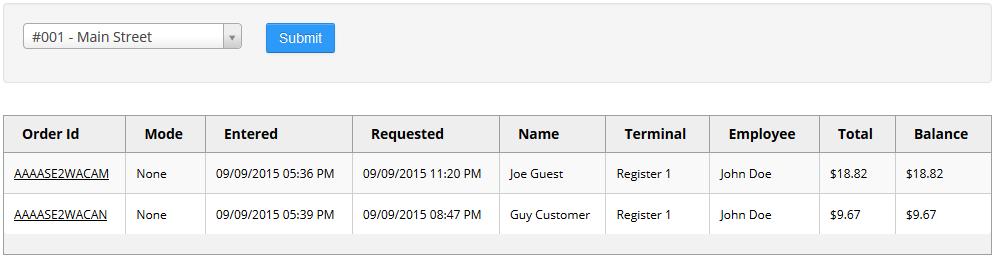
You can use the drop-down list to select the location you wish to view pending orders for.
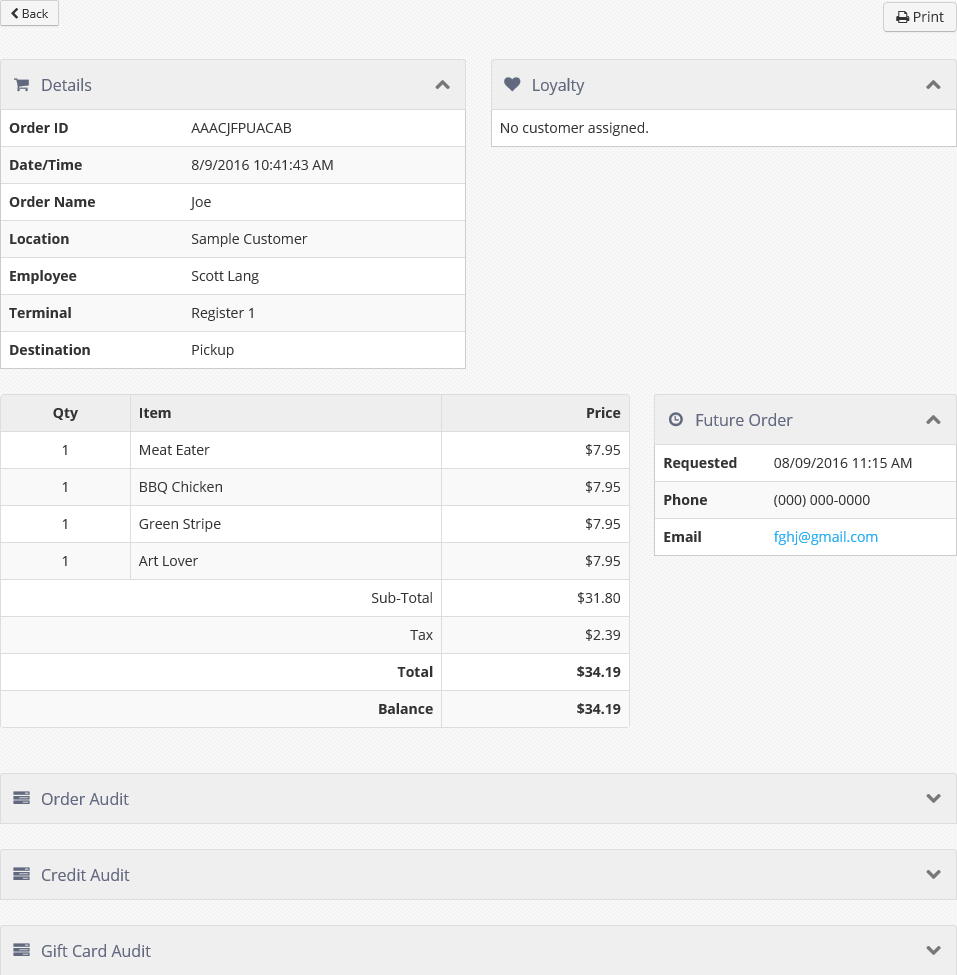
Clicking the Order Id opens a pending order detail page.
Pending order detail page
Search Orders
The Search Orders page allows you to search both open and closed orders, for all locations or only selected locations, for the selected date range. Select the locations you wish to search and set the date range with the appropriate controls, then click Submit. The results are displayed in the list below.
Search Orders page after search has been run
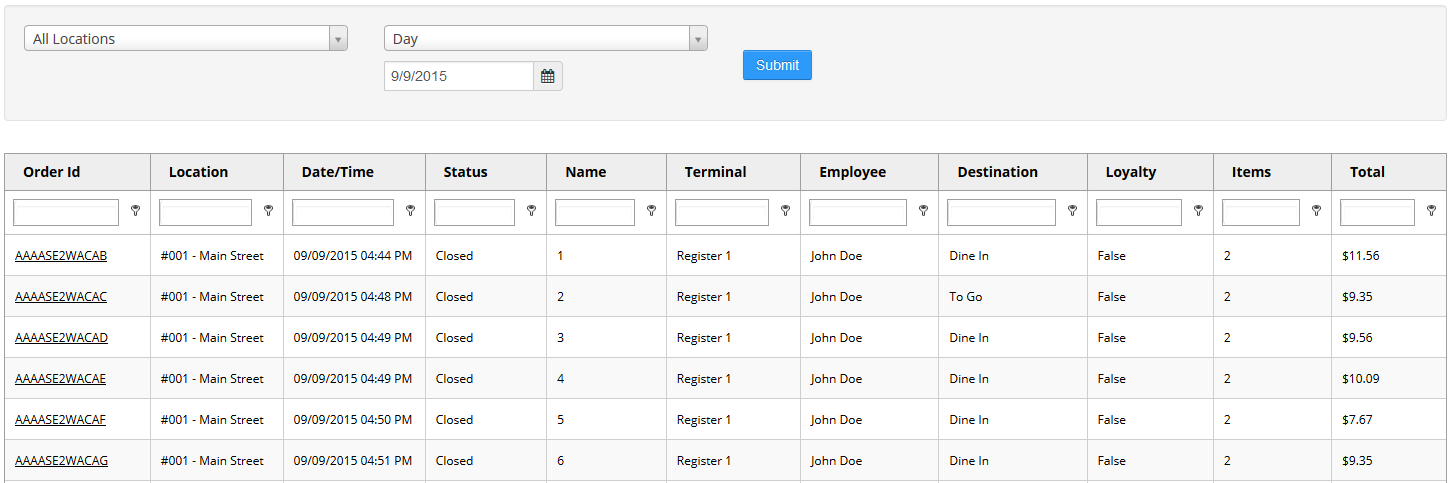
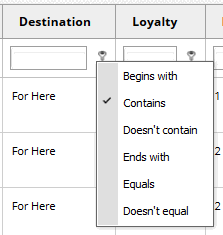
The data can be filtered using the filter row directly below the column header row.
Filtering options
Clicking an Order Id opens the order detail page (see Open Orders and Pending Orders).
