Configuration: General Settings & Custom Fields
General Settings
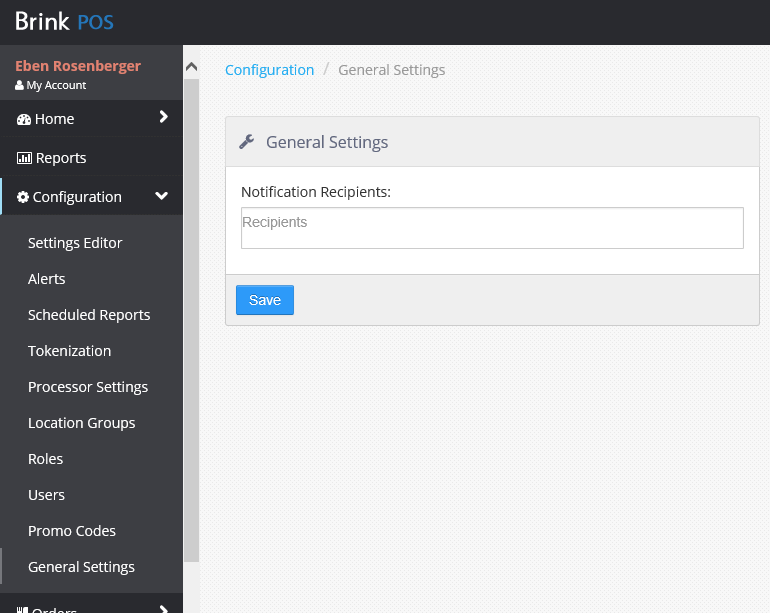
The General Settings page contains the Notification Recipients list control. Email addresses entered into this list will be notified of PAR POS system upgrades and notifications. There is no limit to the number of email addresses that can be entered, but each email address must be entered on its own line.
General Settings page
Custom Fields
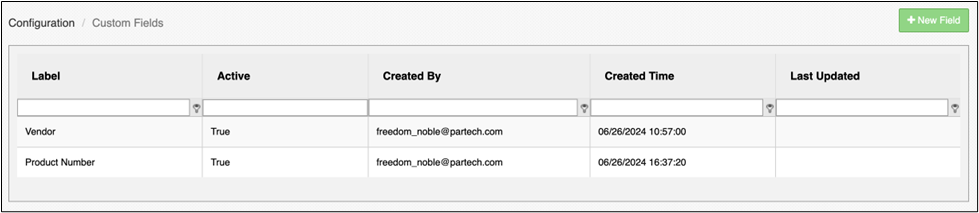
The Custom Fields section (Admin Portal > Configuration > Custom Fields) allows the user to view a list of all configured custom fields and add new custom fields:
Adding a Custom Field
-
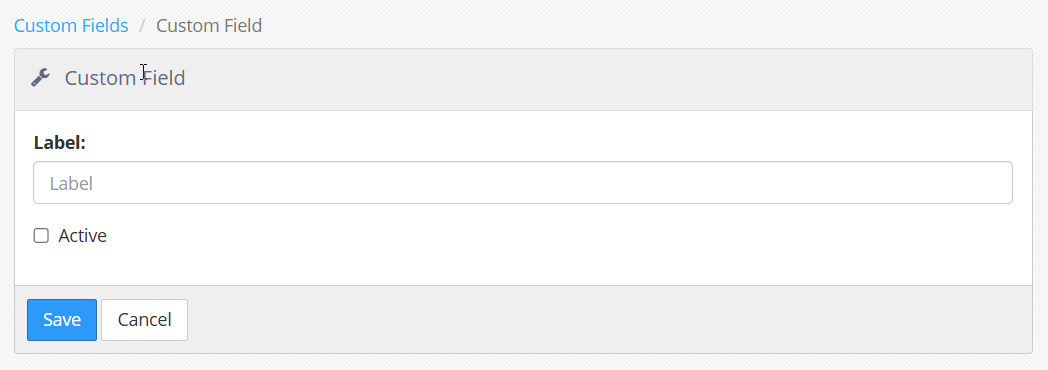
Select the + New Field button.
-
Populate the Label and check the Active checkbox.
-
Click Save when complete.
Applying a Custom Field to an Item or Promotion
-
Navigate to Settings Editor > Items/Promotions.
-
Select an item/promotion from the displayed list to edit.
-
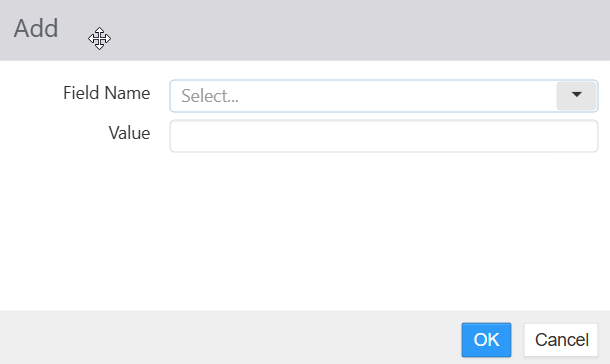
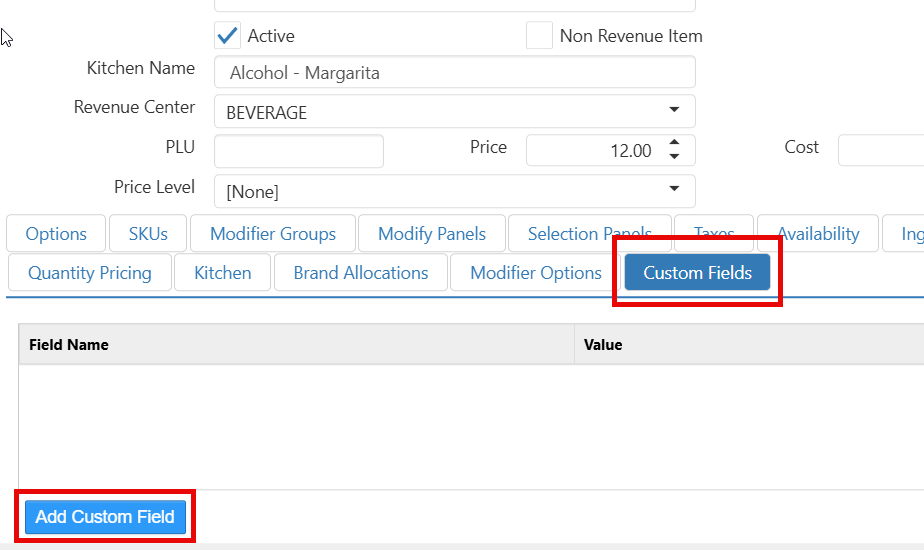
Select the Custom Fields tab and click Add Custom Field.
-
Select a Field Name from the dropdown and populate the Value field.
-
Click OK to save changes.