How Do I Undo a Checkout?
Open Undo Checkout
-
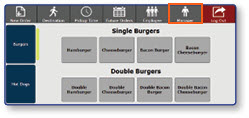
Once logged in to the register, select the Manager button.
-
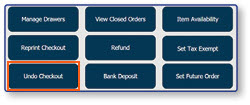
Select Undo Checkout.
Select Checkout to Undo
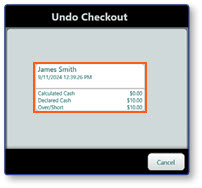
- Select the Checkout that you would like to undo.
Note: You can verify that the checkout has been reopened by returning to the Manager Functions menu and selecting the Manage Drawers button.
