How Do I Edit a Checkout?
Open Undo Checkout
-
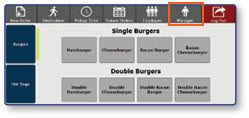
Once logged in to the register, select the Manager button.
-
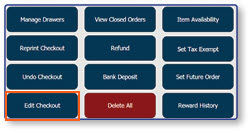
Select Edit Checkout.
Edit the Desired Checkout
-
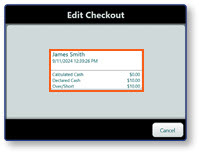
Select the Checkout that you would like to edit.
-
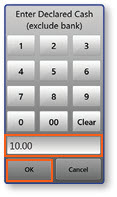
Enter the correct cash drawer amount on the Enter Declared Cash Pop-Up window.
-
Select OK.
-
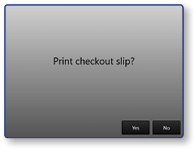
Select Yes to print a checkout slip if desired.