How Do I Enter the Daily Deposit on the Register?
Open Bank Deposit
-
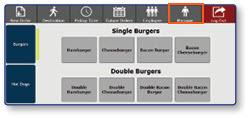
Once logged in to the register, select the Manager button
-
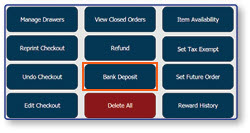
Select Bank Deposit
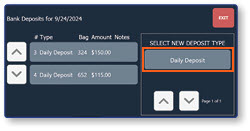
Select the New Deposit Type
- Select Daily Deposit from the pre-configured list of deposit types
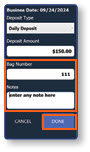
Create a New Daily Deposit
-
Select Deposit Amount
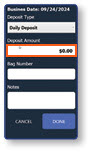
-
Enter the amount in the pop-up window
-
Select OK
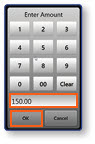
-
Enter Bag Number
-
Enter Notes if applicable
-
Select Done