How Do I Reprint a Checkout?
Open Reprint Checkout
-
Once logged in to the register, select the Manager button.
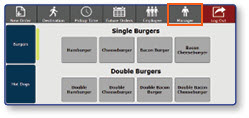
-
Select Reprint Checkout
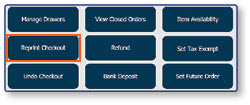
Select Report to Reprint
- Select the Report that you would like to reprint
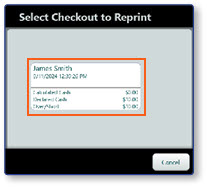
Note: Check Out Reports can only be reprinted for the current day. Once the day's shifts are over, these reports can no longer be accessed for reprinting.
