How Do I Apply Partial Payments to an Order?
Enter the first Tender Amount
-
Select Pay/Close to open the Tender menu

-
Apply the first tender amount to the order
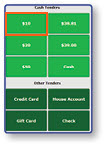
Note: This example uses a $10 cash tender, but partial payments can be applied using any available payment type.
-
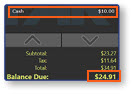
The partial payment will be applied to the order, and the remaining Balance Due will display in the order window
Enter Additional Tender Amounts
-
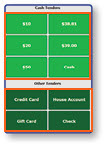
Apply additional tender to the order to satisfy the remaining balance
-
Once the remaining balance has been paid, the order will complete and the order will close
