How Do I Apply a Promotion?
Promotions allow us to specify the items that need to be included in an order to qualify for a discount. They can also be applied using a coupon code. This guide will show two different methods to apply a promotion.
Method 1: Apply a Pre-Configured Promotion
-
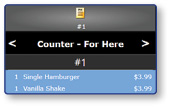
Once logged in to the register, ring in the items that qualify for the promotion.
-
Select Pay/Close

-
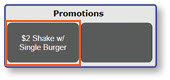
Select the Pre-Configured Button for the promotion to apply it to the order
Note: The items needed to satisfy a promotion must be ring into the order before a promotion can be applied.
Method 2: Apply a Promotion Using a Code
-
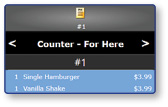
Once logged in to the register, ring in the items that qualify for the promotion.
-
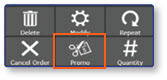
Select the Promo button
-
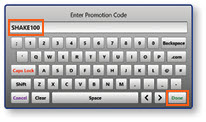
Enter the Promotion Code
-
Select Done