How Do I Terminate an Employee?
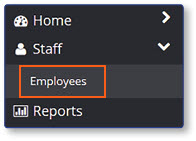
Select Employees
- Select Staff
- Select Employees
Select the Employee
-
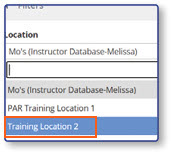
Select the Location from the dropdown list
-
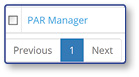
Select the name of the employee you would like to edit
Mark Employee Terminated
-
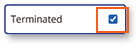
Select the Terminated box
-
Select Save

Note: The employee has now been terminated and will no longer be able to access the register.
