How Do I Edit or Remove a Job?
Edit a Job
-
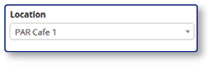
From the Jobs landing page, select a Location
-
Select the Name of the Job
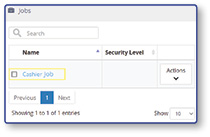
Note: The Job settings screen will open, allowing edits to the Job.
Remove a Job
-
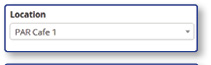
From the Jobs landing page, select a Location
-
On the line of the Job:
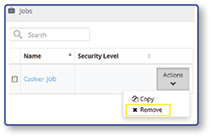
- Select Actions
- Select Remove
- Select Yes
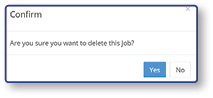
Note: The Jobs landing page will be displayed with a message stating "Job Successfully Deleted"
