How Do I Change an Employee's PIN?
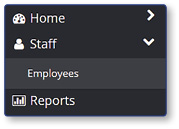
Select Employees
- Select Staff
- Select Employees
Select the Employee
-
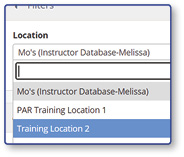
Select the Location from the dropdown list
-
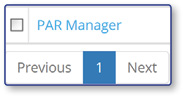
Select the name of the employee you would like to edit
Change the Employee's PIN
-
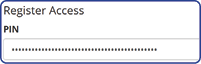
Locate the Register Access Section
-
Highlight and delete the existing PIN
-
Type in a new PIN
-
Select Save

Note: The employee can now log into the register using their updated PIN.
