How Do I Split an Order?
Open the Split Order menu.
-
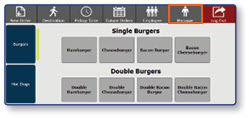
Select the Manager button to enter the manager functions menu.
-
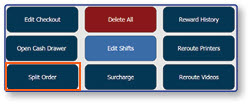
Select Split Order.
Move items to a new check.
-
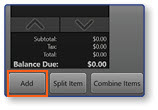
Select Add, and an additional check will appear.
-
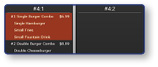
Select the Items to be added to the new check.
-
Click inside the new check to move the selected items.
-
Select Done.
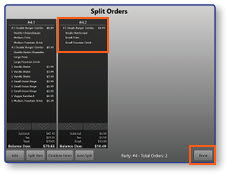
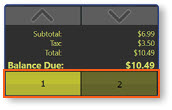
Note: Back on the main screen, the two separate orders will become togglable in the order window.