How Do I Apply a Surcharge?
Open the Surcharge Menu
-
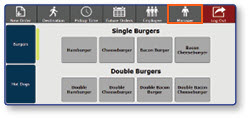
Once logged in to the register, select the Manager button
-
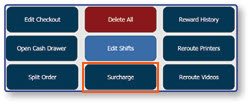
Select Surcharge
Apply a Surcharge
-
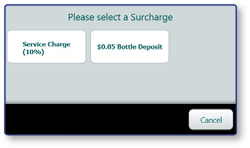
Select the desired Surcharge from the pre-configured options
-
The surcharge will be applied and display in the order window
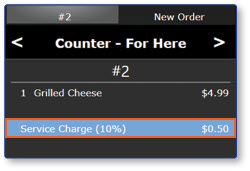
Note: Some stores have a surcharge that is automatically applied. When the eligible items are added to the order, the surcharge will appear in the order window.
