How Do I Run Reports on the Register?
Open Manager Reports
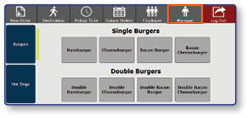
- Once logged in to the register, select the Manager button
Run Reports from the Menu
-
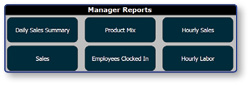
Under Manager Reports, there are a variety of reports to choose from that provide information about the current business day.
-
Reports can be filtered using the navigation buttons at the bottom of the screen.
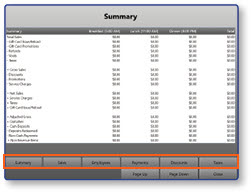
Note: Some manager reports can be printed, while others can only be viewed onscreen. Reports that can be printed will have a Print button in the bottom righthand corner.
