How Do I Perform Cash Ins & Outs?
Open the Manage Drawers Menu
-
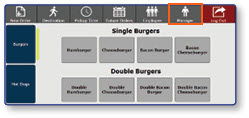
Once logged in to the register, select the Manager button
-
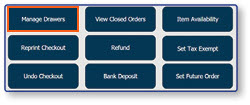
Select Manage Drawers
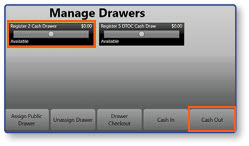
Select Cash In or Cash Out
- Select the drawer you wish to add or subtract cash from
- Select the Cash In button to add a cash amount to the drawer, or select the Cash Out button to subtract a cash amount from the drawer
Note: The remaining steps in the process will be the same for both functions.
Enter Transaction Details
-
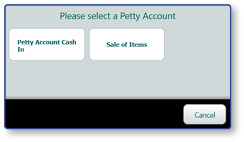
Select the appropriate Petty Account from the pop-up window
-
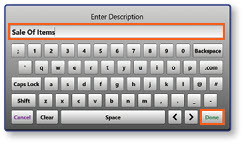
Enter a Description for the transaction
-
Select Done
Enter Transaction Amount
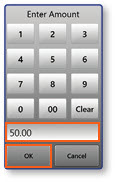
- Enter the cash Amount to add or subtract from the drawer
- Select OK
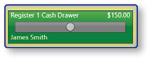
Note: The updated balance will be reflected in the top-right corner of the drawer's information.
