How Do I Reroute Videos & Printers?
Rerouting videos and equipment is necessary when equipment malfunctions or when the store needs to consolidate orders on either the counter or drive through side of the line. This guide will demonstrate how to reroute two pieces of equipment: Kitchen Queues (Videos) and Printers.
Option 1: Reroute Kitchen Queues
-
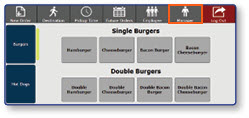
Once logged in to the register, select the Manager button
-
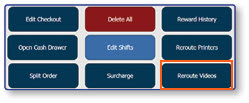
Select Reroute Videos
-
Select the desired target destination for each Kitchen Queue
-
Select OK
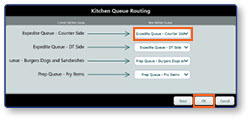
Note: To reverse the changes and return the Kitchen Queues to their original destinations, press the Reset button in the bottom righthand corner.
Option 2: Reroute Printers
-
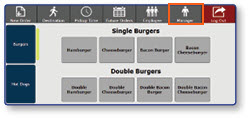
Select Manager to enter the manager functions
-
Select Reroute Printers
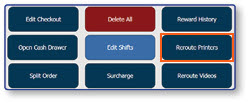
-
Select the desired target destination for each printer
-
Select OK
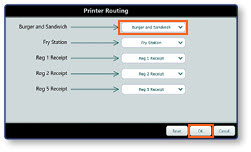
Note: To reverse the changes and return the printers to their original destinations, press the Reset button in the bottom righthand corner.
