How Do I Clock Out for Breaks?
Open the Employee Menu
- Once logged in to the register, select the Employee button
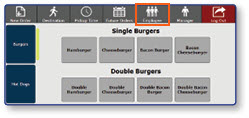
Start Break from Employee Menu
-
Select the Start Break button
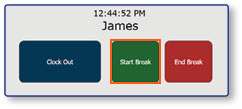
-
Choose the appropriate Break Type from the pop-up window
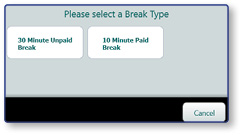
Note: This will begin your break and the system will return you to the login screen.
