How Do I Name an Order?
Open the Name Order Menu
-
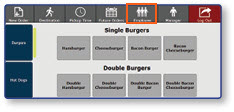
Once logged into the register, select Employee.
-
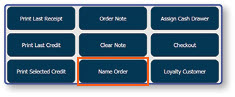
Select Name Order.
Enter the Order Name
- Enter the desired Order Name on the keypad.
- Select Done.
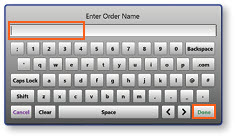
Note: The Order Name will display at the top of the order menu, and will also be printed on the customer's receipt.
