How Do I Add an Order Note?
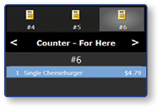
Select the Item to Modify
- Select the item that you would like to modify in the order window.
Enter the Order Note
-
Select Employee Functions
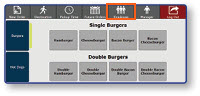
-
Select Order Note
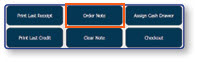
-
Enter the order note
-
Select Done
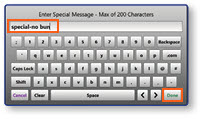
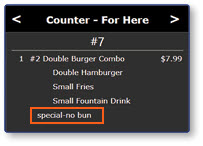
Note: The applied changes will be visible in the order window
