How Do I Change the Payment of a Reopened Order?
Enter the Manager Menu
- Once logged in to the register, select Manager
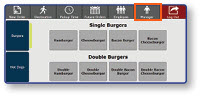
Note: The order you wish to reopen must have been taken on the current business date, and on the current drawer assigned in the register.
Reopen the Order
-
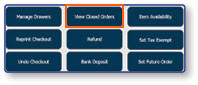
Select View Closed Orders
-
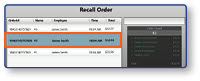
Select the appropriate order from the list
-
Select Reopen Order
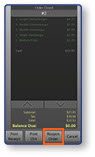
Note: The details of the order will be displayed on the left panel, along with the payment that was taken to tender the order.
Delete the Existing Payment
-
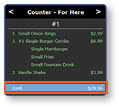
Select the payment inside of the order window
-
Select the Delete button
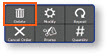
Note: Once the Delete button has been selected, the payment will be removed from the order and it can be paid out again with a different payment method.
