How Do I Search for Orders in Admin Portal?
Log In
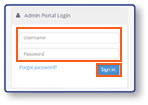
- Log in to the Admin Portal using your Username and Password credentials.
- Select Sign In
Open the Search Orders Screen
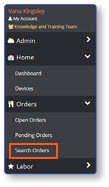
- From the sidebar, select Orders.
- Select Search Orders
Apply Filters
-
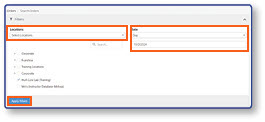
Select Location
-
Enter Date
-
Select Apply Filters
-
Review Orders
-
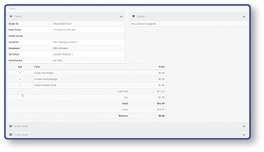
To view Order Details, select an Order ID.
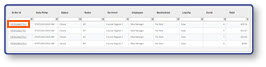
Note: After selection on Order ID screen will open that contains the order's information. Expand the Other Audit Info to view item and payment details.