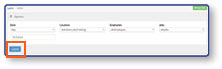
How Do I Edit Shifts in Admin Portal?
Log In
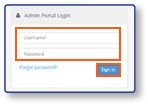
- Log in to the Admin Portal using your Username and Password credentials.
- Select Sign In
Open the Edit Shifts Screen
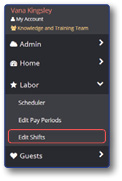
- From the sidebar, select Labor
- Select Edit Shifts
Note: While edits to shifts from previous dates can be made in the Admin Portal, all shift changes for the current date can only be edited on the POS register.
Select a Shift to Edit
-
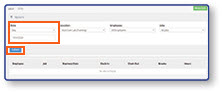
Enter Shift Date
-
Select Submit
-
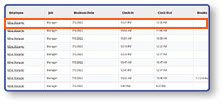
Select the desired Shift from the list
Edit Shift Details
- Edit Shift Details
- Select Reason
- Select Save
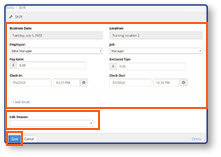
Note: When you have been returned to the Employee Shift screen, select the submit button and the shift will be updated.