How Do I Check the Status of a Device?
Log In and Select Location
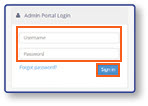
- Log in to the Admin Portal using your Username and Password credentials.
- Select Sign In
Open the Devices Screen
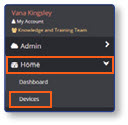
- From the sidebar, select Home.
- Select Devices
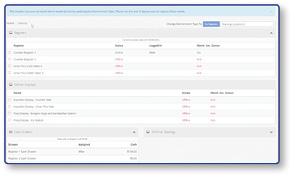
Note: The Devices screen provides a snapshot of the status of all devices in the store for the current day. The names and status of devices will be displayed onscreen.