Sending Push Notifications with Firebase Cloud Messaging
Every mobile application comes with an integration to Firebase from Google. If you do not yet have access to your Firebase project, please reach out to your Account Manager or open a ticket through one of our open a ticket
The Firebase integration (from v3.7.3) includes Cloud Messaging, which allows you to send push notifications to your mobile user base.
Sending a Push Notification
To send a push notification, log-in to the Firebase Console, select your Firebase project and click on Cloud Messaging in the left navigation bar.
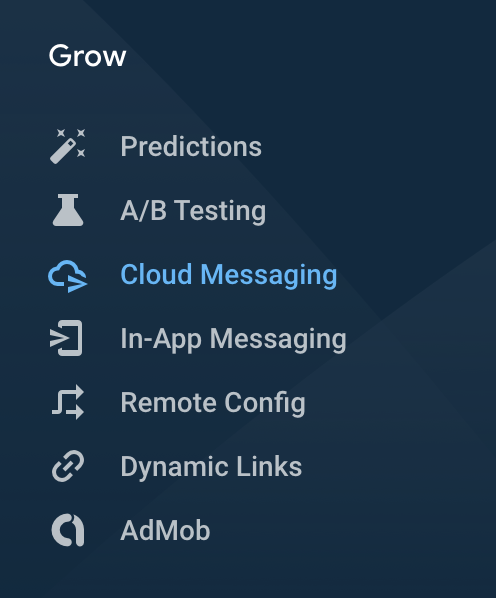
From there, click on New notification to start composing your notification.
For brands with GDPR opt-in: GDPR requires brands to receive an explicit opt-in from users to send them promotional / non-transactional push notifications. In the Target step of composing your push notification, select Topic and select the promoPushNotification topic.
This ensures that only users that have opted-in receive your push notification.
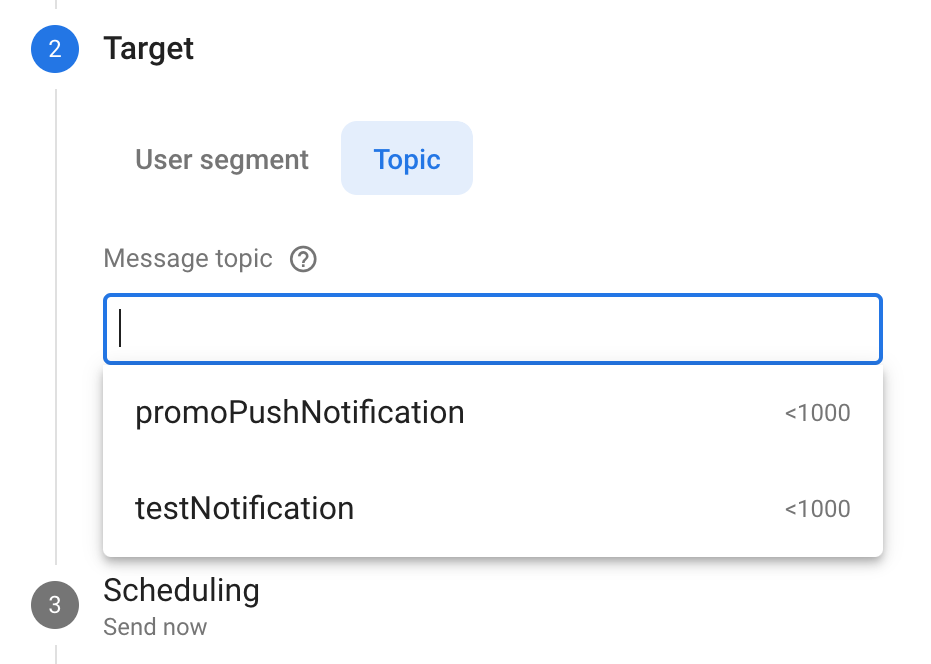
For brands with standard opt-in, this topic does not exist.
Review your push notification and when you are ready, you can publish it.
With Firebase's Audiences feature, you can create user segments based on their behaviour (app events) or user properties to fine-tune your target audience and send more personalized push notifications. You can read more about that here: https://support.google.com/firebase/answer/6317509
Deeplinking with a Push Notification
From v3.8.1, your app supports Deeplinking with a Firebase push notification. Deeplinking means that you can take your user directly to a specific place within your app when they tap on your push notification.
To deeplink to a certain place in your app with your push notification, in Step 5 (Additional options) of creating your push notification, in the Custom data section, add "custom" as a Key and the Firebase Deeplink Scheme as Value for that Key, like this:
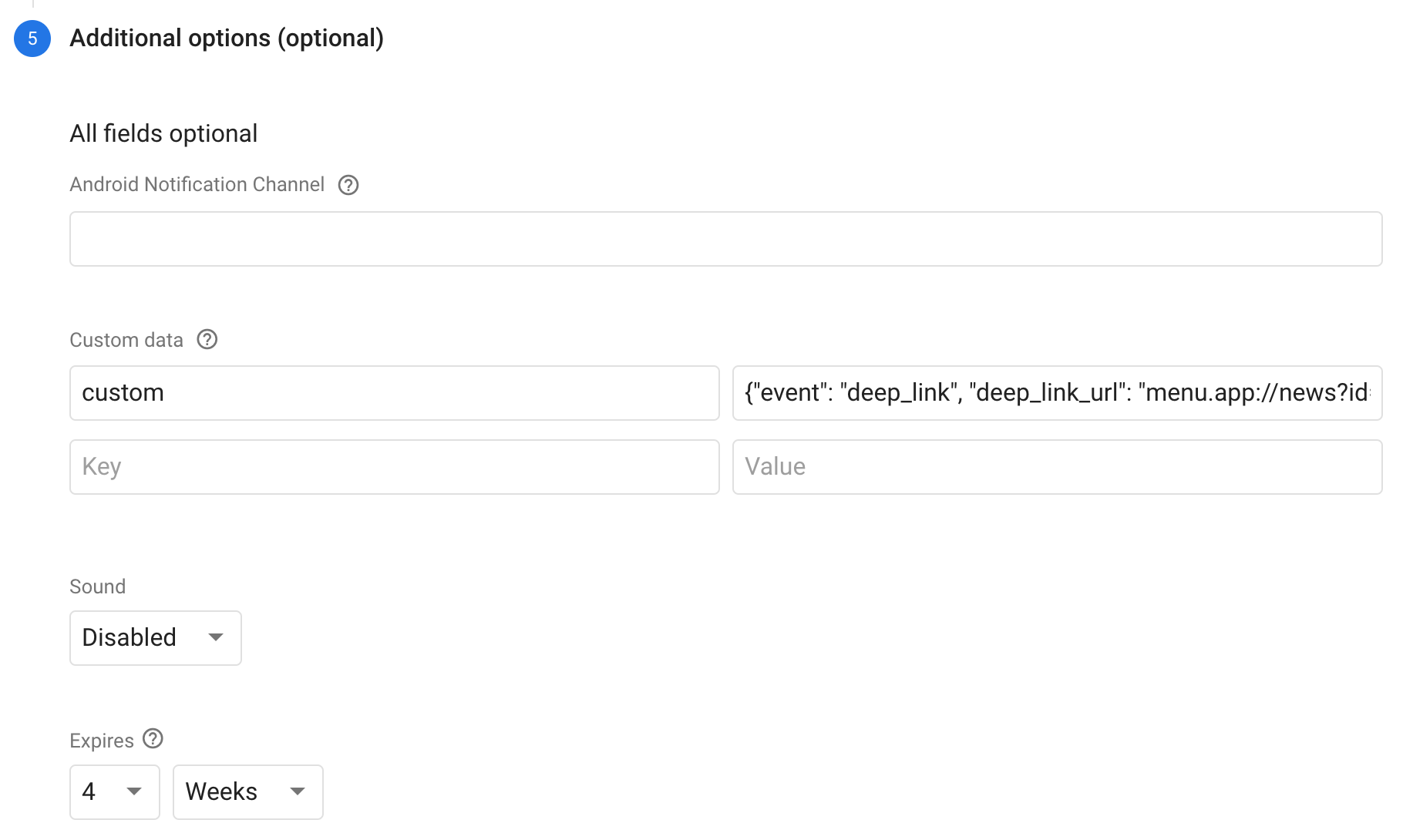
Please ensure that you replace menu.app:// with the URL scheme of your app. If you don't have this, reach out to your Account Manager directly or contact our Success Team here.
