Opening the iOS App-Rating Prompt
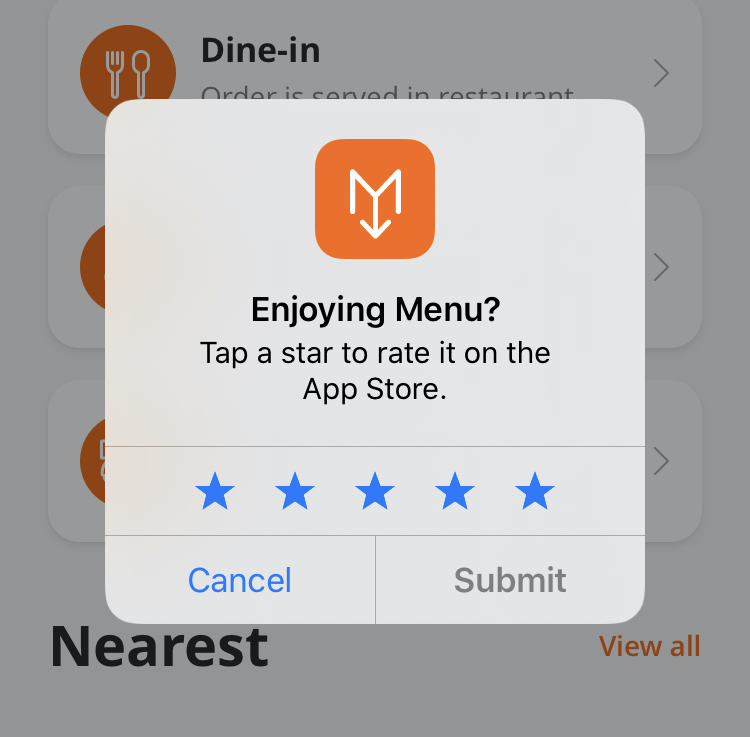
From Marketing Automation tools (like Braze) or from external websites / e-mails you can trigger your app to open iOS's in-app rating dialog to ask the user to rate your app in the App Store.
You'll need your app's URL scheme to do this. Please reach out to your Account Manager or open a ticket through one of our open a ticket if you don't have your URL scheme yet.
| Deeplink Scheme | [app-scheme]://rate |
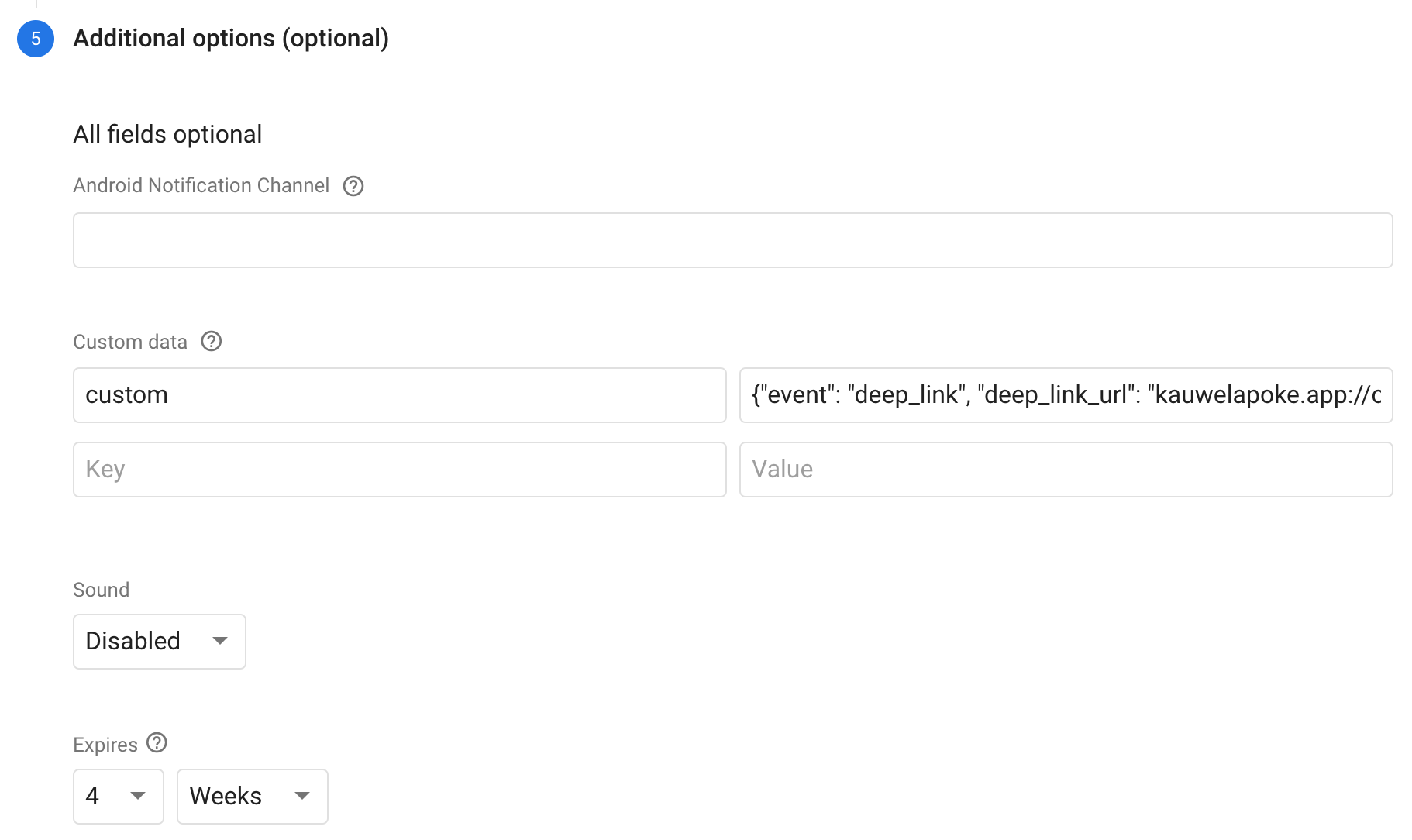
| Firebase Deeplink Scheme | {"event": "deep_link", "deep_link_url": "[app-scheme]://rate"} |
Create your deeplink / URL by replacing [app-scheme] with your app's URL scheme. It should end up looking something like this: kauwelapoke.app://rate
Opening this URL on a device that has your app installed will open the app and show the in-app rating dialog (as shown in the above picture).
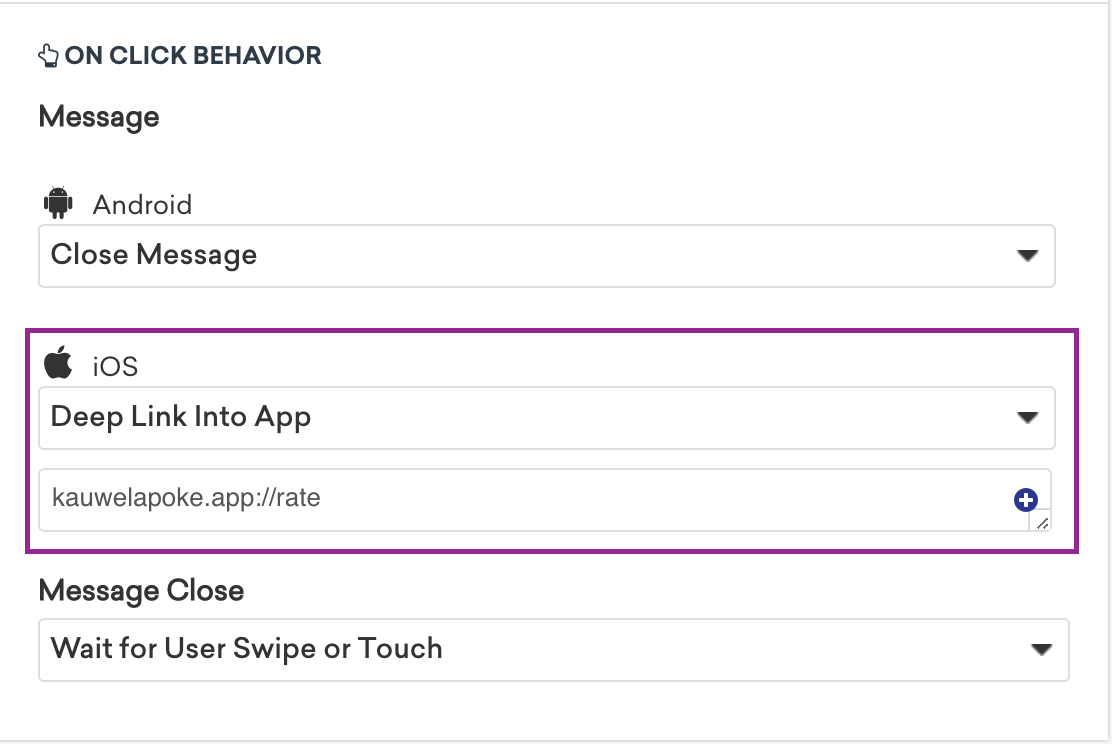
Braze
This is how the deeplink is configured in Braze:
Firebase
This is how the deeplink is configured in Firebase:
For more information on how to deeplink with a Firebase push notification, see Sending Push Notifications with Firebase Cloud Messaging
