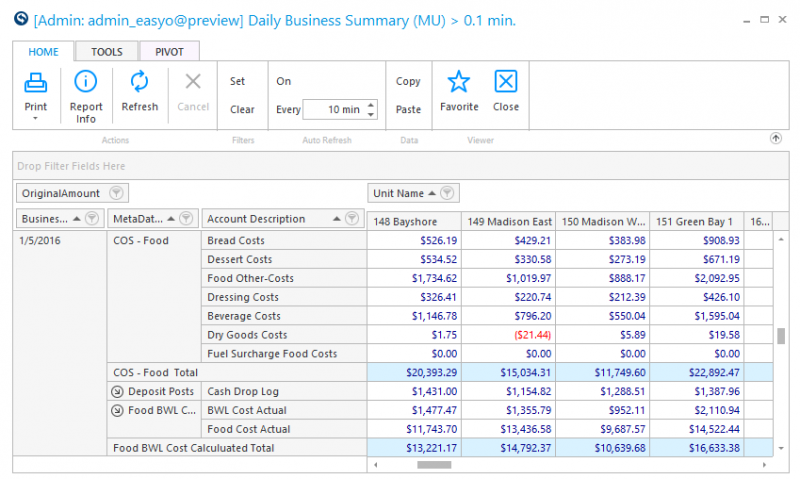
Daily Business Summary Pivot Simple Report
Use this report to view account values and origins of the account values.
 Quick Note: The ‘Budgeted’ and ‘Accounting’ origins do not show on this report.
Parameters
- Unit Group: Select Unit Group to view
- Unit: Select Unit to view
- From Date: Select Start Date to view from
- Through Date: Select End Date to view through
- Calendar: Select the calendar to use
- Meta Account: Select the Meta Account to view
- Account Reporting Groups: Select the Account Reporting Group to view
- Account: Select the account to view
- Date Rollup:
- Business Date: Show data by business date, sub period, period and sum total
- Sub Period: Show data by sub period, period and sum total
- Period: Show data by period and sum total
- Sum All: Show data as a sum total ONLY
- Smart Rollup (Unit): Select the level for data to roll-up based on the Smart Group hierarchy associated with the Unit Group field. None will show unit detail without the ability to organize by group.
- Store Open Days: Enter a value to limit the view to those units that are open a certain amount of days
- Show Comps Only: A check in this box will populate only those units that are comp units
- Use Common Currency: A check in this box will populate the report with one common currency