Revenue Centers, Scales, Scheduled Events & Screens
Revenue Centers
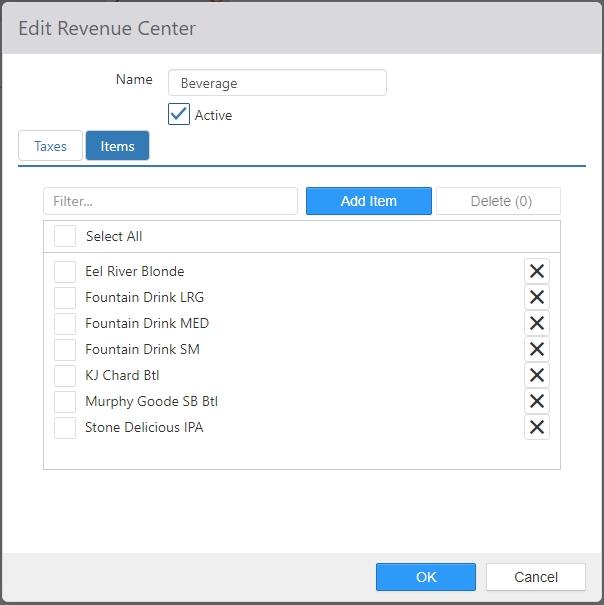
Revenue centers group items for reporting purposes and taxation; each item can only belong to a single revenue center.
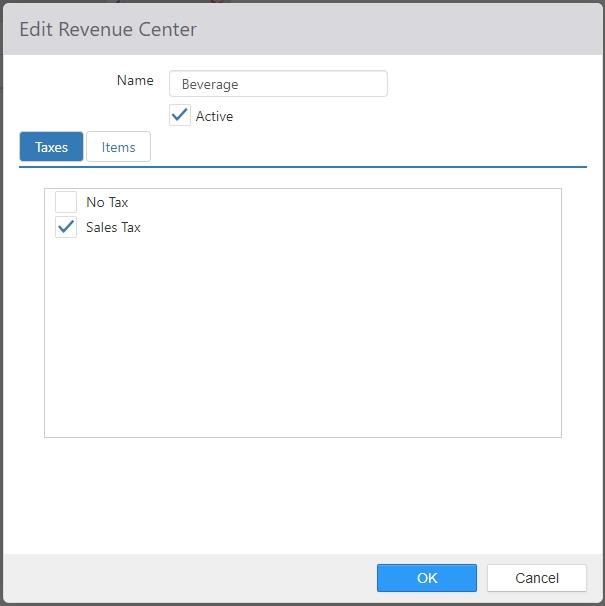
- Name: Name of the revenue center.
- Active: NO LONGER USED.
- Taxes tab: Taxes to be applied to items contained within the revenue center.
- Items tab: Items contained within the revenue center.
Scales
Scales are the weigh scale peripherals connected to the POS system.
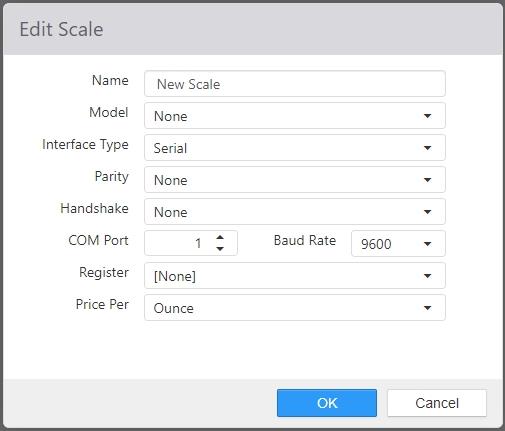
- Name: Name of the scale.
- Model: Brand and model of the scale.
- Interface Type: Interface type of the scale.
- Parity: Parity set on the scale.
- Handshake: Handshake set on the scale.
- COM Port: COM port number the scale is connected to.
- Baud Rate: Baud rate set on the scale.
- Register: The terminal the scale is physically connected to.
Scheduled Events
Scheduled events are system processes that run at a given time of day.
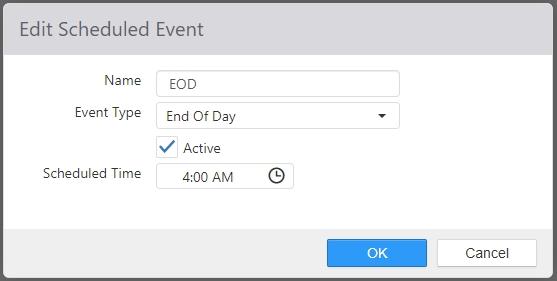
- Name: Name of the scheduled event.
- Event Type:
- End of Day: Run the end of day process.
NOTE: Currently, the only event type supported is End of Day.
- End of Day: Run the end of day process.
- Active: Scheduled event will be triggered.
- Scheduled Time: Local time of day the event is to be fired.
Screens
A screen is a collection of panels to be displayed when the screen is shown.
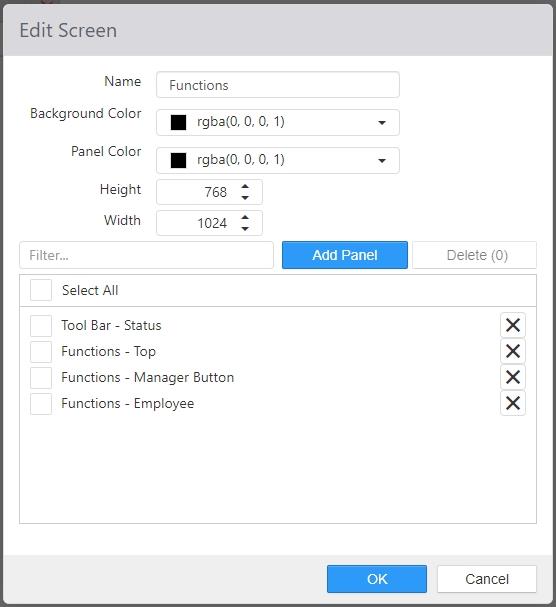
- Name: Name of the screen.
- Background Color: Background color of the screen.
- Panel Color: Default background color for panels displayed within the screen.
- Width: Width of the screen.
- Height: Height of the screen.
- Selected Panels: Panels to be displayed when the screen is shown.
