Tools
The Tools section gives you access to the End of Day tool and the Email Template tool.
Run End of Day
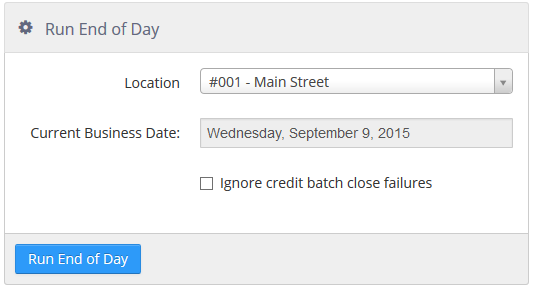
This tool lets an Admin Portal user initiate the end of day process at a location remotely.
Run End of Day tool
-
Location: drop-down to select location where end of day is run.
-
Current Business Day: shows the current business day.
-
Ignore credit batch close failures: when checked, batch close failures are ignored.
NOTE: At least one Register must be online in order to initiate the end of day process via the Admin Portal. This is to ensure that an offline store does not have transactions that need to be synchronized to the PAR POS data center.
Send Email Template
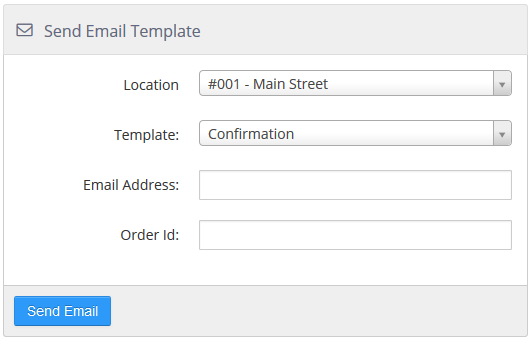
With this tool, an Admin Portal user can send an email template for testing purposes or to resend an email to a particular customer.
Send Email Template tool
-
Location: Location from which the email is to be sent.
-
Template: Email template defined in Settings Editor to send.
-
Email Address: Email address of the recipient.
-
Order Id: Order ID of the order to use when the email template includes order details.
