Logging In & My Account
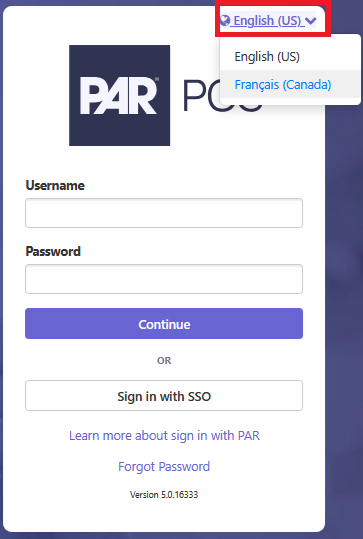
To Change the Administrator Portal to the French Language
To change the Administrator Portal, Settings Editor, and Reports to show in the French language, you will update the language drop-down from the login screen.
When the system administrator creates your Administrator Portal user account, you will receive an email with a link to the Administrator Portal and your login credentials.
NOTE: The Administrator Portal URL you receive may be unique to you. Be sure to bookmark it for future use.
Administrator Portal Login screen
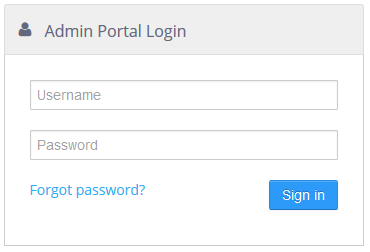
When you log in for the first time, you may be required to change your password before being able to continue. Also, you may be required to change your password on a regular basis.
NOTE: If you forget your password, you can click the Forgot password? link on the login page to request an email containing instructions on how to reset your password.
My Account
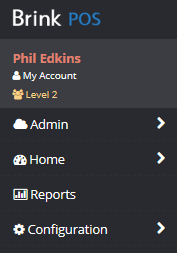
Select the My Account link at the top of the navigation panel to get to the account options.
My Account link
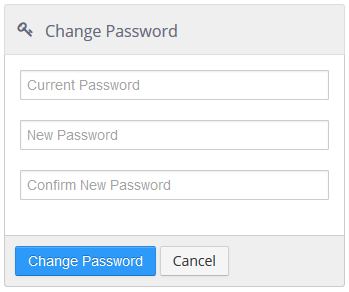
Change Password
Allows the current Admin Portal user to change the password on their account.
Change Password tool
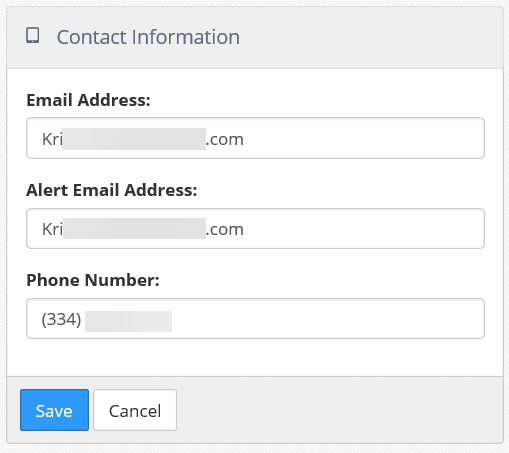
Contact Information Preferences
This includes your email address and the email address that you would like alert notifications to be sent to. These can be the same.
Alert Preferences tool
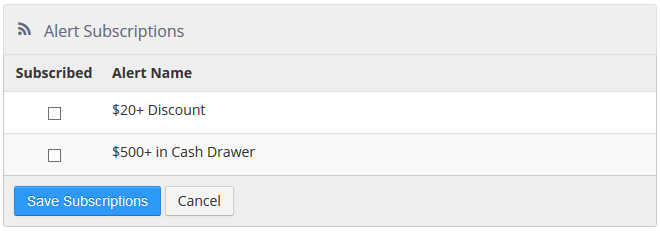
Alert Subscriptions
Lists all the alerts defined in the current group and allows the current Admin Portal user to subscribe to receive alert notifications by checking the box beside the alert name. Alerts that the user subscribes to via their assigned roles are checked and cannot be unchecked.
Alert Subscriptions tool