External Kitchen Configuration
QSR Automations Settings (5.0i+)
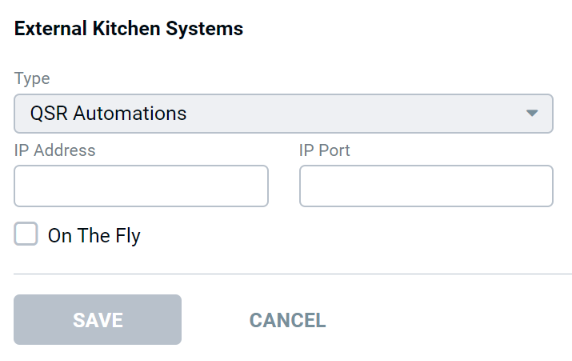
| Field | Description |
|---|---|
| Type | Select "QSR Automations" |
| IP Address | IP address of the kitchen video system controller connected to the POS network |
| IP Port | Port number that the kitchen video system controller listens on |
| On the Fly | Enables "On the Fly" - defaults to the "On Total Interface" if left unchecked |
