How to Charge the PAR Tablet 8
The PAR Tablet 8 can be charged using a cable, or with the optional docking station.
Charging With a Cable
- Connect the USB end of the Micro-USB Interface Cable into the power plug.
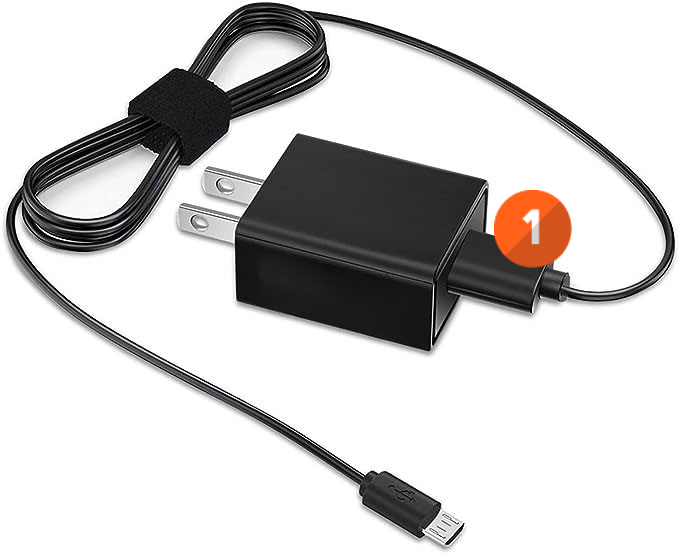
- Connect the Micro-USB end of the cable into the Micro-USB port on the right side of the tablet.
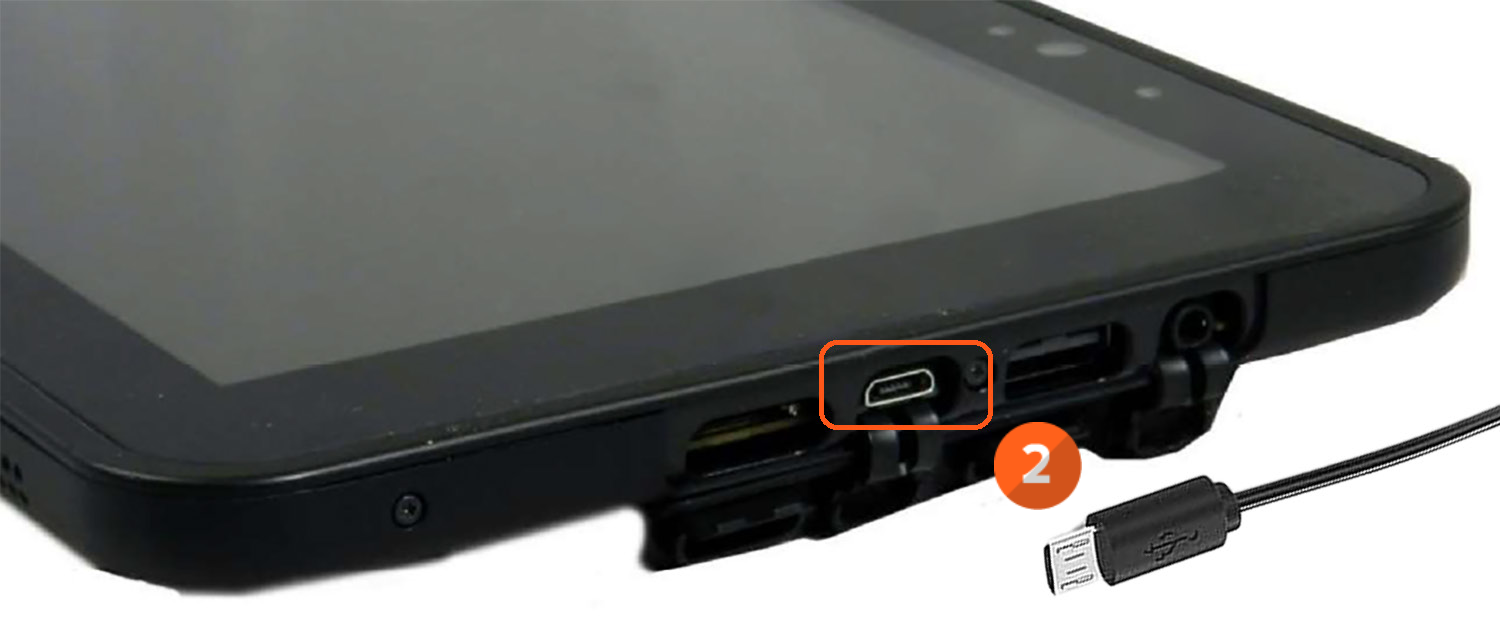
- Insert the Power Plug into an electrical outlet.
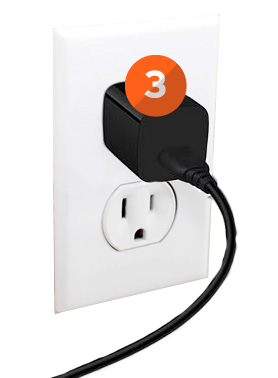
Note: It is highly advised to fully charge the tablet before first use.
- Press the Power Button on the top of the tablet to start the unit.
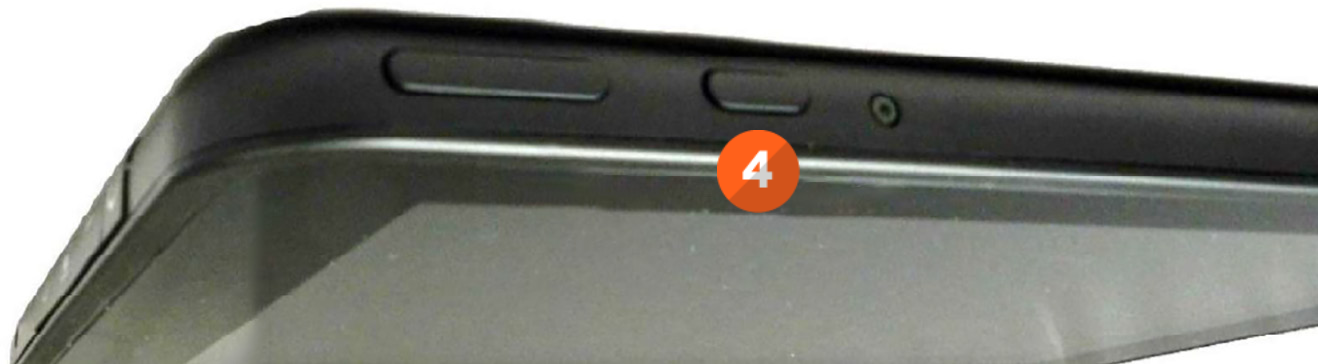
- Follow the on-screen instructions to complete the startup.
Charging With Docking Station
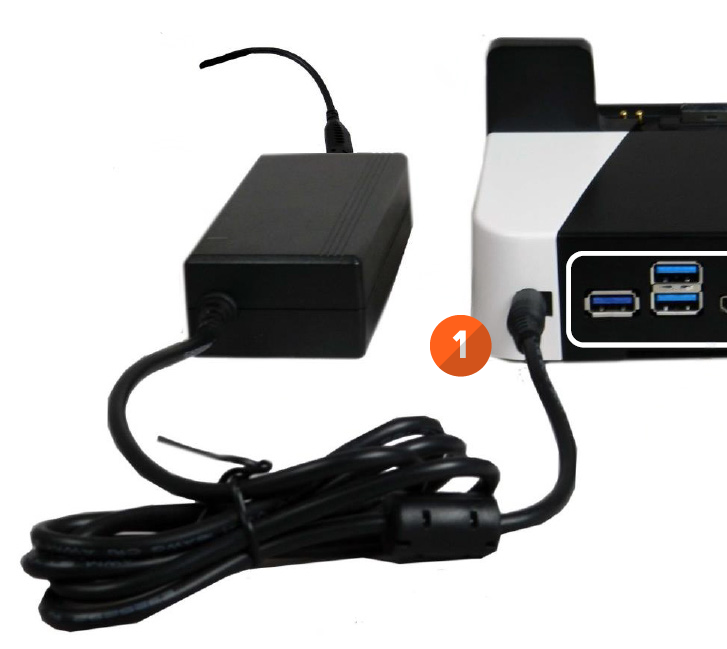
- Connect the Power Supply Cable to the power connection on the docking station.
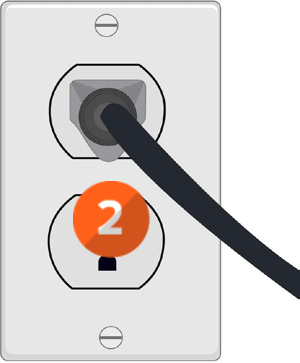
- Plug the other end of the power cable into the wall outlet.
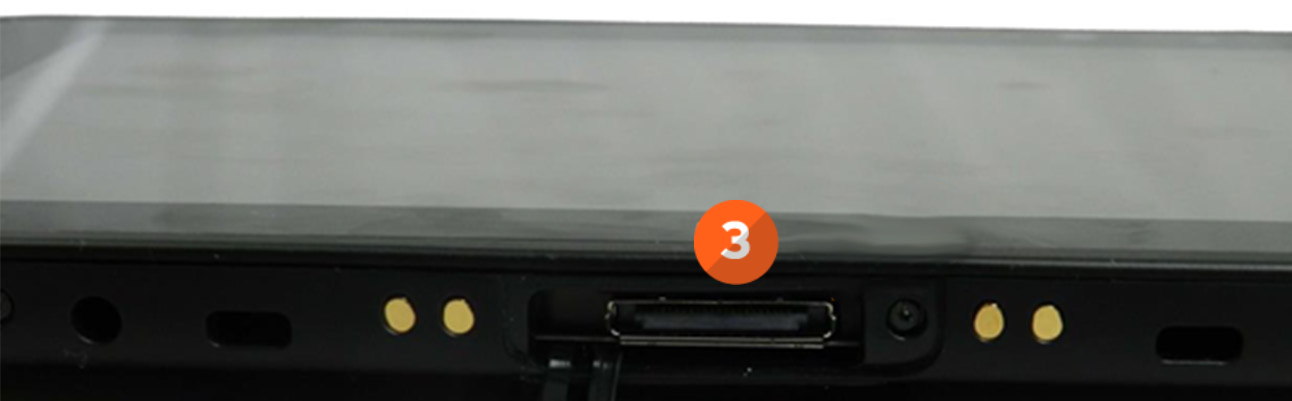
- Open the Docking Port Cover on the bottom of the tablet.
- Insert the tablet into the Docking Station.
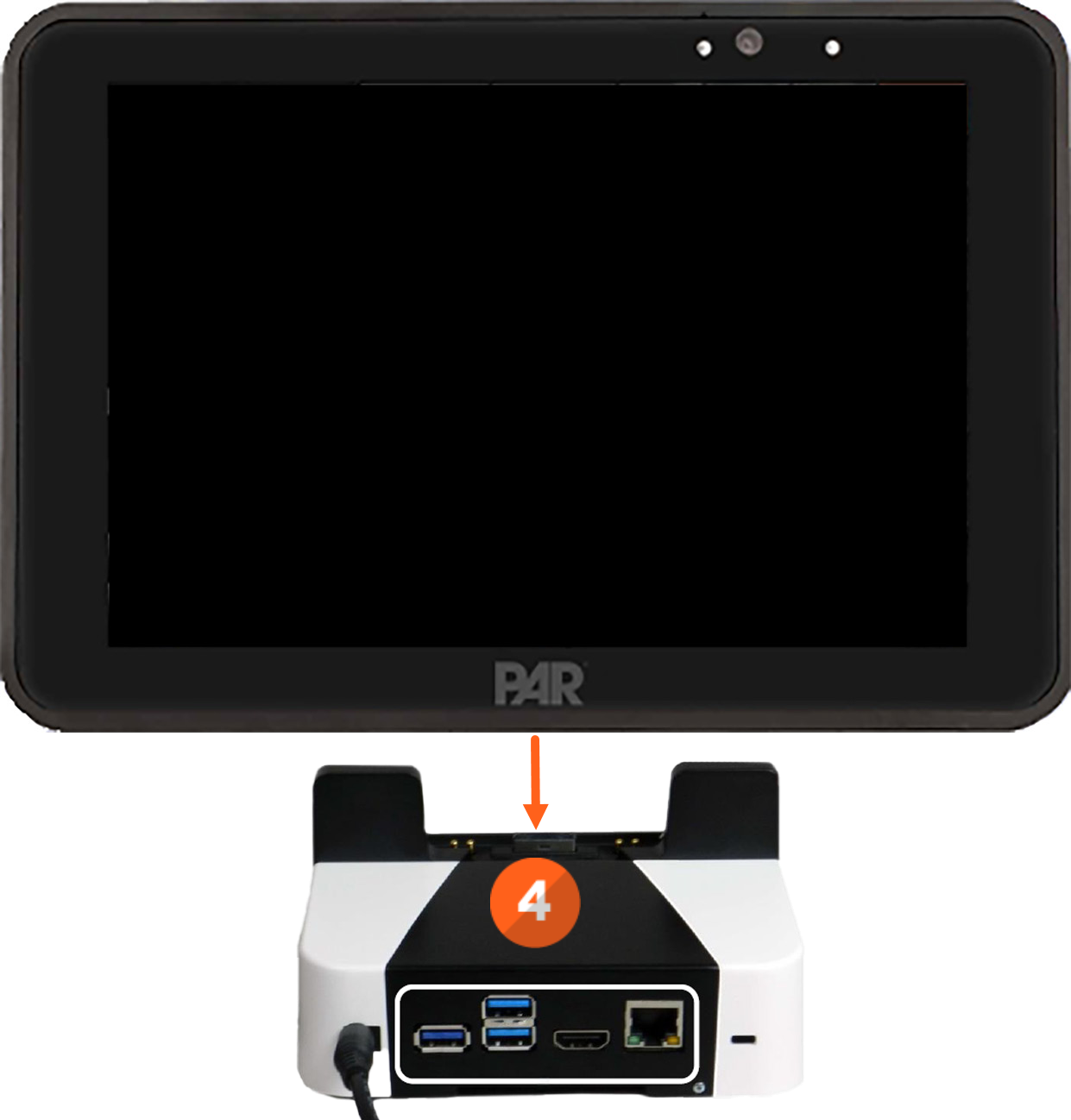
Charge the tablet fully before first use. Only use the provided wall charger for charging the tablet. DO NOT use any other charging devices or USB ports to charge the device.
DO NOT use damaged chargers or power cables.
DO NOT use the charger where moisture is present as electrical shock, fire, personal injury or damage to the tablet or other property may result.
If you have more questions or issues charging the tablet, please reach out to our Support team by sending an email to support.parpossoftware@partech.com.
