How Do I Power the PAR Phase Terminal On and Off?
This document will assist you in turning the terminal on and off.
Step 1: Power the Terminal On
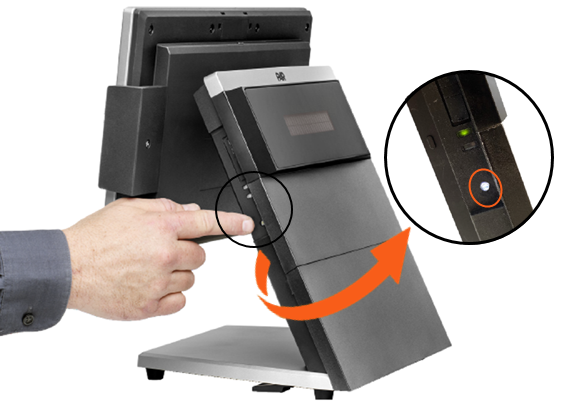
Press and hold the Power Button for 3 seconds, then release the button.
Step 2: Power the Terminal Off
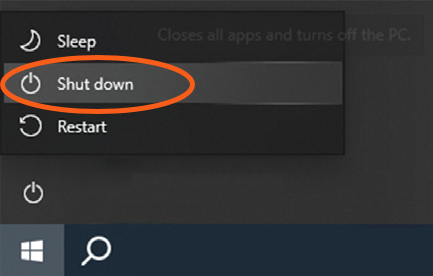
Power the terminal off by using the Windows Operating System Shut down function.
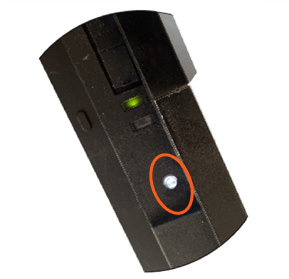
To force a system shutdown, press and hold the power button for 5-6 seconds, until the terminal powers off.
Note: Only use the power button when the Operating System is not responsive.
If you have additional issues or questions about the PAR Phase terminal, please reach out to our Support team by sending an email to support.parpossoftware@partech.com.
