How Do I Install the MSR on the PAR Phase Terminal?
This document will assist you in installing a K9340 Magnetic Swipe Reader on the Phase terminal.
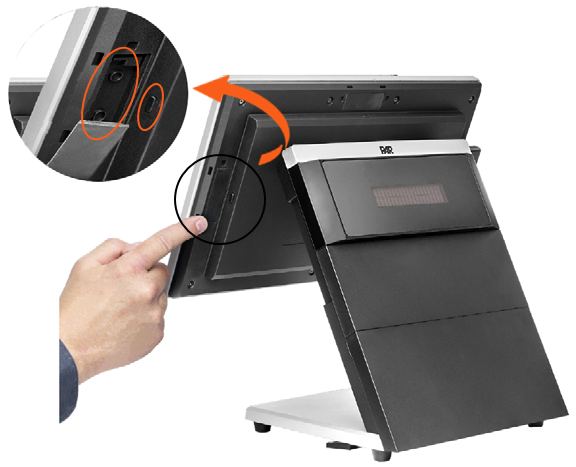
Step 1: Access the Connections
Remove the rubber receptacle covers from the Connection Point and USB-C Port.
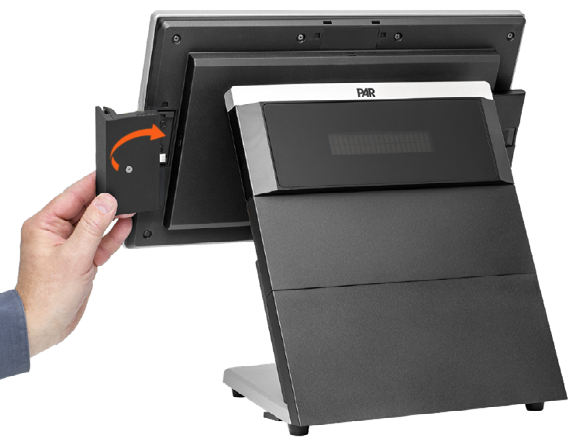
Step 2: Install the MSR
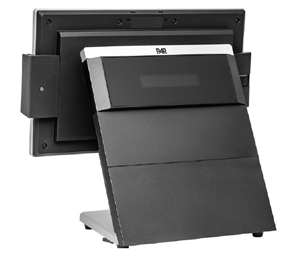
Insert the MSR into the open slots and push inward to set.
If you have additional questions about the PAR Phase terminal, please reach out to our Support team by sending an email to support.parpossoftware@partech.com.
